FREE PRO LICENSE! // NEW: Online KNOB BUILDER for HISE!! // Filmstrips, Radial Gradients, Render Bounds
-
Sup guys!
Inspired by a huge project that needs a bunch on different knobs, I created an online knob editor that is specific to HISE users. My app lets you design a knob online and export a fully written LAF function.
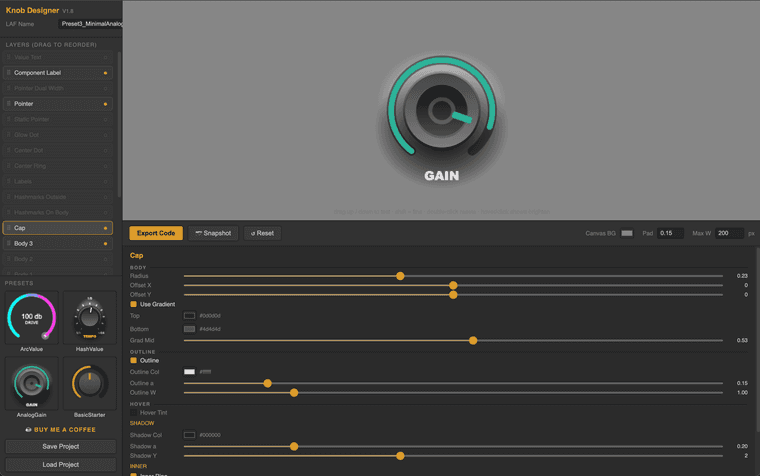
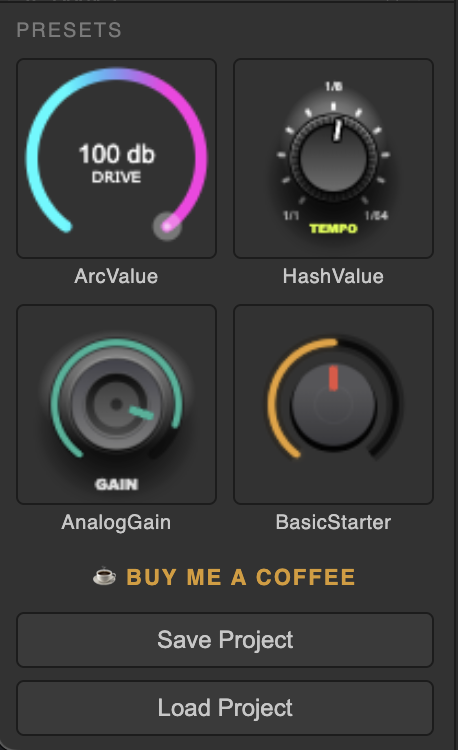
I've provided 4 Presets to get you started.
At the bottom, you can 'Save' your project and 'Load' previous works at a later time.
With all these options you can make some pretty cool looking knobs!
(not showing: Value Text, Component Label, Pointer Dual, Pointer)
Easily activate/deactivate and drag to re-order the layers to achieve different visual effects.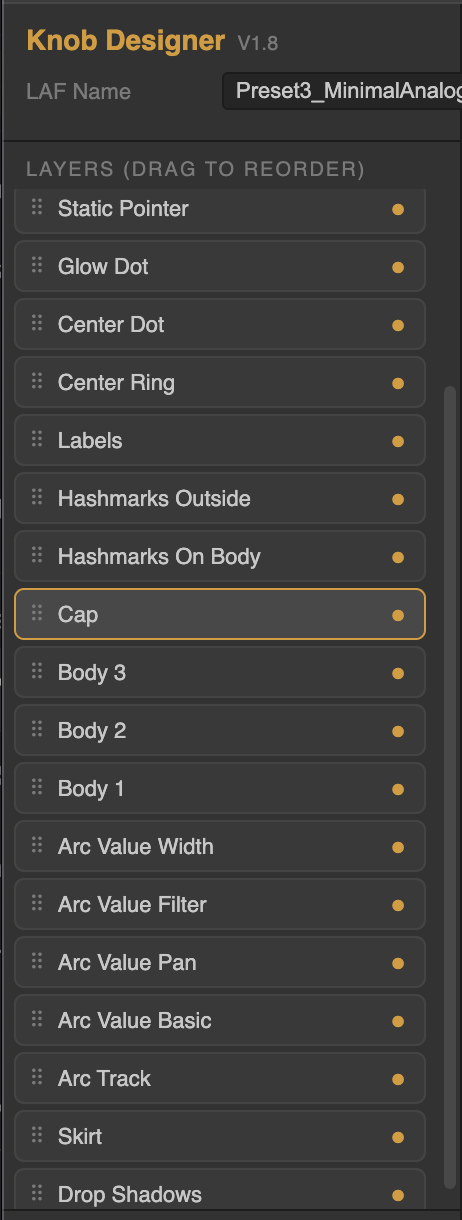
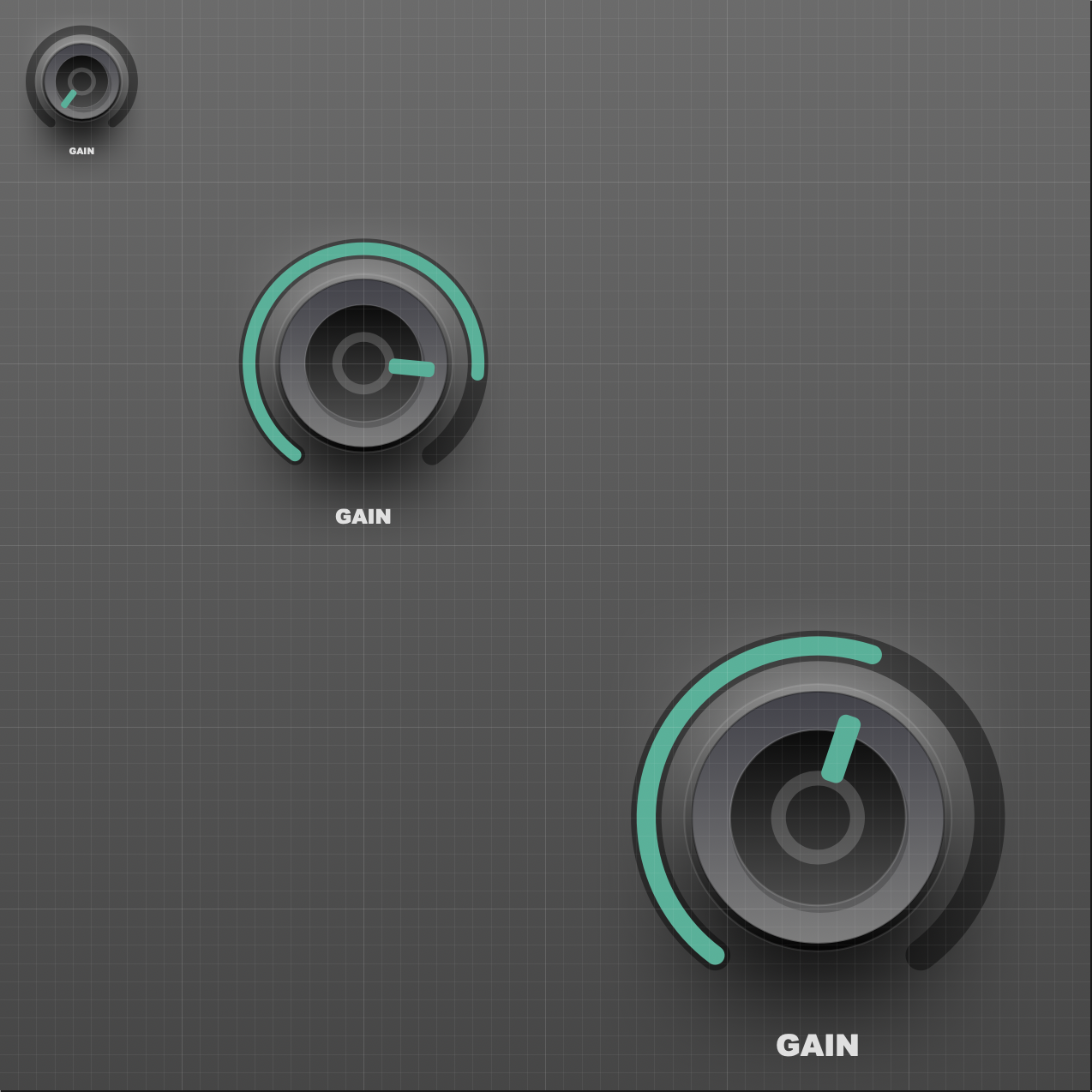
All knobs are fully scalable within HISE.
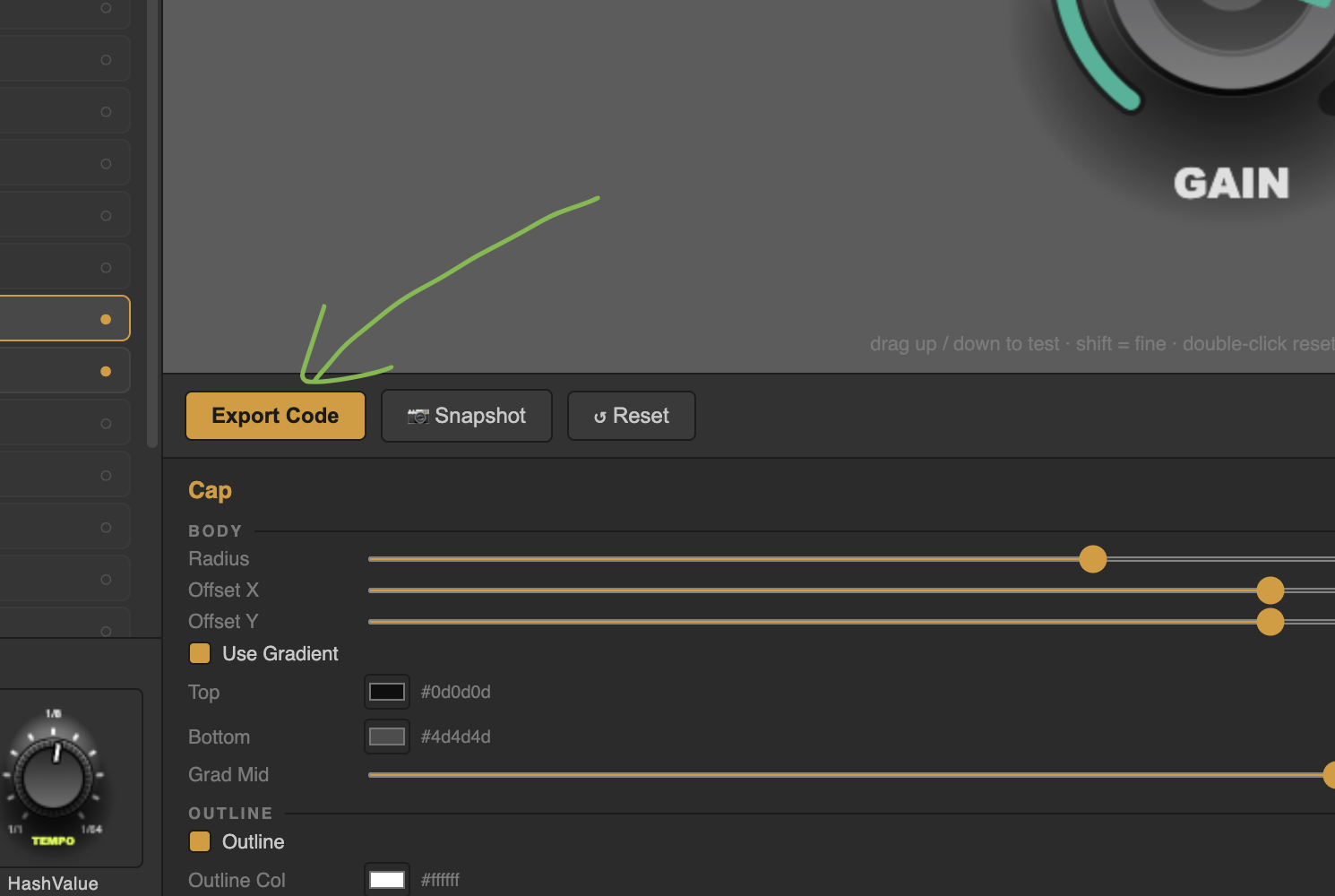
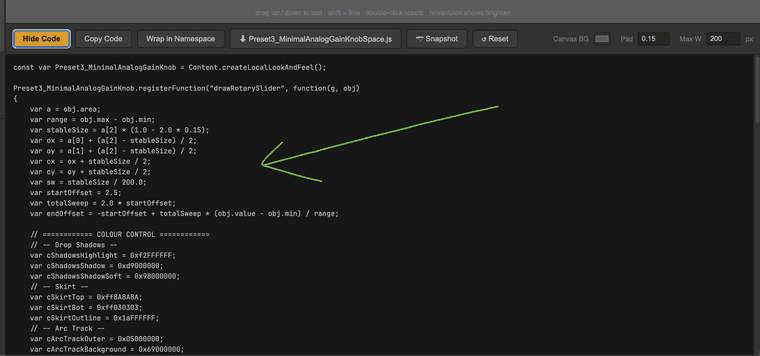
Fully written LAF function. Just click Export code. There is a convenient 'Copy' button as well. Simply paste the script into your code editor and apply to your knobs.
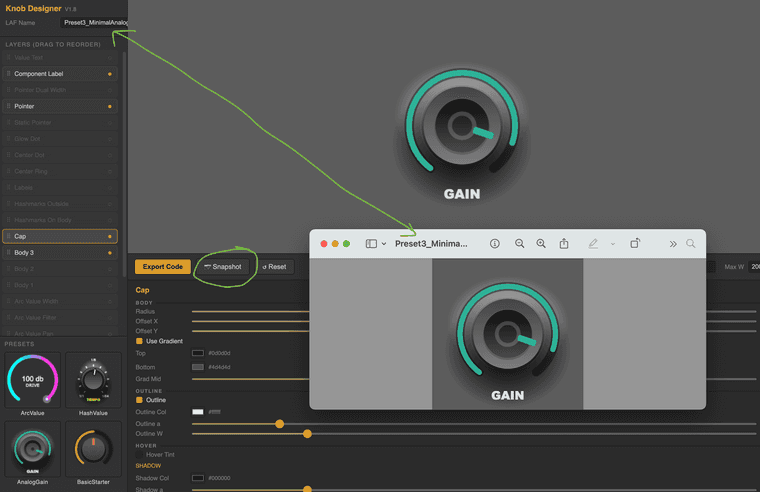
Easy screenshot button to save an image of your knob for future reference or to send to a client for review.
Full List of editable paramters/elements:
ROX KNOB DESIGNER — LAYERS & PARAMETERS

DROP SHADOWS
- Highlight: Y center, width, height, glow, alpha, colour
- Shadow: Y center, width, height, glow, alpha, colour

SKIRT (outer ring under the knob)
- Radius, Offset X/Y
- Gradient toggle, Top colour, Bottom colour, Gradient midpoint
- Flat colour (when gradient off)
- Outline toggle, colour, alpha, width
- Highlight arc toggle, colour, alpha, width, distance
- Hover Tint toggle, colour, alpha

ARC TRACK (background ring behind the value arc)
- Thickness, Distance from center, Offset Y
- Background colour + alpha
- Outer ring colour + alpha + extra width
- Outer gradient toggle, top/bottom colour, midpoint
- End cap (flat / round)

ARC VALUE BASIC (the main value arc)
- Thickness, Distance, Offset Y
- Colour
- End cap (flat / round)
- Glow toggle, colour, size, alpha
- Gradient (thermometer) toggle, low colour, high colour

ARC VALUE PAN (centered, sweeps both ways from 12 o'clock)
- Thickness, Distance, Offset Y, Colour, End cap
- Glow toggle, colour, size, alpha

ARC VALUE FILTER (LPF/HPF style)
- Thickness, Distance, Offset Y, Colour, End cap
- LPF mode toggle (reverses direction)
- Glow toggle, colour, size, alpha
- Gradient toggle, low/high colour

ARC VALUE WIDTH (centered spreader)
- Thickness, Distance, Offset Y, Colour
- Reveal colour (fades in as value increases)
- End cap

BODY 1 / BODY 2 / BODY 3 (stacked knob bodies)
- Radius, Offset X/Y
- Gradient toggle, top colour, bottom colour, midpoint
- Flat colour
- Outline toggle, colour, alpha, width
- Highlight arc toggle, colour, alpha, width, distance
- Hover Tint toggle, colour, alpha

CAP (top circle of the knob)
- Radius, Offset X/Y
- Gradient toggle, top/bottom colour, midpoint
- Flat colour
- Outline toggle, colour, alpha, width
- Drop shadow alpha, colour, Y offset
- Inner ring toggle, ratio, alpha, colour, width
- Hover Tint toggle, colour, alpha

HASHMARKS OUTSIDE (ticks around the outer edge)
- Major count, start distance, end distance, thickness, colour, alpha
- Minor per gap, start, end, thickness, colour, alpha
- Round caps toggle
- Offset Y

HASHMARKS ON BODY (ticks on the knob body)
- Count, start, end, thickness, colour, alpha
- Round caps toggle
- Full circle toggle (full 360 vs arc-only)
- Rotate with cap toggle (spins with value)
- Offset Y

LABELS (text around the knob)
- Names (comma separated)
- Radius, Size, Colour, Alpha
- Offset X/Y

POINTER (the value indicator)
- Style (line / rect / circle / triangle)
- Start, End, Thickness, Width, Rounding, Offset Y
- Colour
- Outline toggle, colour, width
- Hover Tint toggle, hover colour, hover alpha

STATIC POINTER (a fixed indicator at a chosen angle)
- Style (line / rect / circle / triangle)
- Angle, Start, End, Thickness, Width, Rounding, Offset Y
- Colour, Outline toggle, outline colour, width

POINTER DUAL WIDTH (spreads outward as value increases)
- Start, End, Width, Thickness, Rounding, Offset Y
- Colour

CENTER DOT
- Radius, Offset X/Y
- Gradient toggle, top/bottom colour, midpoint
- Flat colour, alpha
- Outline toggle, gradient toggle, colour(s), alpha, width
- Hover Tint toggle, colour, alpha

CENTER RING
- Radius, Offset X/Y, Thickness
- Gradient toggle, top/bottom colour, midpoint
- Solid colour, alpha

GLOW DOT (small dot that follows the value)
- Radius, Distance, Colour, Alpha
- Halo size, halo alpha
- Follows value toggle

COMPONENT LABEL (text label like "GAIN")
- Text, Placement (top/bottom)
- Offset X/Y, Size, Colour, Alpha
- Font (9 cross-platform fonts)

VALUE TEXT (live numeric readout)
- Offset X/Y, Size, Colour, Alpha
- Decimals, Suffix
- Font (9 cross-platform fonts)

GLOBAL
- LAF Name (used for variable name + downloaded filename)
- Canvas BG colour
- Padding (resize margin)
- Max width
- 4 starter presets: ArcValue, HashValue, AnalogGain, BasicStarter
- Save / Load project (.knob.json)
- Snapshot to PNG
- Export Code / Copy / Wrap in Namespace toggle
- Reset to defaults
- Drag-to-reorder layer list with show/hide toggles
There are a ton of options ready to edit!
Im currently trying to find a place to host this app but I want to release this beta version for you guys to start testing.
Im open to suggestions! This is for us!

Here's the link!:
https://rox-knob-builder-for-hise.netlify.app/Enjoy!
All Feedback is welcomed and appreciated!

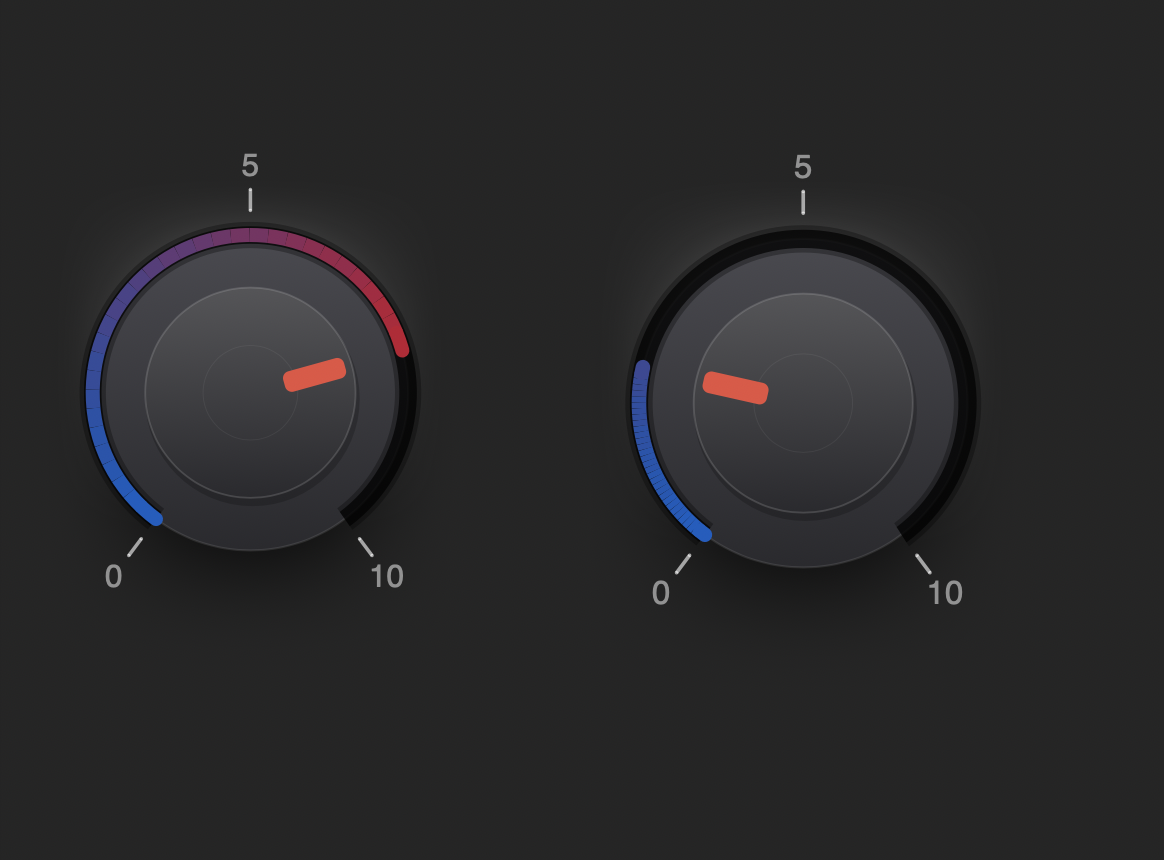
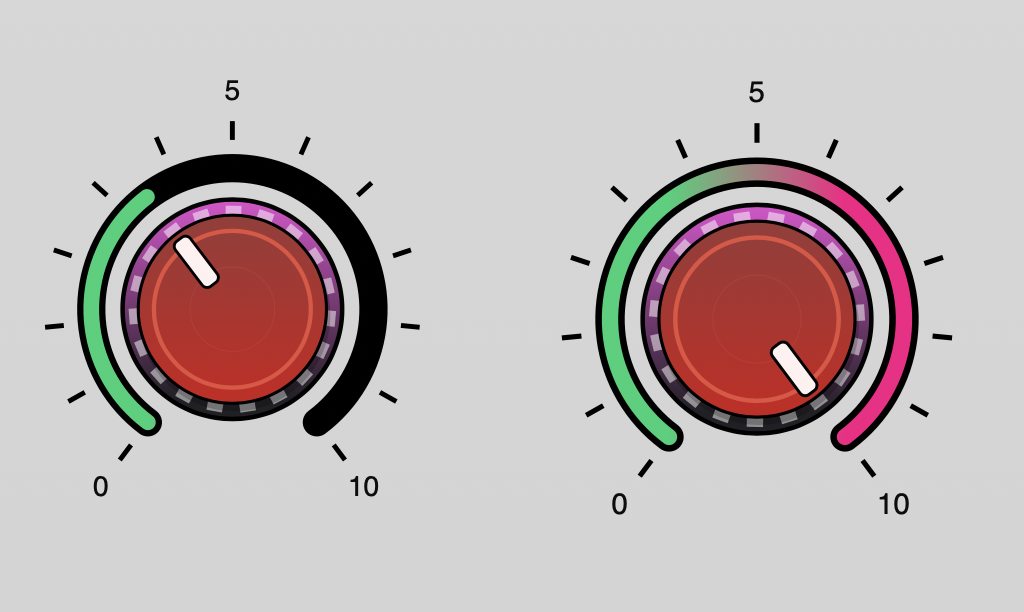
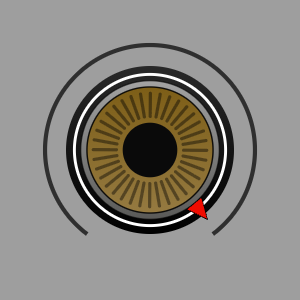
Here are a few extra examples of what it can do:
Very basic examples to show different elements available.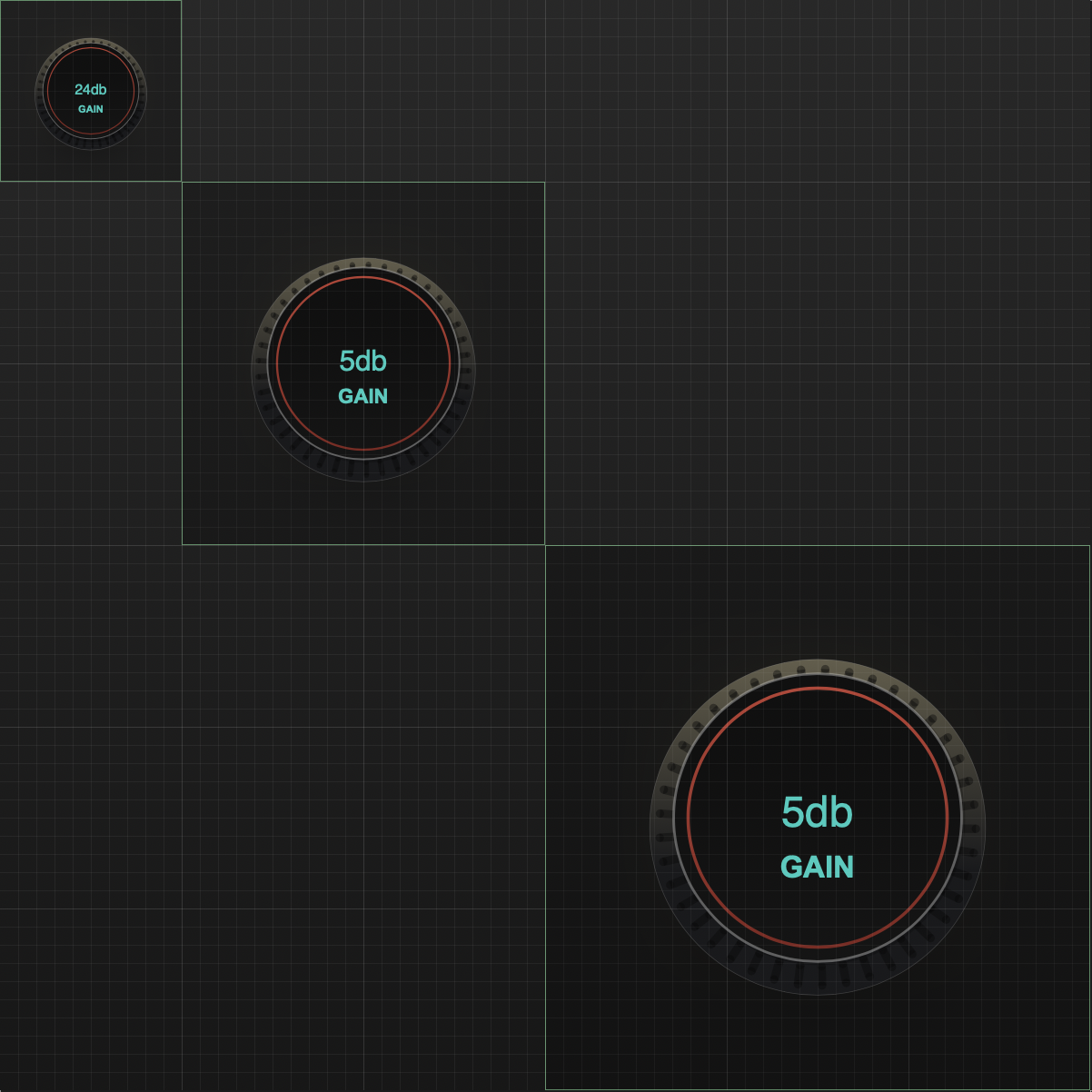

-
@Chazrox Very cool stuff!

HISE dev latest / herdr + Claude Code / Figma + Affinity
Meat Beats: https://meatbeats.com
Klippr Video: https://klippr.video -
@dannytaurus Thank You!
-
@Chazrox This is excellent! Just tried it out and it works great. All the other knob designers export as image, which is great if that's what you need. But the fact that you export as LAF is great! Way to go!
-
 C Chazrox marked this topic as a question on
-
C Chazrox has marked this topic as solved on
-
C Chazrox marked this topic as a regular topic on
-
@pgroslou Thanks! I prefer to do as much as I can within HISE and this way is a lot more flexible if you want to make slight changes for secondary knobs or something. I have to do it all the time which is what inspired this approach. Glad you like it!
-
This post is deleted! -
@Chazrox
That sounds great! Thanks so much! :-) I'll give it a try this weekend.One thing immediately comes to mind:
I’m not sure how the shadow is generated in your code. So far, however, generating shadows using LAF hasn’t been particularly efficient. Especially with sliders, which are constantly re-rendered when modulated, this can lead to performance issues when there are many elements in the user interface.That’s why it would be great if we could choose between two options:
- Real HISE shadow
- Fake shadow, created using a radial gradient, for example
But I’m sure Sir @David-Healey also has a good idea for how to fake shadows... :-)
I'm looking forward to trying out your tool! :-)
P.S. This also applies to the inner glow, which I'm sure you're creating using the innerShadow as well...
-
@Oli-Ullmann said in NEW: Online Knob Builder for HISE!! by Me :):
But I’m sure Sir @David-Healey also has a good idea for how to fake shadows... :-)
I use the built in drop shadow, I haven't hit any issues
 but maybe you guys are using more than I am.
Free HISE Bootcamp Full Course for beginners.
YouTube Channel - HISE tutorials
My Patreon - More HISE tutorials -
@David-Healey
Oh, okay, yeah, I had a pretty big project (the one I sent you a while back) with a lot of UI elements, and I had to fake the shadows because otherwise it was causing performance issues... -
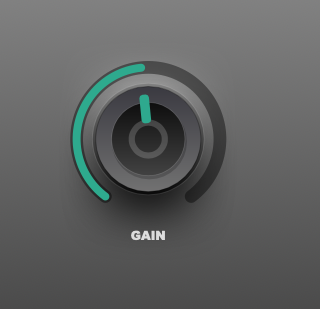
    // -- DROP SHADOWS --
    g.drawDropShadow([ox + stableSize * (1 - 0.45) / 2, oy + stableSize * 0.4 - stableSize * 0.35 / 2, stableSize * 0.45, stableSize * 0.35], cShadowsHighlight, stableSize * 0.35);
    g.drawDropShadow([ox + stableSize * (1 - 0.5) / 2, oy + stableSize * 0.65 - stableSize * 0.45 / 2, stableSize * 0.5, stableSize * 0.45], cShadowsShadow, stableSize * 0.35);
    g.drawDropShadow([ox + stableSize * (1 - 0.5) / 2, oy + stableSize * 0.65 - stableSize * 0.45 / 2 + 4, stableSize * 0.5, stableSize * 0.45 + 10], cShadowsShadowSoft, stableSize * 0.35);
Works great with shadows and highlights.
-
@Chazrox
Yeah, it works great in general! :-) I just had some issues with it, as I mentioned, when I had a lot of UI elements... -
@Oli-Ullmann ahh I see. We'll see how this works out. There possibly could be a limit. Probably has to do with the modulation repaints.
-
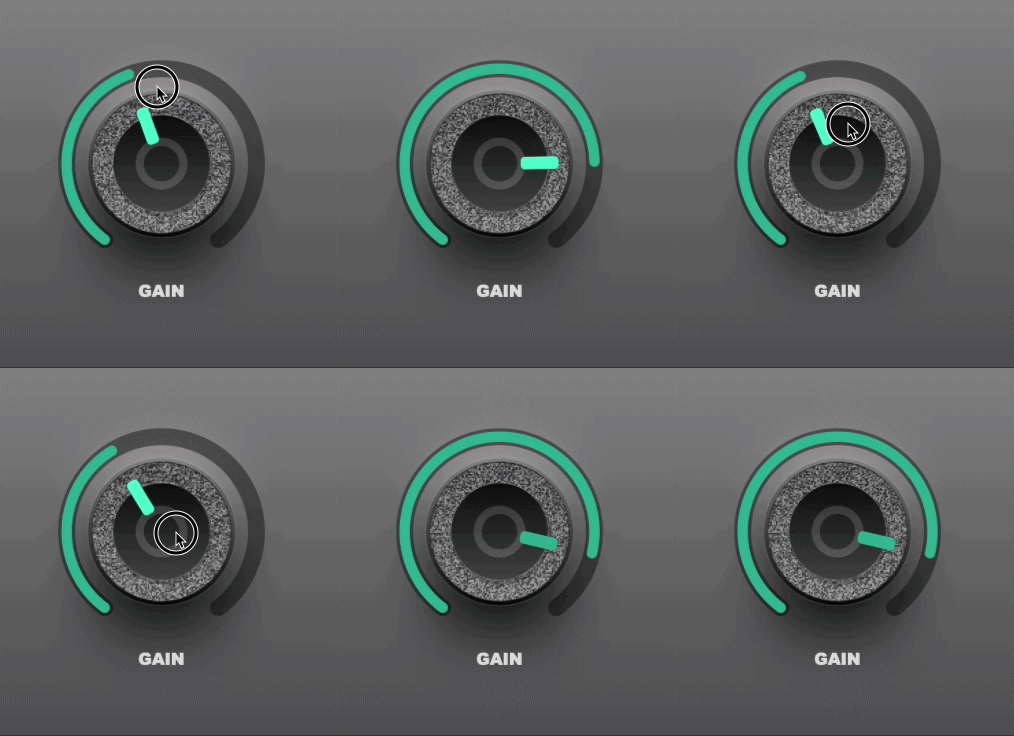
Just updated the app to include 'Noise' parameter for all face layer elements WITH rotation. :)
https://rox-knob-builder-for-hise.netlify.app/
-
@Chazrox How are you drawing circular noise?
Free HISE Bootcamp Full Course for beginners.
YouTube Channel - HISE tutorials
My Patreon - More HISE tutorials -
@David-Healey multiple layers. Theres a 'cap' in front of the ellipse that has noise applied to it.
-
@Chazrox This will probably be useful to you when Christoph merges it: https://github.com/christophhart/HISE/pull/936
And maybe this one: https://github.com/christophhart/HISE/pull/943
Free HISE Bootcamp Full Course for beginners.
YouTube Channel - HISE tutorials
My Patreon - More HISE tutorials -
@David-Healey Niiice!
 I can definitely think of some cool ways to use that already..
 -
Update:
https://rox-knob-builder-for-hise.netlify.app/
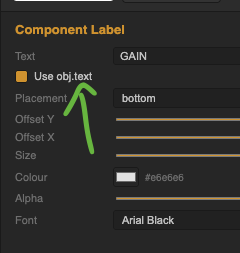
Just added the option to inherit 'obj.text' for 'Component Label' element. You can still set a text for mockup and placement in the designer ui but ticking the box will inherit obj.text on compile.
-
@Chazrox Thank you so muhc man, This is amazing,
any chance we could have this Offline? -
@ILIAM Possibly soon.
How are you liking the web version?