Forum
    • Categories
    • Register
    • Login

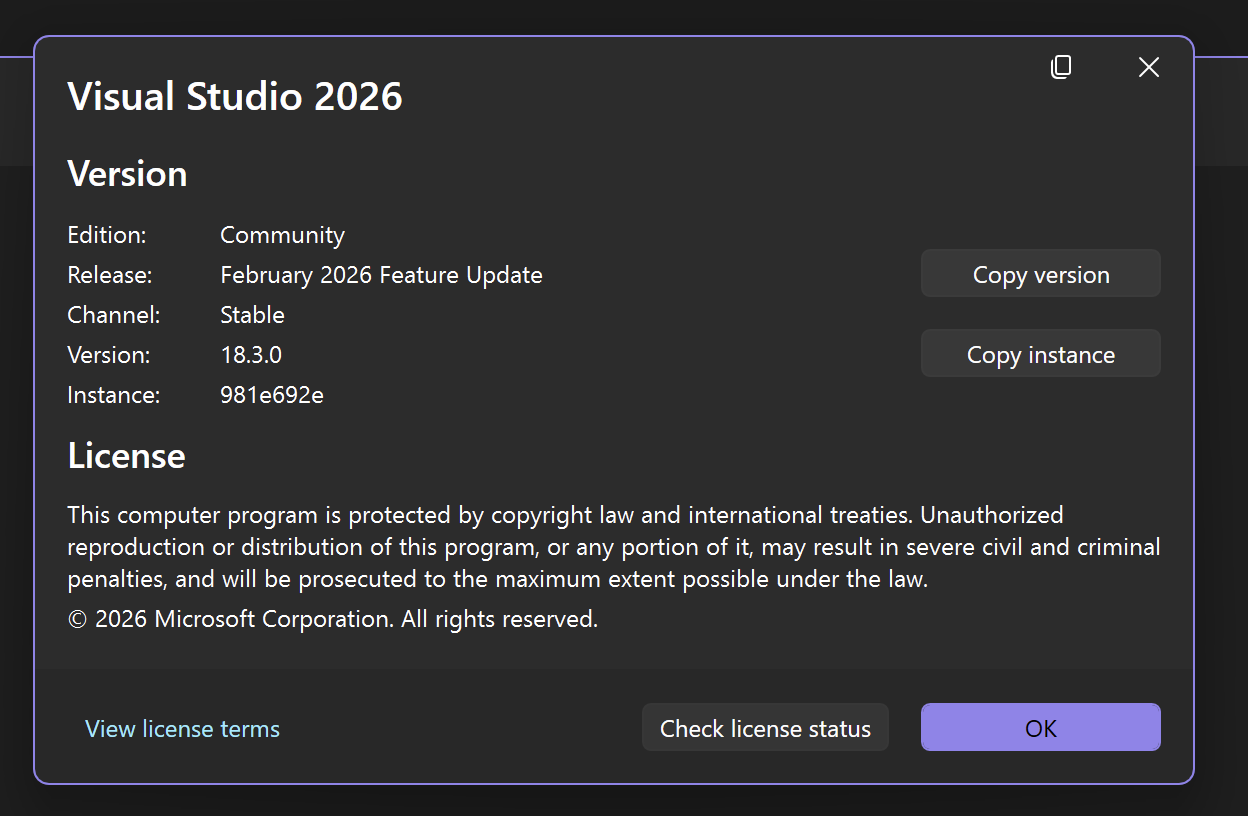
    VS 2026

    Scheduled Pinned Locked Moved General Questions
    21 Posts 4 Posters 473 Views
    Loading More Posts
    • Oldest to Newest
    • Newest to Oldest
    • Most Votes
    Reply
    • Reply as topic
    Log in to reply
    This topic has been deleted. Only users with topic management privileges can see it.
    • David HealeyD
      David Healey @DanH
      last edited by

      @DanH are you using the latest develop branch with the sub module?

      DanHD 1 Reply Last reply Reply Quote 0
      • DanHD
        DanH @David Healey
        last edited by DanH

        @David-Healey yup, followed your instructions and link via Git

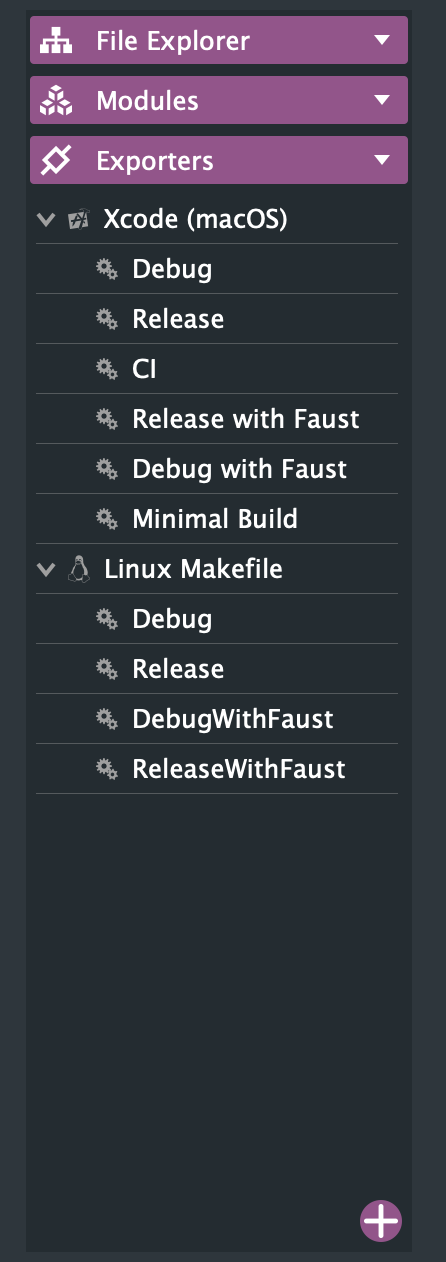
        I have an older version of Hise on the pc that does include VS 2022 as an exporter. Just not this new one

        Also it's the same on OSX I just never noticed. Maybe been omitted by error @Christoph-Hart ?

        Faust options also missing on Windows πŸ€”

        DHPlugins / DC Breaks | Artist / Producer / DJ / Developer
        https://dhplugins.com/ | https://dcbreaks.com/
        London, UK

        DanHD David HealeyD 2 Replies Last reply Reply Quote 0
        • DanHD
          DanH @DanH
          last edited by

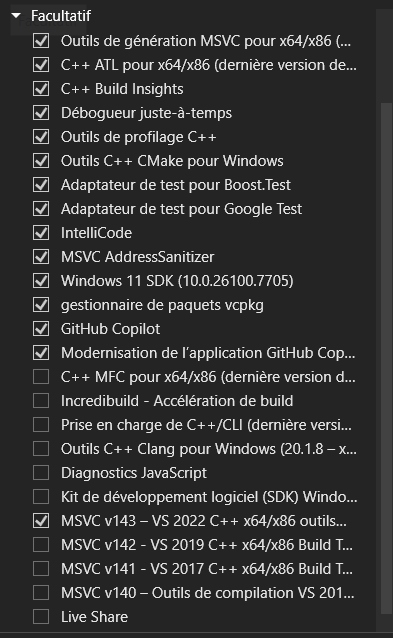
          @David-Healey just trying to export an plugin from Hise but I don't think it can find VS - even when I had 2022 installed. The wizard says ms build not installed...

          DHPlugins / DC Breaks | Artist / Producer / DJ / Developer
          https://dhplugins.com/ | https://dcbreaks.com/
          London, UK

          David HealeyD dannytaurusD 2 Replies Last reply Reply Quote 0
          • David HealeyD
            David Healey @DanH
            last edited by

            @DanH The wizard doesn't work so don't use it πŸ˜€

            1 Reply Last reply Reply Quote 0
            • dannytaurusD
              dannytaurus @DanH
              last edited by

              @DanH Possibly not related but I had to add MSBuild to PATH because HISE doesn't detect it properly for VS2026.

              Meat Beats: https://meatbeats.com
              Klippr Video: https://klippr.video

              DanHD 1 Reply Last reply Reply Quote 1
              • David HealeyD
                David Healey @DanH
                last edited by David Healey

                @DanH said in VS 2026:

                Just not this new one

                It's there in the develop branch: https://github.com/christophhart/HISE/blob/develop/projects/standalone/HISE Standalone.jucer#L102

                DanHD 1 Reply Last reply Reply Quote 0
                • DanHD
                  DanH @dannytaurus
                  last edited by

                  @dannytaurus where exactly?

                  DHPlugins / DC Breaks | Artist / Producer / DJ / Developer
                  https://dhplugins.com/ | https://dcbreaks.com/
                  London, UK

                  1 Reply Last reply Reply Quote 0
                  • DanHD
                    DanH @David Healey
                    last edited by

                    @David-Healey well it aint here πŸ˜†

                    Screenshot 2026-02-25 at 12.25.04.png

                    DHPlugins / DC Breaks | Artist / Producer / DJ / Developer
                    https://dhplugins.com/ | https://dcbreaks.com/
                    London, UK

                    David HealeyD 1 Reply Last reply Reply Quote 0
                    • David HealeyD
                      David Healey @DanH
                      last edited by

                      @DanH said in VS 2026:

                      @David-Healey well it aint here πŸ˜†

                      Open the file in a text editor, do you see it there? If not you have a different file.

                      DanHD 1 Reply Last reply Reply Quote 0
                      • DanHD
                        DanH @David Healey
                        last edited by

                        @David-Healey

                        <VS2026 targetFolder="Builds/VisualStudio2026"
                        

                        So I dunno....

                        DHPlugins / DC Breaks | Artist / Producer / DJ / Developer
                        https://dhplugins.com/ | https://dcbreaks.com/
                        London, UK

                        Christoph HartC 1 Reply Last reply Reply Quote 0
                        • Christoph HartC
                          Christoph Hart @DanH
                          last edited by

                          @DanH youβ€˜re using an outdated projucer build - it canβ€˜t parse the vs2026 config. Make sure you use the latest one from the repo

                          DanHD 1 Reply Last reply Reply Quote 0
                          • DanHD
                            DanH @Christoph Hart
                            last edited by DanH

                            @Christoph-Hart where is it? I thought it was in tools/projucer ?

                            Oh readme lol πŸ˜†

                            Still can't find it!

                            Found it πŸ˜†

                            DHPlugins / DC Breaks | Artist / Producer / DJ / Developer
                            https://dhplugins.com/ | https://dcbreaks.com/
                            London, UK

                            David HealeyD 1 Reply Last reply Reply Quote 0
                            • David HealeyD
                              David Healey @DanH
                              last edited by

                              This post is deleted!
                              1 Reply Last reply Reply Quote 0
                              • First post
                                Last post

                              17

                              Online

                              2.2k

                              Users

                              13.4k

                              Topics

                              117.0k

                              Posts