Hi everyone,
I’m currently migrating my workflow to HISE 4.1.0 and I’m looking for clarity on the recommended way to integrate RNBO patches.
In previous versions, I used to integrate my RNBO patches as hardcoded effects. I’ve been following the classic tutorial ([link to video]), which relies on placing the RNBO export into DspNetworks/ThirdParty/rnbo and using the “Compile DSP networks as dll” command.
However, in 4.1.0 (built from the latest GitHub source), I’m hitting a wall:
My Setup:
HISE: 4.1.0 (Custom build from GitHub, Standalone)
Max/RNBO: 9.1 / 1.4.2
OS: macOS
Path: Project/DspNetworks/ThirdParty/rnbo (contains adapters, src, RNBO.cpp/h, etc.)
The Confusion:
Hardcoded vs. Scriptnode: Since I previously used the hardcoded route, I’m struggling to see RNBO appearing in the FX/Processor list. I understand that HISE now leans heavily towards the DSP Network / Scriptnode approach.
Workflow Step: Does the "Compile DSP networks as dll" function now require an existing .jnode file within a DSP Network before it recognizes the RNBO source?
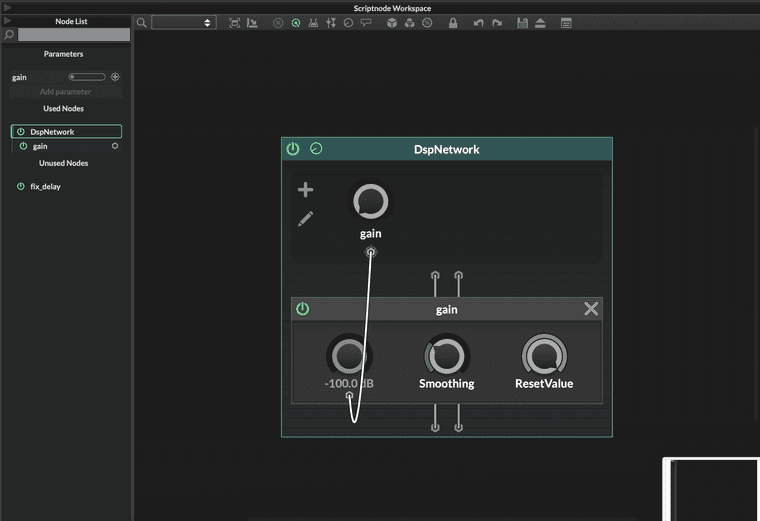
Manual Node Creation: How do I properly "expose" the RNBO patch inside the DSP Network Editor in 4.1.0 so I can compile it as a high-performance DLL?
My Questions:
Is the "Hardcoded Master FX" route still the way to go, or is the Scriptnode/DSP Network approach now the mandatory path for RNBO integration?
Could someone clarify the exact sequence for 4.1.0: Do I need to create a Script FX first, open the DSP Network Editor, and then add a specific RNBO node?
I want to avoid the "Projucer stress" and stick to the internal C++ compilation if possible. Any guidance on the current "Best Practice" would be greatly appreciated!
Thanks a lot!