How to automate radio buttons as a single control?
-
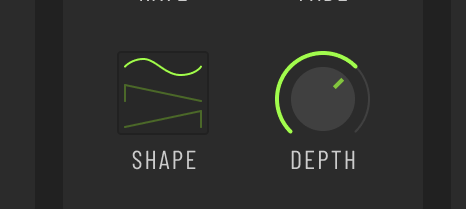
My plugin has 3 radio buttons to choose LFO waveform. Works great in the UI but I'm trying to figure out how to automate it.
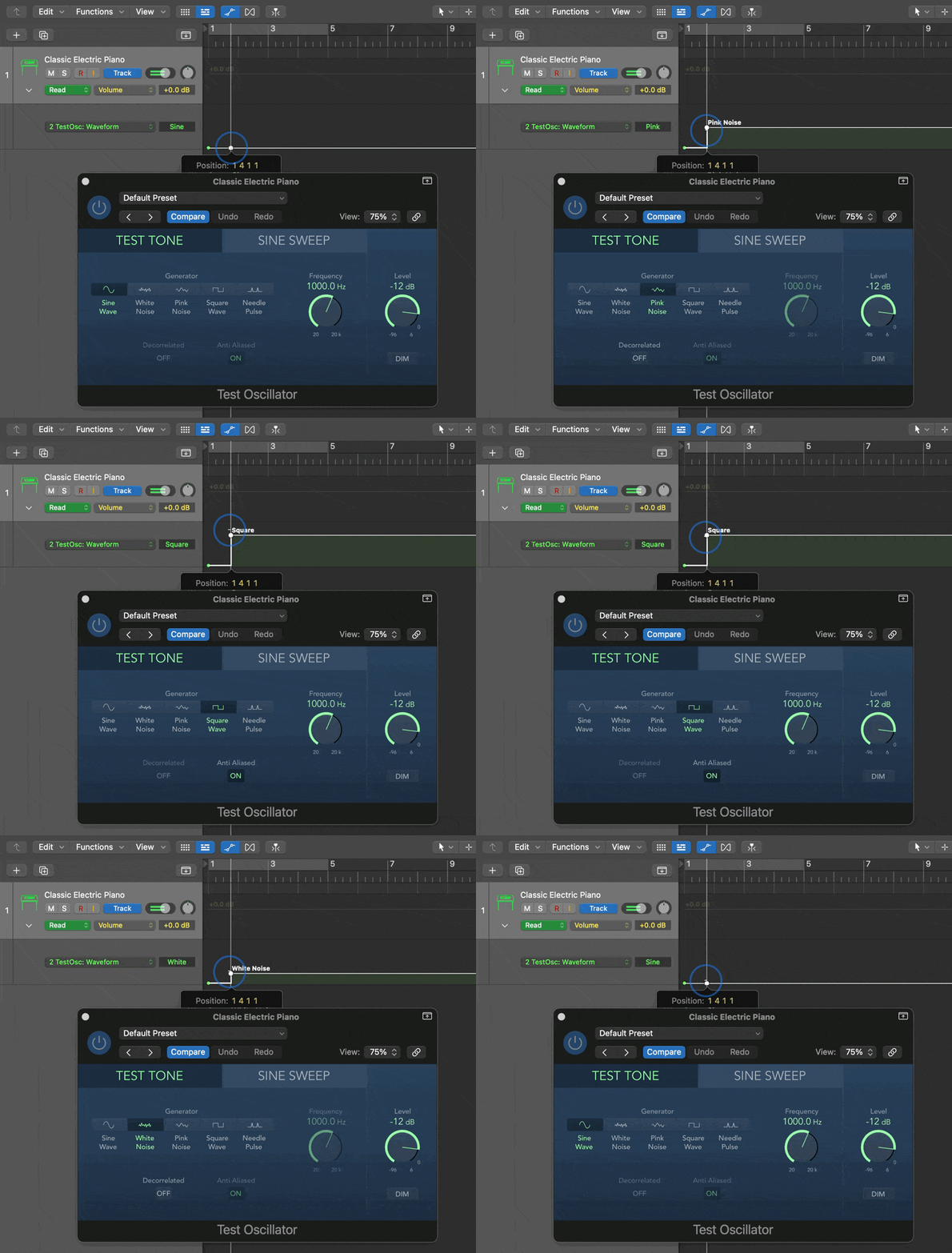
Logic's Test Tone plugin has a similar situation, where it's a set of radio buttons to select the waveform in the UI but you automate it with a single stepped range called Waveform.
The only way I can think of doing this is with a hidden slider, used for automation only, that sets both the waveform in the LFO module and the state of the UI visible radio buttons.
Or is there a better way?
HISE dev latest / herdr + Claude Code / Figma + Affinity
Meat Beats: https://meatbeats.com
Klippr Video: https://klippr.video -
@dannytaurus said in How to automate radio buttons as a single control?:
The only way I can think of doing this is with a hidden slider, used for automation only,
That was my first thought too.
Free HISE Bootcamp Full Course for beginners.
YouTube Channel - HISE tutorials
My Patreon - More HISE tutorials -
@David-Healey said in How to automate radio buttons as a single control?:
@dannytaurus said in How to automate radio buttons as a single control?:
The only way I can think of doing this is with a hidden slider, used for automation only,
That was my first thought too.
yeah its what we use for our XY pad positioning - two hidden sliders.....
-
@David-Healey @Lindon Two OG thumbs up is enough for me. Thanks!

HISE dev latest / herdr + Claude Code / Figma + Affinity
Meat Beats: https://meatbeats.com
Klippr Video: https://klippr.video -
@dannytaurus said in How to automate radio buttons as a single control?:
@David-Healey @Lindon Two OG thumbs up is enough for me. Thanks!
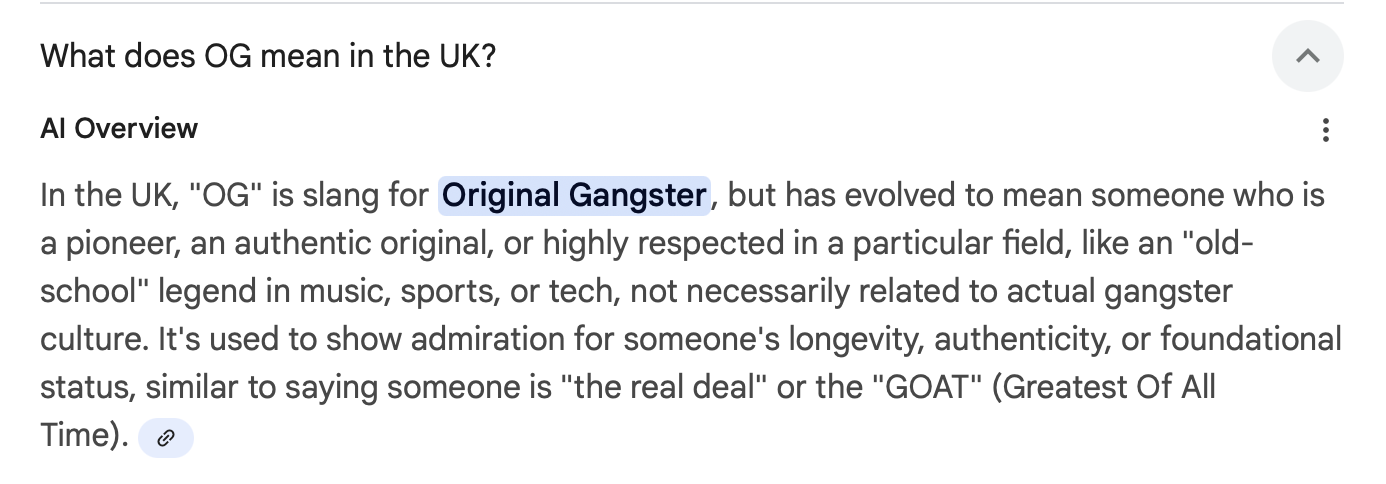
what's "OG"?
HISE Development for hire.
www.channelrobot.com -
-
Free HISE Bootcamp Full Course for beginners.
YouTube Channel - HISE tutorials
My Patreon - More HISE tutorials -
@David-Healey Awesome!

-
@David-Healey made me laff..GOAT I get OG is new to me - so colour me Meryl....
HISE Development for hire.
www.channelrobot.com -
The OOG would recommend not a hidden slider but a LAF that paint the three buttons on a linear slider in vertical mode. Or a scriptPanel if you dont want the drag between values behaviour.
I never use the radio group for non UI, saveInPreset components for this very reason.