how to compile my plugin
-
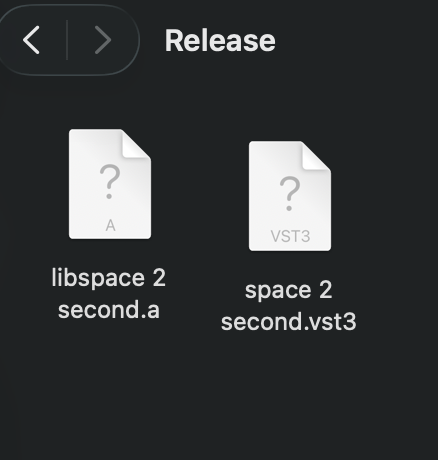
I'm trying to use my plugin, i have the .vst3 file but i don't know how to actually use it. can someone help me please
-
@tjrob
Are you on Mac or PC? -
@Oli-Ullmann im on mac
-
@tjrob
Then the file should automatically be in the correct folder. All you have to do is open your DAW and it should be there.
Which DAW do you work with?If your DAW cannot find the file, you may need to specify the correct file path in the DAW.
You can copy the file to a location of your choice. To do this, follow these steps:- Right-click on the .vst3 file.
- Click on “Show original” (or similar).
- You will now see the actual file. You can copy this to a location of your choice and then specify this path in your DAW.
-
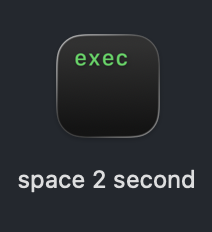
@Oli-Ullmann how do you specify the path? I have this file right here
-
@Oli-Ullmann I thought recent versions of macOS didn't allow moving the plugins automatically?
I think you have to move them yourself because Apple is 'helping' with user security.
-
@tjrob
I have no idea what's in your picture. Normally, you specify the path to your plug-ins in your DAW.
Which DAW are you working with?@dannytaurus
Yes, I also meant that you should copy the plug-in manually. Not automatically from HISE. :-) -
@tjrob The .vst3 is a bundle (a folder with other files in it) but you don't need to open that folder or touch any of the files inside. Just place the .vst3 file in correct location for your OS: https://helpcenter.steinberg.de/hc/en-us/articles/115000171310-VST-plug-in-locations-on-Mac-OS-X-and-macOS


