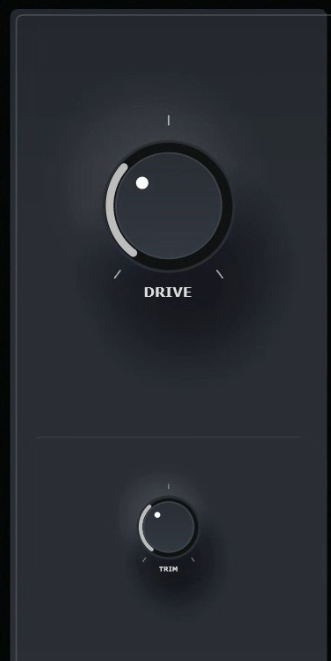
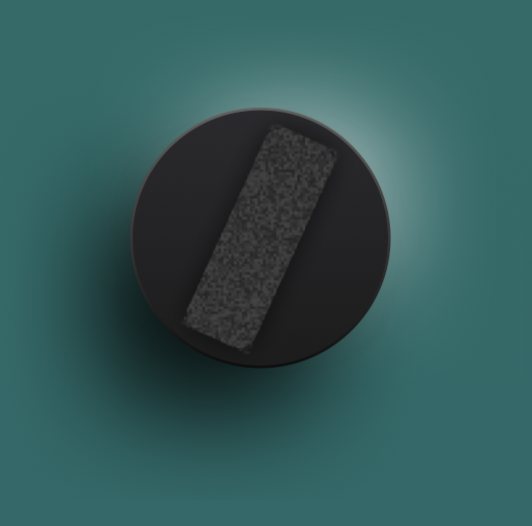
UPDATE // NEW: Online Knob Builder for HISE!! // SVG's has entered the chat ! =)
-
@Chazrox Excellent work!

-
Major Update! :
SVG's has entered the chat!
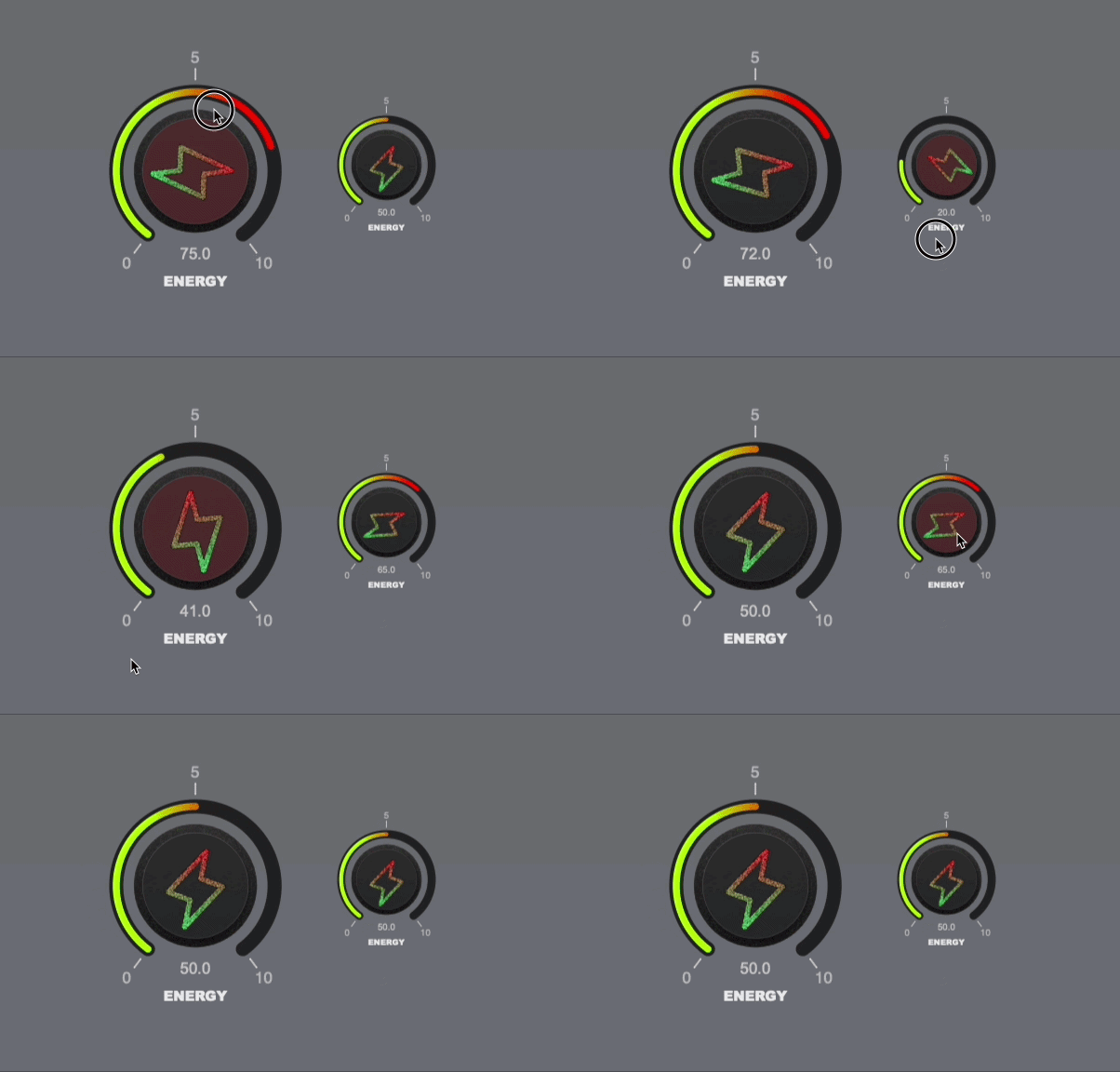
(I just noticed I knocked the svg a little off center but you get the point lol)You are now able to import your own SVG file and place it anywhere on the knob.
Aside from free placement, you can also choose whether or not the image will rotate with knob or not.
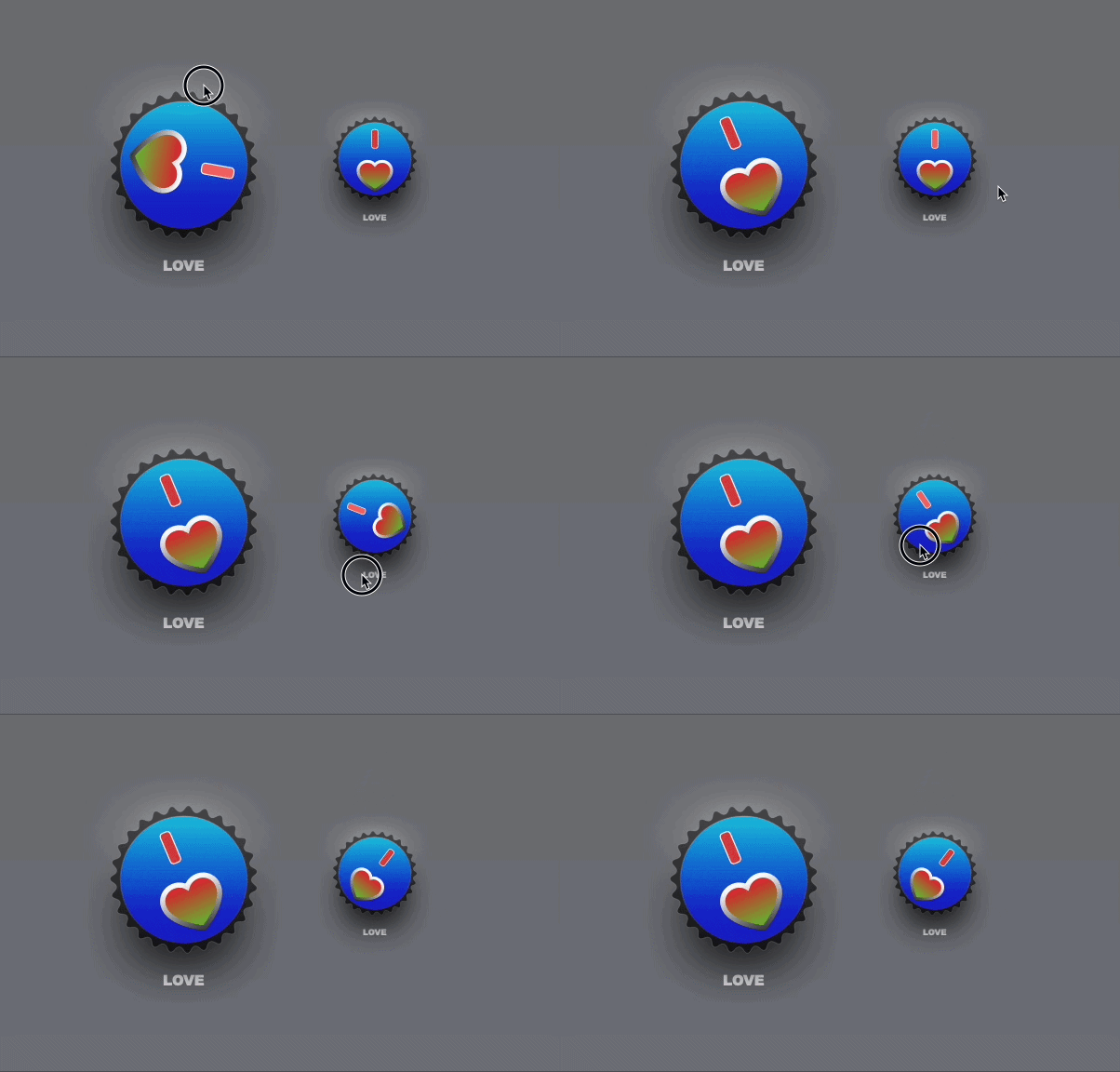
You can also shift the image around the knobs center to get some cool effects (heart examples shown below).The process for importing SVG's is easy.
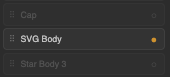
Step 1: Activate 'SVG BODY' layer element in the layers column to the left of the UI.
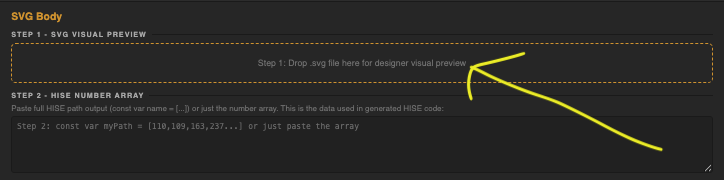
Step 2. Drop in your raw SVG file into the 'SVG Dropzone' (strictly for UI visual reference)
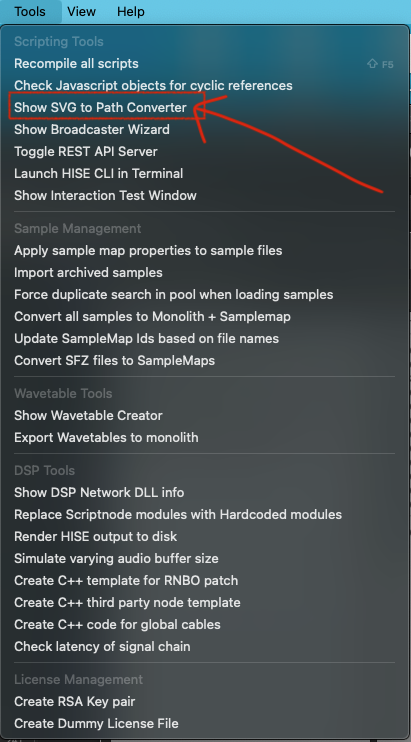
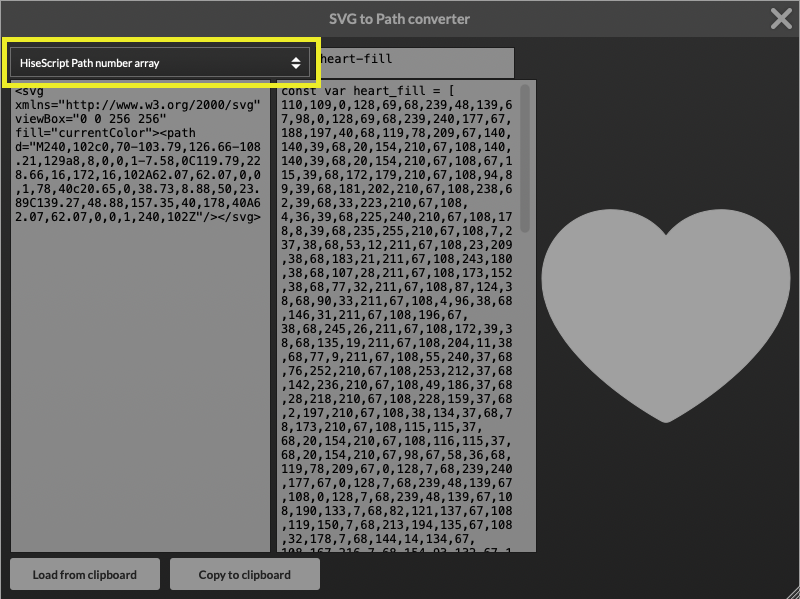
Step 3. Get 'HiseScript Path Number Array' with HISE's built in 'SVG to Path Converter'. Paste this into the second dropzone that accepts the HiseScript Path Number Array.
Make sure you use the right conversion or else your code will not work. This is the actual path that gets baked into your exported LAF function.
Paste Hise path number here:
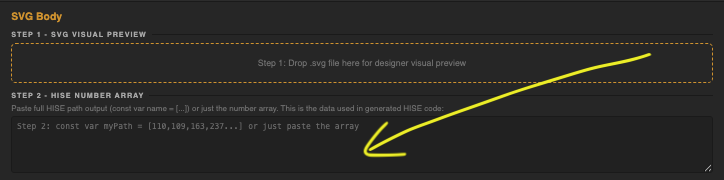
From this point you can continue to design the rest of your knob!
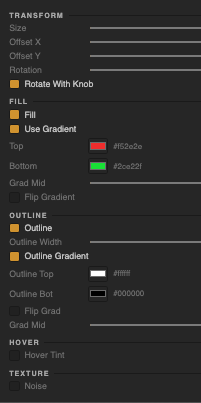
These are the available parameters for SVG layers.
Here's an example of how you can offset the SVG and get some unique results:
ENJOY!
-
@Chazrox it would be better to use the 64 encoded string rather than the array
Free HISE Bootcamp Full Course for beginners.
YouTube Channel - HISE tutorials
My Patreon - More HISE tutorials -
@David-Healey I tried that first and was running into a couple problems so I tried this method and worked it out. I may try to just add that also as a different import option. Besides making the output code longer, I figured both methods are just as easy to the user. Have you had a chance to out the app? Would love to get some feedback from you!
-
Since it throws us code, I can really see this as integrated Hise popup or specific tool window
-
@ustk That would be sick! Im slowly building other element designers as well. Just trying to get this one feature complete as possible so I can let it go for a bit.
-
@Chazrox I tried the version you sent me the other day but not the more recent ones. My knob requirements are very basic :)
Free HISE Bootcamp Full Course for beginners.
YouTube Channel - HISE tutorials
My Patreon - More HISE tutorials -
@David-Healey Basic is good! Nothing ever wrong with that. I'm also a designer so this is just more intuitive and fun (because why not fun? lol) for me and probably also for people alike. I've seen some pretty interesting knobs with some of the new plugin releases i've been seeing so I just hope this will help Hise users that dont have much coding experience make more and more unique styles faster and easier (which keeps it fun). The knobs i've shown in these examples take less than 5 minutes to make when i've taken hours to make one knob trying to figure out how things work. No more of that.

I've already built a 6-State Button Designer that spits out LAF code and PNG filmstrips. Thats coming soon and it will be just as feature stacked!
-
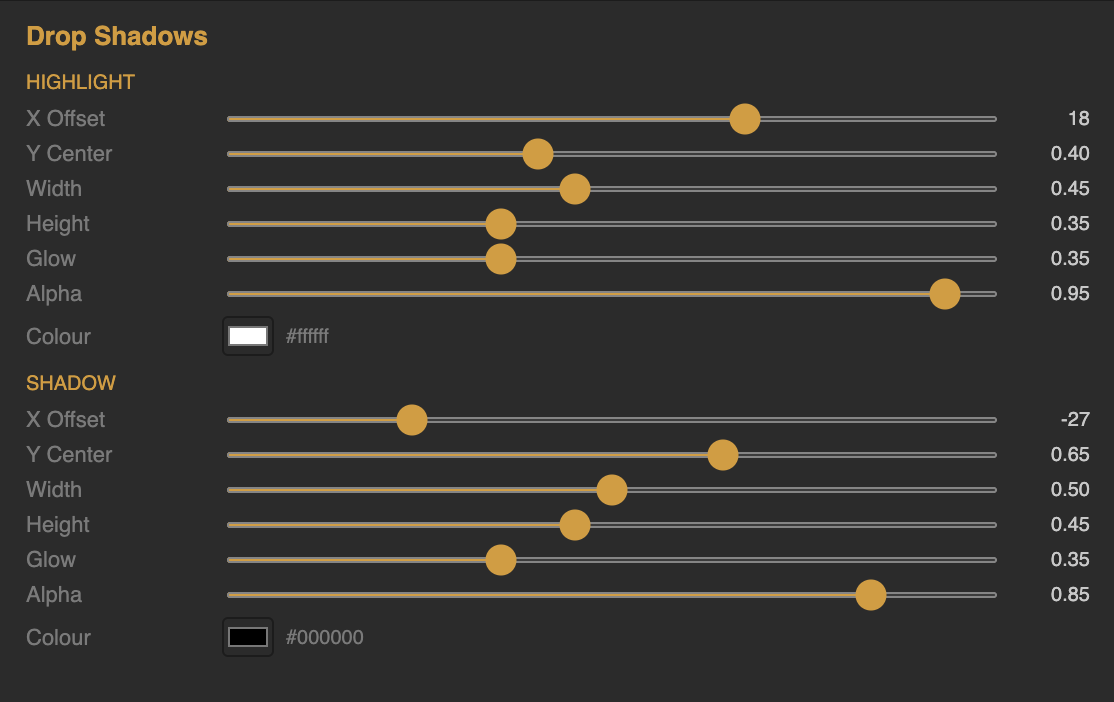
Fantastic work. Would love it if we could also adjust the drop shadow on the x axis. Need to find a way to use this in JUCE.
-
Utilised https://marketplace.juce.com/products/melatonin_blur and got it rendering in JUCE nicely
-
one more vote for x axis on the shadows....
HISE Development for hire.
www.channelrobot.com -
Separate gradients on the hightlight and shadow of the drop shadow layer would be awesome too.
-
@digi What is this melatonin blur?
-
-
@Chazrox A better way of getting blurs & glows in JUCE as the native stuff isn't great tbh.
-
@Chazrox Legend, thank you.
-
@digi How do we use this in Hise?
-
@Chazrox You don't; it's for JUCE, not HISE.
-
-
Looking clean AF in JUCE :)