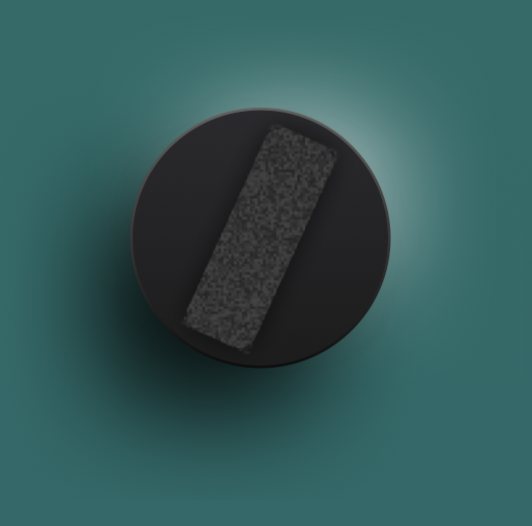
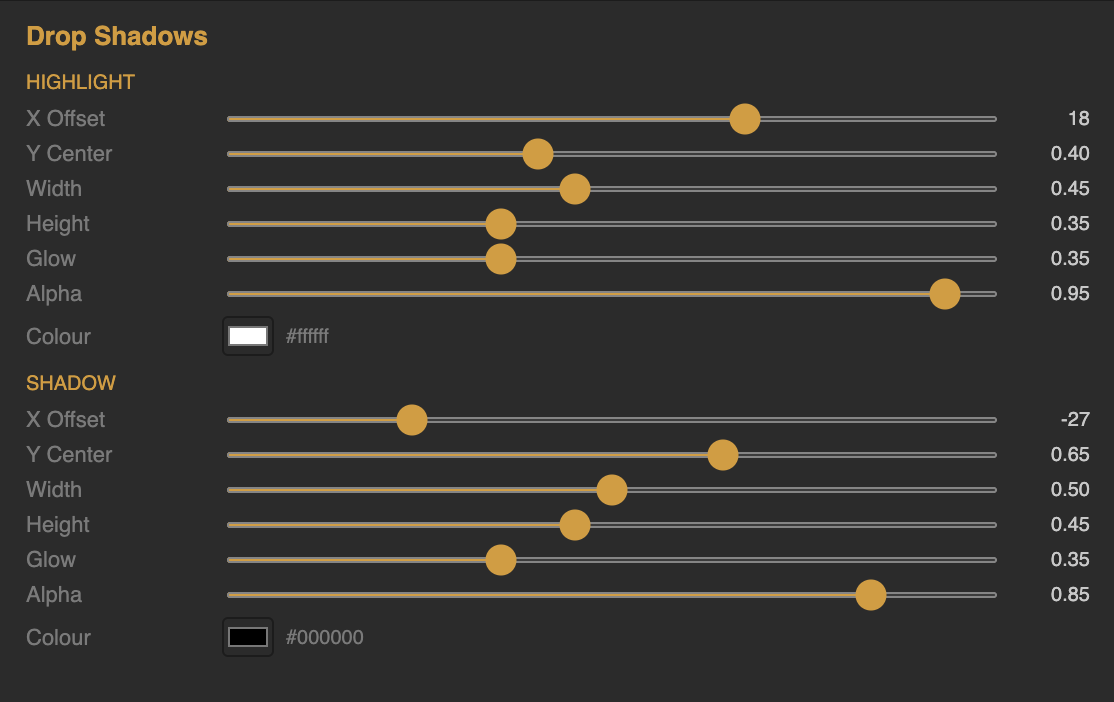
MAJOR UPDATE // NEW: Online KNOB BUILDER for HISE!! // Factory/User Preset System
-
@Chazrox A better way of getting blurs & glows in JUCE as the native stuff isn't great tbh.
-
@Chazrox Legend, thank you.
-
@digi How do we use this in Hise?
-
@Chazrox You don't; it's for JUCE, not HISE.
-
-
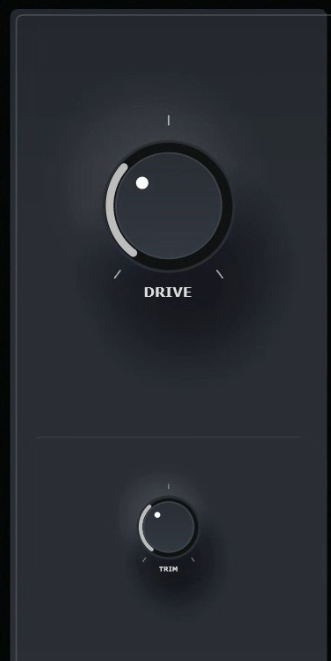
Looking clean AF in JUCE :)
-
@digi said in UPDATE // NEW: Online Knob Builder for HISE!! // SVG's has entered the chat ! =):
Utilised https://marketplace.juce.com/products/melatonin_blur and got it rendering in JUCE nicely
You may need to double check but I believe this library is already integrated into HISE and it is how HISE uses blur and shaders. However, I've seen post on here and the JUCE forum regarding this library having performance issues (so worth doing a quick search before implementing it).
Sonic Architect && Software Mercenary
-
@digi Are you just dropping the code export from the app and its working in JUCE or are you editing it in any way before compiling in Juce?
-
@HISEnberg I thought I hear Christoph talking about this before but I never looked into it. Thanks. :)
-
@digi Looking gewwwwd!
-
@Chazrox Yeah, it needs to be converted. Regarding the performance issues @HISEnberg mentioned above, you have to be considerate that you're not unneccessarily recomputing expensive operations and utilise effective caching etc.
-
check this out:
UPDATES:
- 'y axis' and 'x axis' offsets.
- Also, I added in rotation so you can mess with the direction of light illusion.
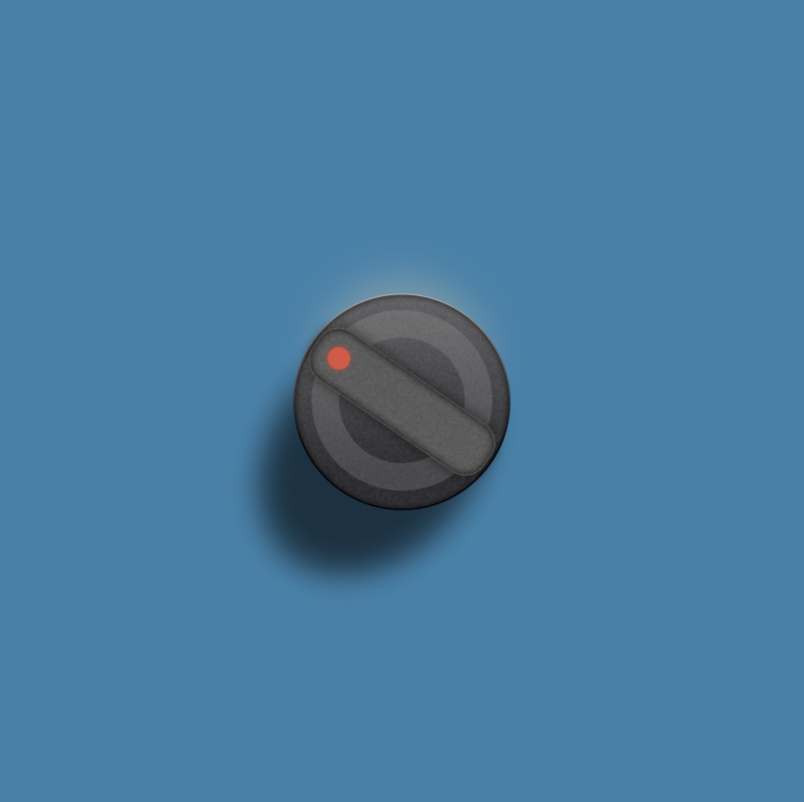
I've also added:
- Inner Shadows to All Body/Face Layers.
- Improved the glow on all glow elements using gaussian blur instead of stepped opacity layers.
- Add 'Gradient' to 'Outline' features on Face Layers. I'll probably be getting rid of 'Highlight' now because you can achieve the highlight with the gradient outline now.
Canvas now has 'Undo'/ 'Redo' and 'Clear All Layers'.
I've also added a zoom slider on the canvas per multiple request.
Canvas now also opens blank, but you can instantly load up a preset or start from scratch.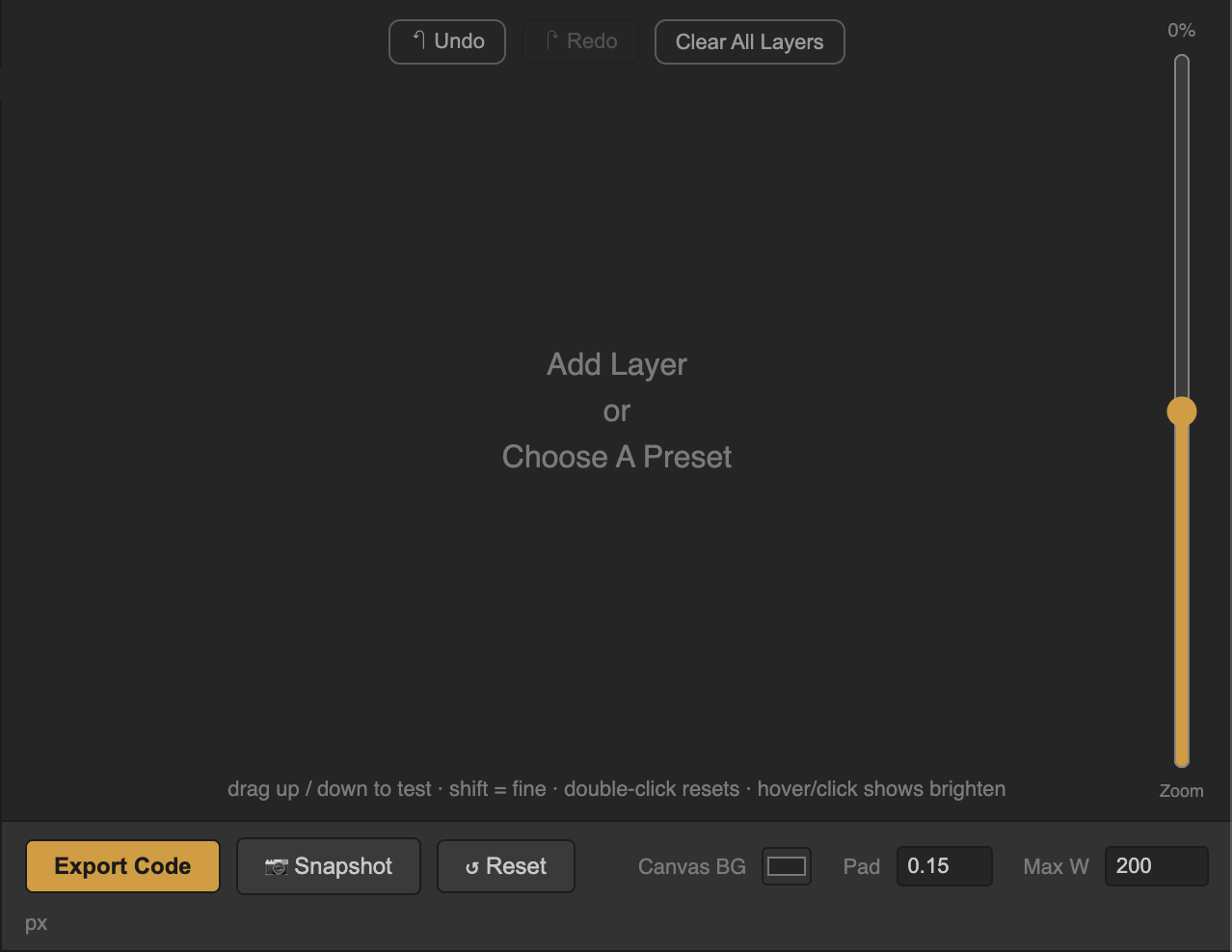
Currently Working on:
- SVG Library (Saves/recall previously used SVG's)
- Might change SVG drop format to base64 to clean up the code gen output. Lmk what you guys think.
Try it out! :
https://rox-knob-builder-for-hise.netlify.app/ -
@Chazrox Dude, awesome work. Thank you for being so responsive to the feature requests.
-
@digi

 Im glad to add anything within reason. If people need it, I want it too! lol
 -
@Chazrox One quality of life feature would be a way to copy from one body layer to another (as there's three layers). Reason being is that I can have everything setup on the bottom one, then realise I want to move the styles to the second one, and it's just annoying, especially if using gradients as you've to copy them over one by one.
-
@digi I was gonna do that actually. I already added that to the StarBody layers but must have forgot to do the rest. I got you. update will be pushed by tomorrow. easy.
@digi said in UPDATE // NEW: Online Knob Builder for HISE!! // Added: InnerShadows, Angled DropShadows, GradientOutlines.:
annoying
I feel you brudduh. haha.
-
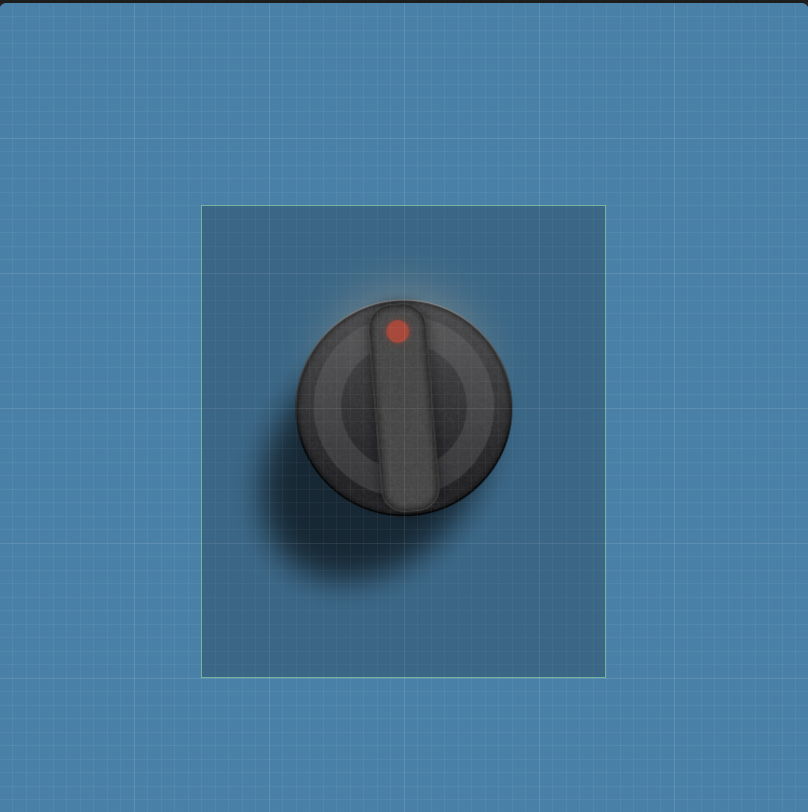
UPDATE:
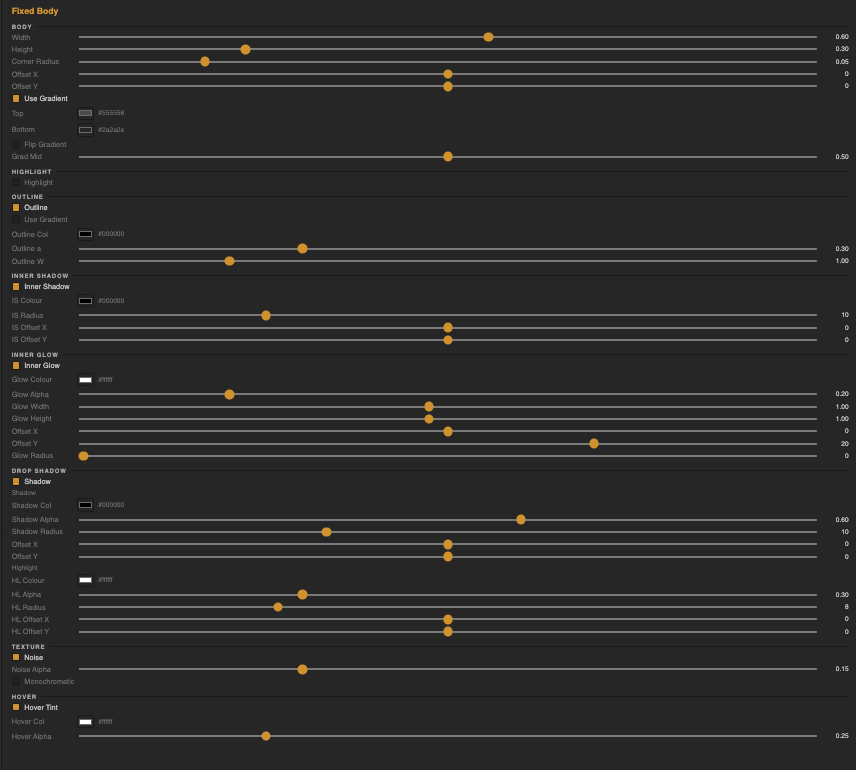
Added 'Fixed Body' layer so you can make these types of knobs. I dont know what theyre called but they look like this.
You can make rectanlges or pill shapes.
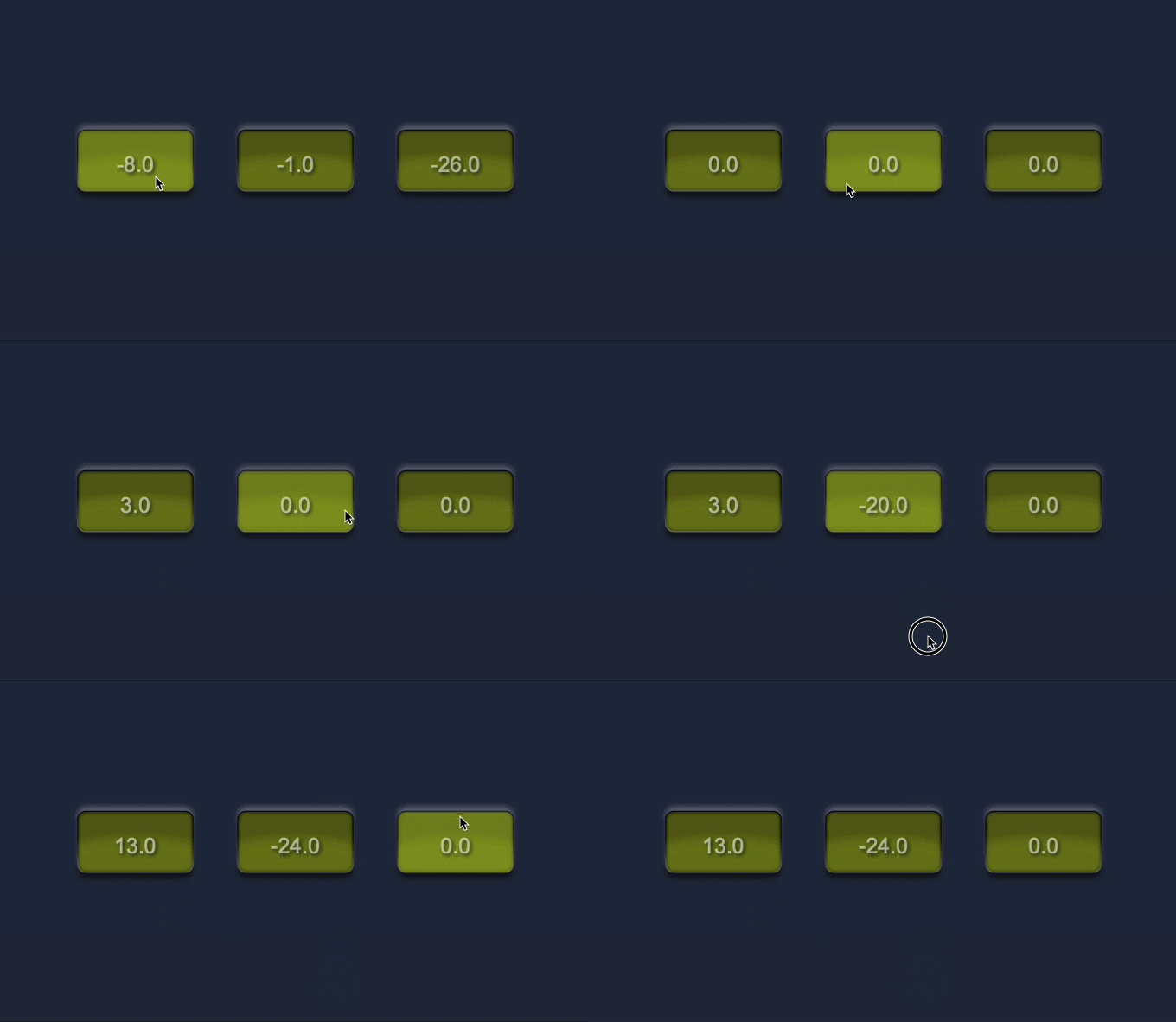
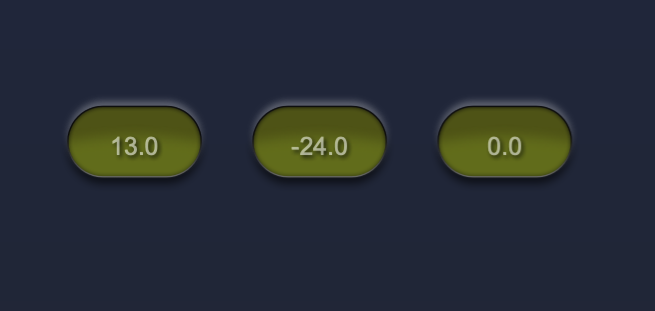
FixedBody parameters:
Other updates:
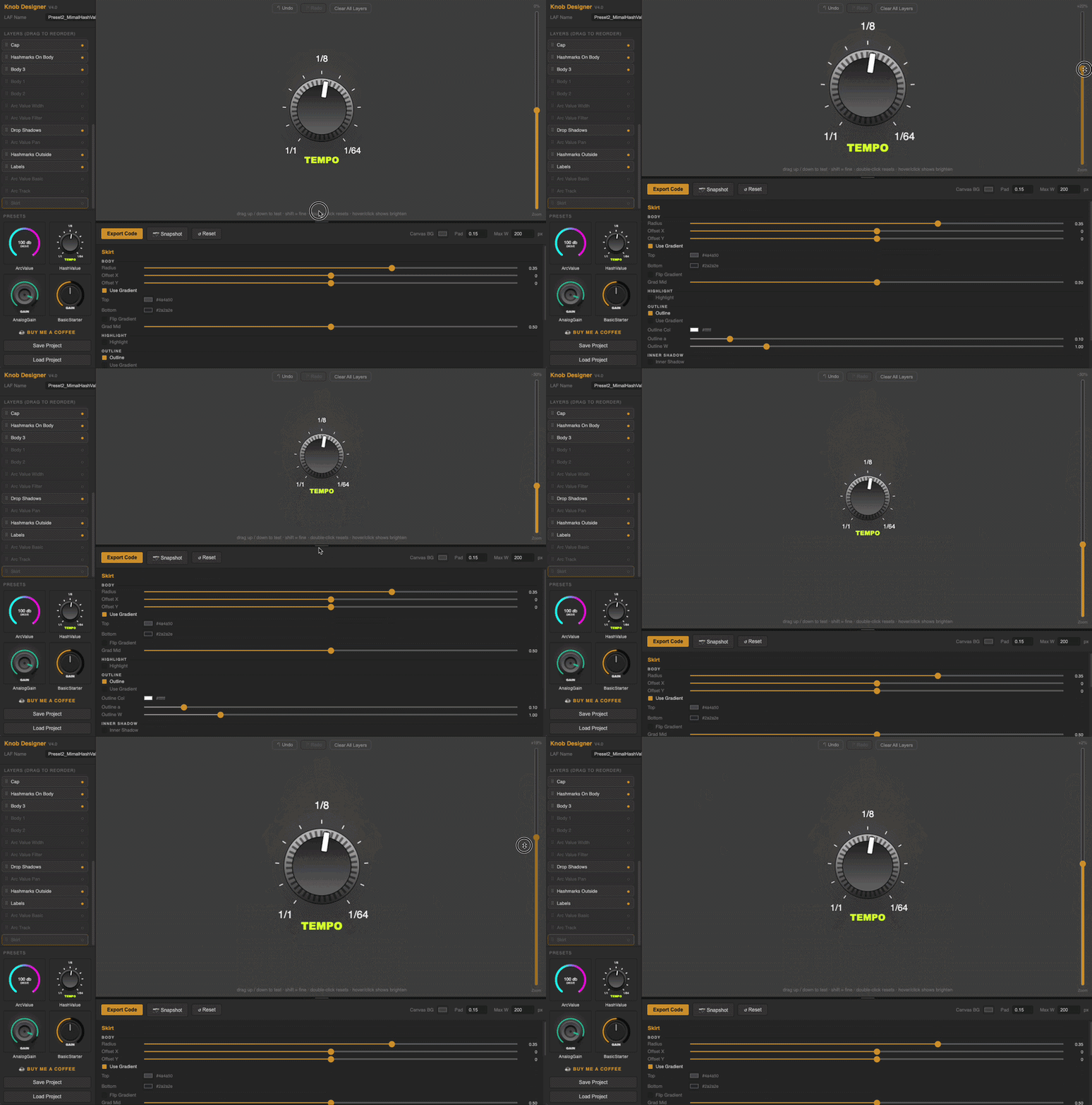
Canvas resize handle (so you can see more parameters)
Canvas Zoom slider
Draw Text Shadows
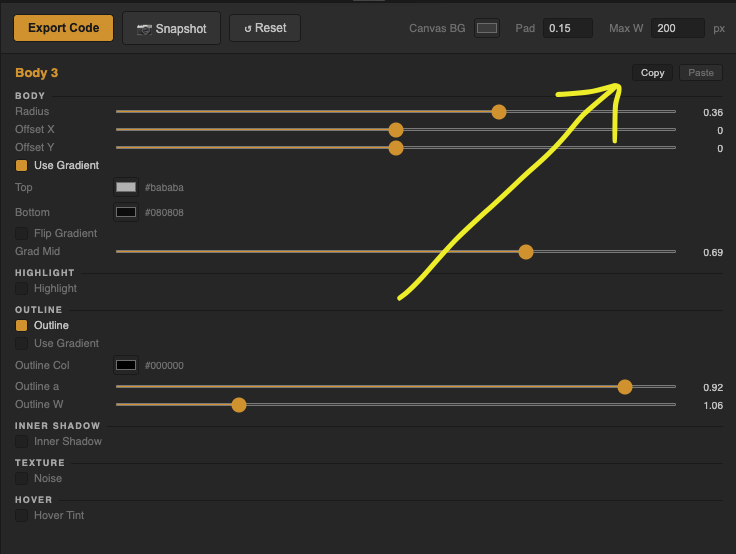
Copy/Paste settings between 'Body' Layers 1/2/3 per @digi request
Copy/Paste settings between 'StarBody' LayersCopy/Paste: (Find these on 'Body' and 'Star Body' layers)
Canvas Resize/ Component Zoom slider:
-
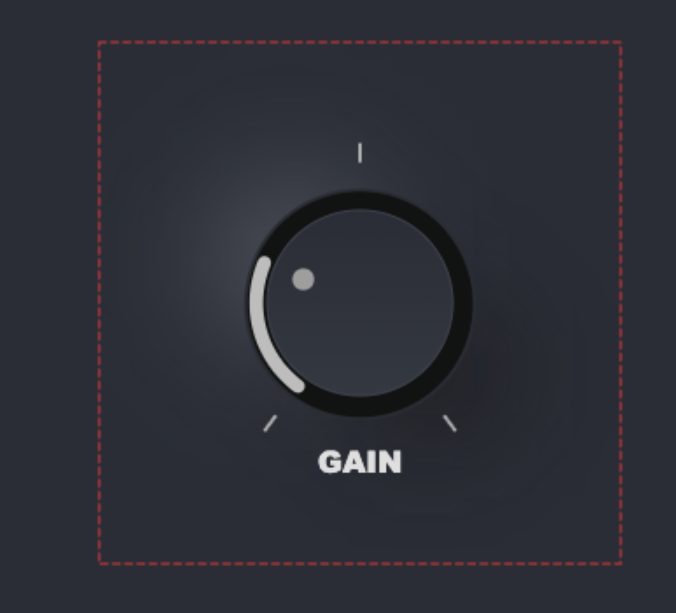
Awesome stuff. I'm hitting into one issue atm - it seems that the large drop shadow is getting cut off at the bottom. I'm not sure how easy it is to see, but it's definitely there (notice the bottom right). Adjusting the padding doesn't seem to help in this case. Any suggestions?
-
@digi Can you save the knob file and send it to me please. I'll take a look. DM me the .json file please.
-
@digi also...the approximation of the drop shadows shown on the canvas and what renders in hise is a tiny bit different because of how the browser and Hise treats blurs differently. have you tried to compile in HISE and see what it looks like? If its only clipping on the bottom and not the sides, just increase your component height in HISE to reveal the rest of the shadow.