"Error at node: chain" while 'compiling network to dll'
-
@griffinboy anytime I try to compile a ScriptFx chain it crashes. I was actually trying to test out the ‘effects slot’ modules and I think you have to have the network compiled to show up in the list im assuming so thats what I was trying to do but just getting this error repeatedly then crash.
-
@griffinboy I have some custom Snex nodes I want to compile and add to the effects slot modules.
-
@griffinboy said in "Error at node: chain" while 'compiling network to dll':
Wider screenshot that captures more info please!
Trying to compile DSP to dll....
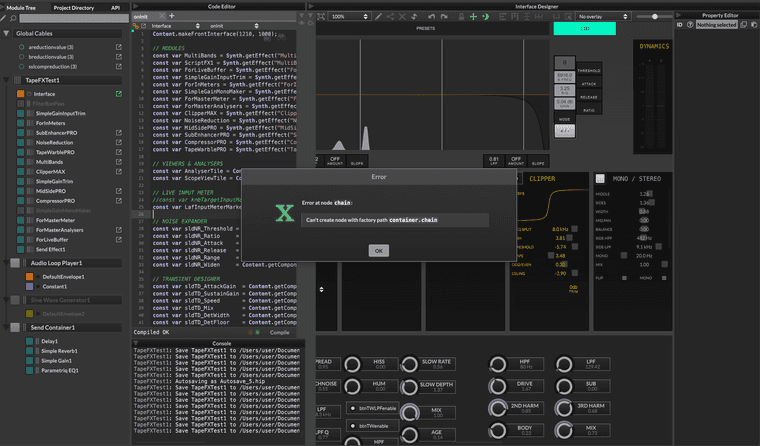
When I click 'OK' Hise crashes.
-
I think it might be a bug, either that or you haven't enabled compilation on the thing you are compiling?
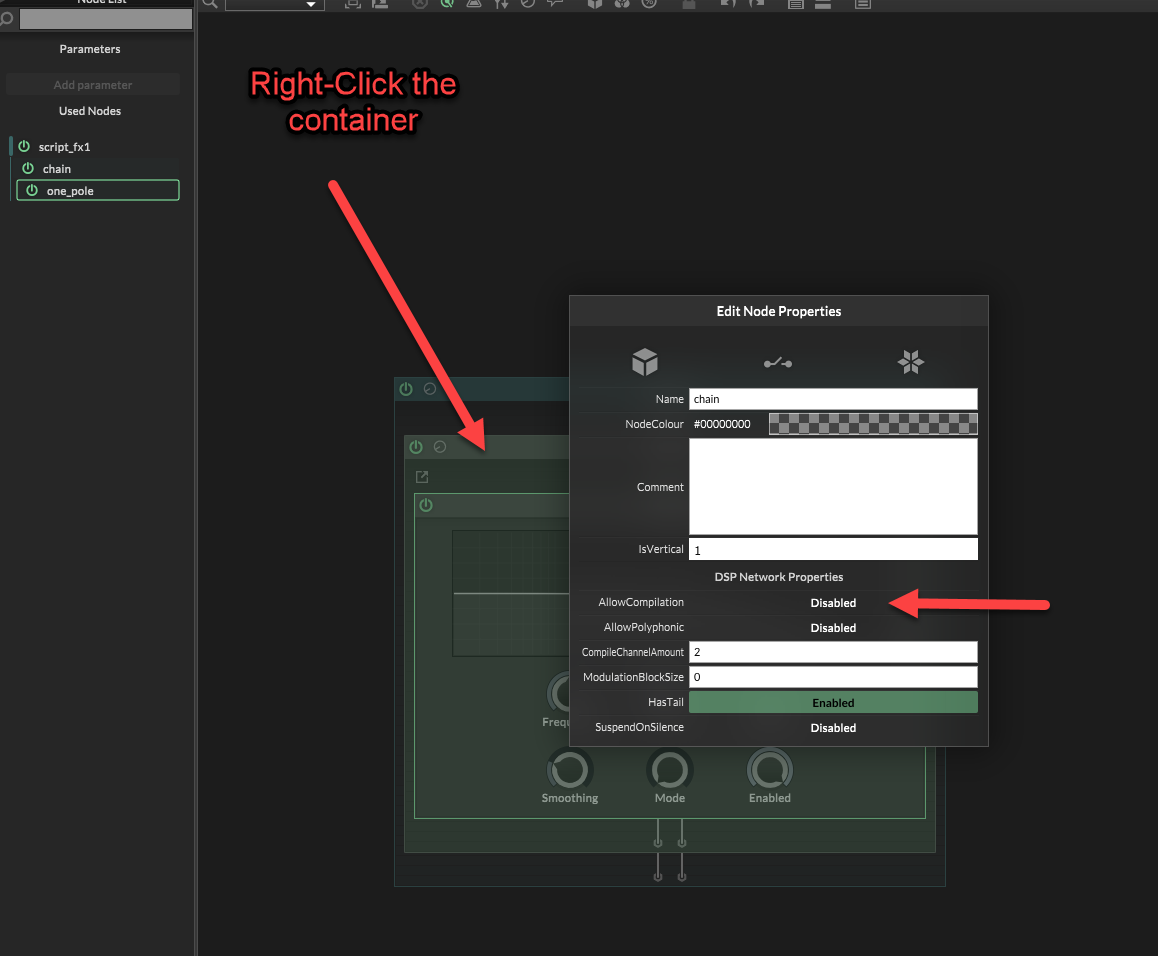
This scriftFX chain compiles fine. Its got a container, and a hise filter.
I haven't tried it with snex, maybe it could even be something specific you've done in your snex node that it doesn't like?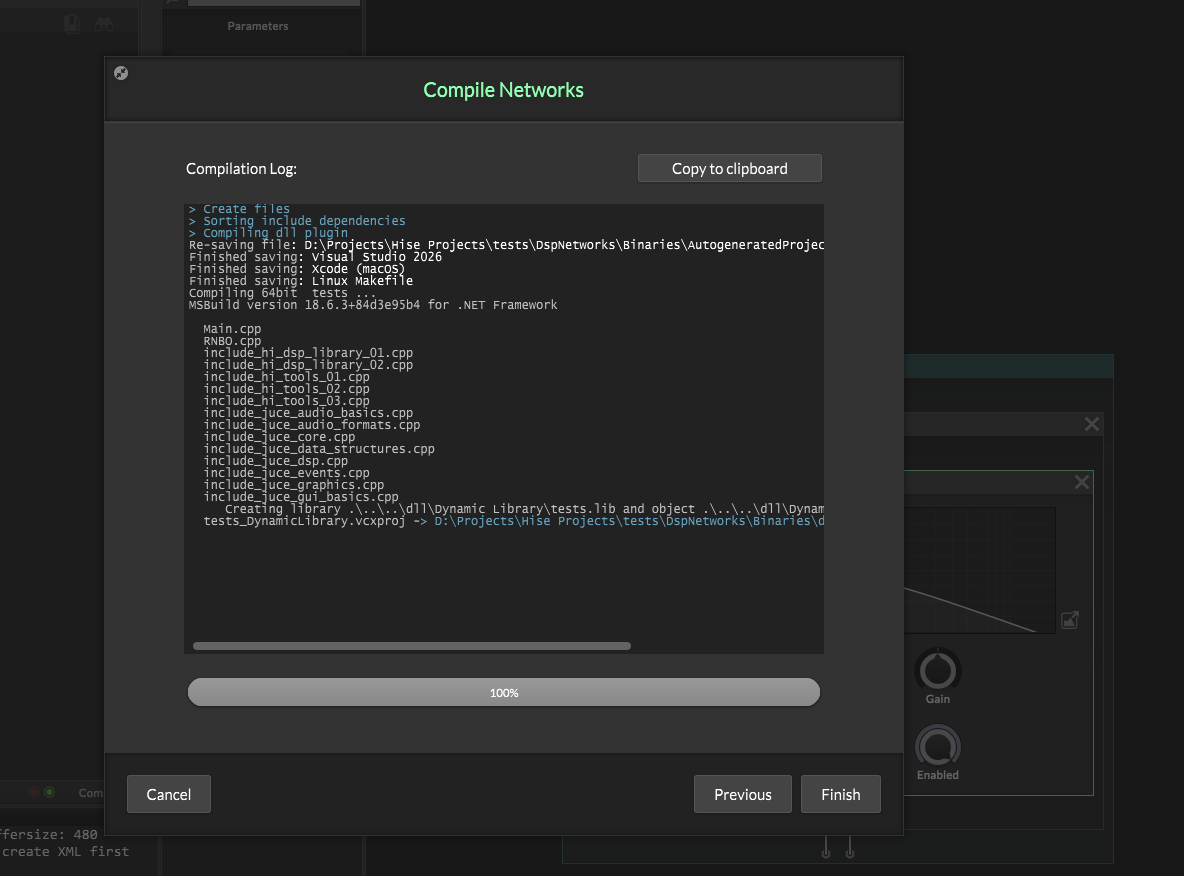
-
@griffinboy
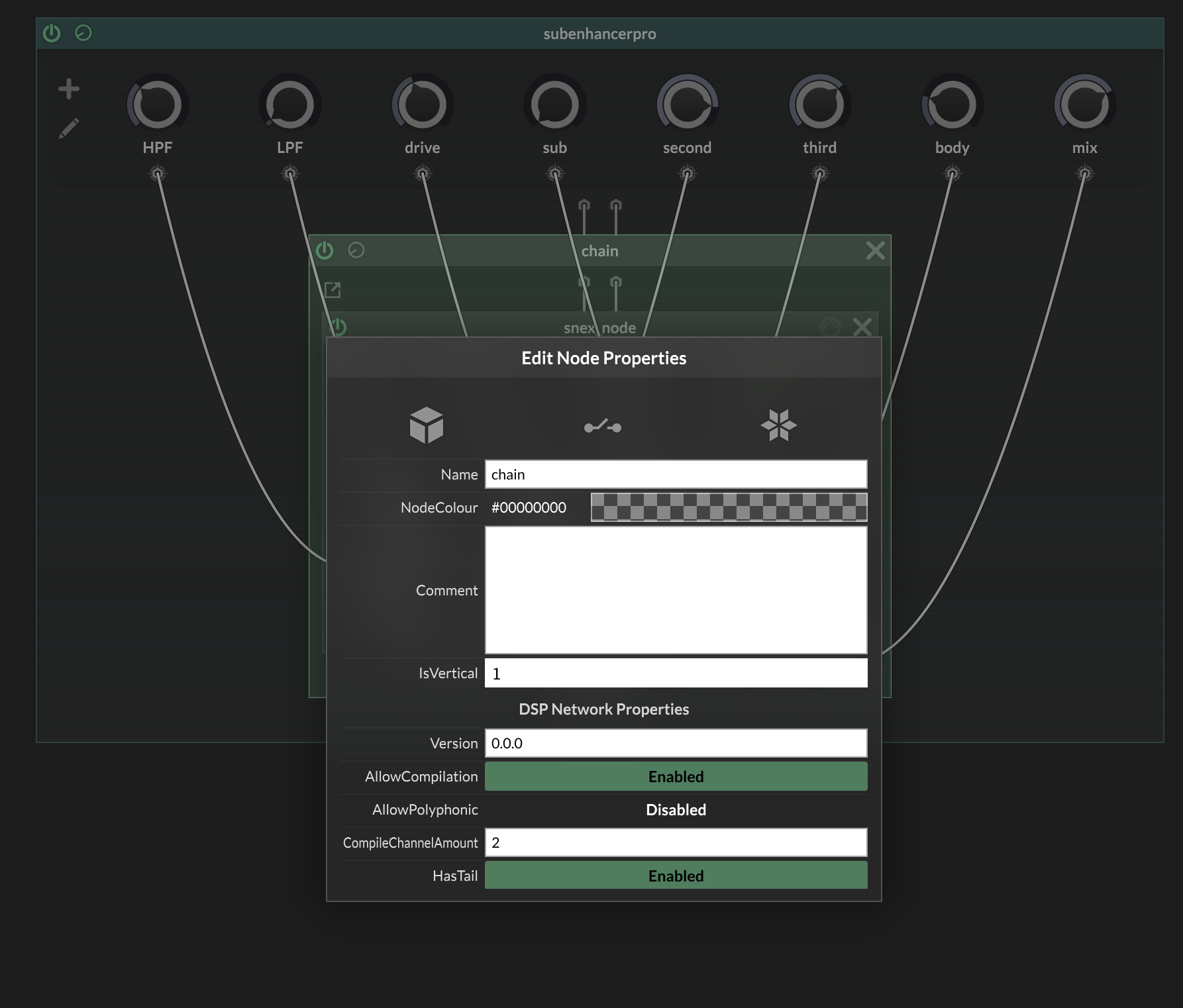
I have all of the nodes set to Allow compilation. Still gives me the same error.I havent been able to compile any dsp networks before either. Dave suggested I had multiple source codes. I've tried re-installing/re-building Hise and still nothing so maybe I dont know how to find the duplicate files well enough. Im not sure at this point.
-
Yeah it seems like a deeper issue with your setup.
If youre not even able to compile simple ones (forget snex, just say, a container and a hise filter) then you've got something wrong with your Hise setup.
It might be as David says.
-
@griffinboy Before I bug Dave about it again, would you have any suggestions where I can look and what im looking for as far as 'source codes'? Maybe im not sure what that even means. I remember him saying that JUCE is looking for source codes when it goes to compile these networks and maybe I have doubles somewhere but I cant seem to find any with a finder search. Im looking for the Hise build folder that JUCE puts out when we compile Hise right? Thanks for the help regardless

-
You're looking for
Hise Develop

The insides look like this.
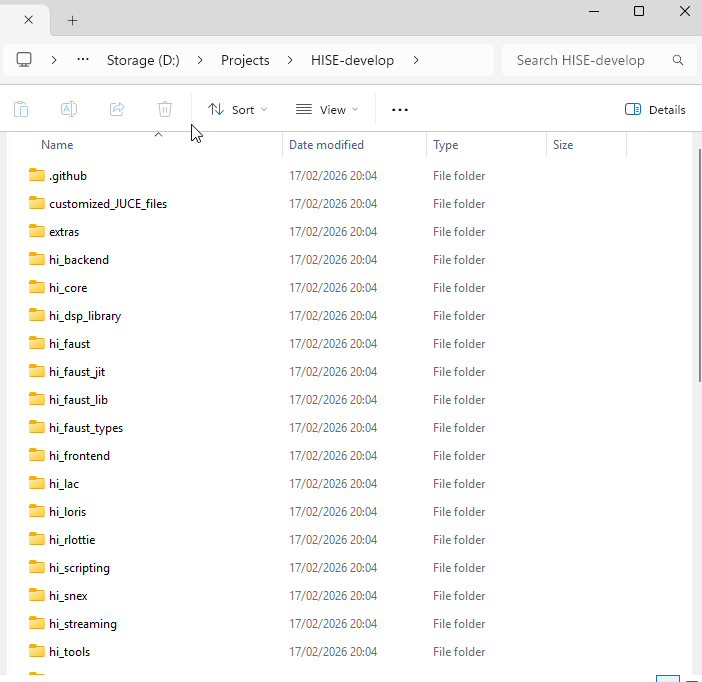
It's the thing you download / pull from github, and contains all the source for building Hise.
Custom C++ DSP
-
@Chazrox Just FYI sometimes you ned to "resave" the networks before compiling. The Scriptnode Network exists in DspNetworks/Networks/*.xml . It's similar to how the user interface is saved and restored. There is an autosave feature which can overwrite these. Very often the network data has changed and is not being fully restored correctly, so it's necessary to overwrite them by resaving.
So best course of action is to set the "AllowCompilation" flag off on all networks, resave them. Then one at a time go back in, set AllowCompilation to true, resave, and recompile individually.
Sonic Architect && Software Mercenary
-
@griffinboy Ok Thank you. Let me look.
-
@HISEnberg said in "Error at node: chain" while 'compiling network to dll':
recompile individually.
How do you do this?
-
@Chazrox Save icon up here:
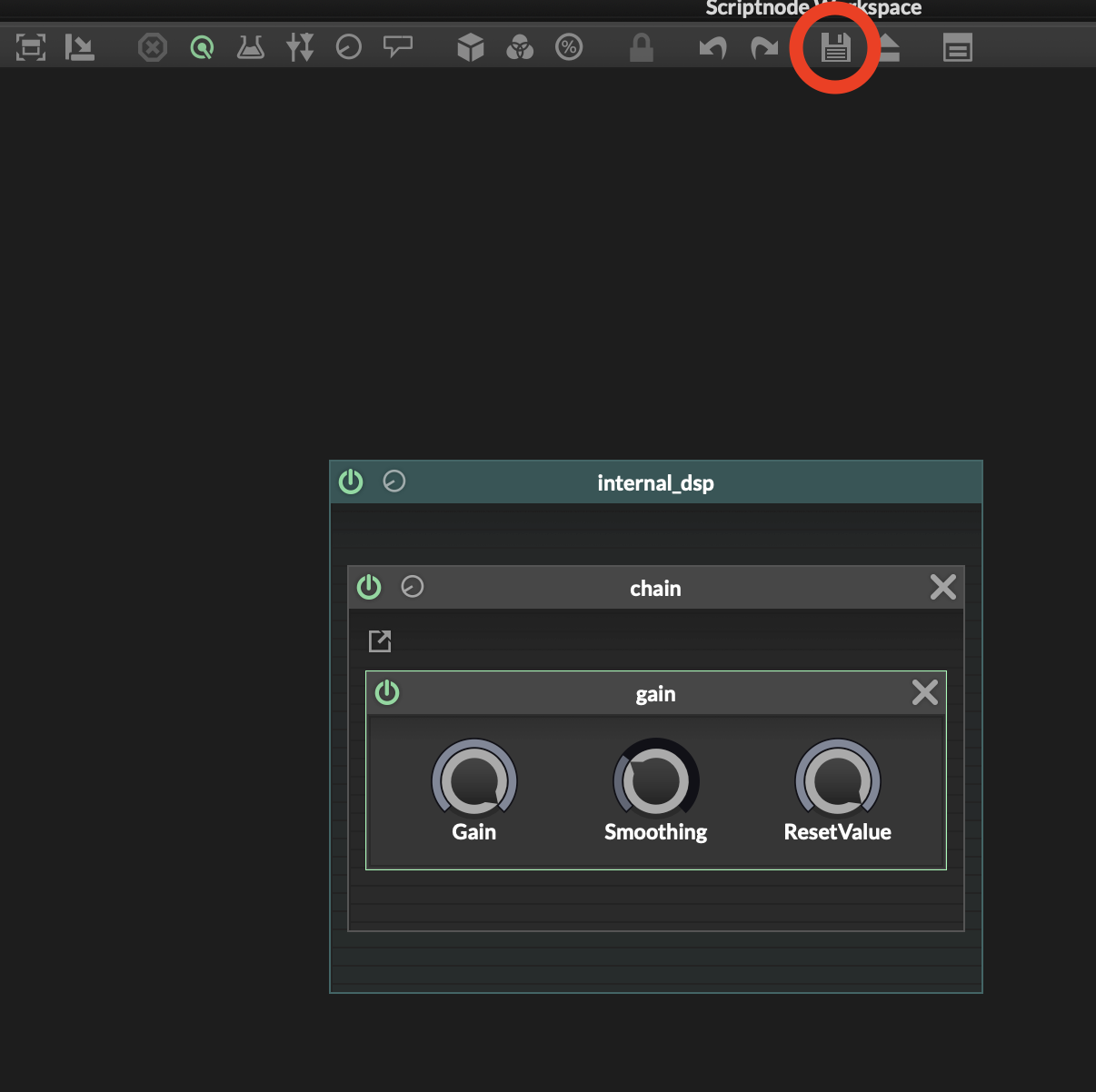
Anytime you make changes to your networks it's necessary to resave them before compiling to DLL. Often you'll get warnings like the one's you have been getting unless this is done.
Sonic Architect && Software Mercenary
-
Ah missed that! It slipped my mind somehow. thx for mentioning.
-
I'm looking for documents and examples to guide you and I am seeing this is rather poorly documented.
Basically DspNetworks folder works like this:
DspNetworks/Binaries:The compiled DLL. When you compile networks to .dll, HISE is launching and creating a mini-project of just your FX networks, so it contains a .jucer, XCode or VisualStudio file, etc. DLL (Dynamic Link Library) is, to put it crudely, a pre-written and formatted library that contains the DSP code which HISE can load at runtime (for example, load into the HardcodedMasterFx). You can simply delete the entire Binaries folder before compile to DLL for a fresh start (in fact it is a good idea). More info here: https://docs.hise.dev/scriptnode/manual/third_party.htmlDspNetworks/CodeLibrary: I don't look here much, but it's usually where a lot of the faust and snex networks are saved to.DspNetworks/Networks:Where scriptnode networks are saved as .xml. So you can actually look at these in a code editor and see the same structure flow and module settings (it is fairly human readable). This is what is saved and recalled when you are launching networks (it's very similar to how a User Preset works).DspNetworks/ThirdParty: Mainly for C++ files if you are working that way. I think Snex headers are stashed here as well (I can't remember). You'll also notice HISE will autogenerate headers depending on what you are using, example for Faust.AdditionalSourceCode/nodes: This is also important. When you go to compile networks you see the menu below. Basically it is autogenerating some headers that are stashed here for when you are ready to compile the entire project. They help link the compiler to the necessary DSP files. You don't really ever need to bother with this folder, but for a completely fresh build, you can just delete the "nodes" folder before compiling the networks to DLL.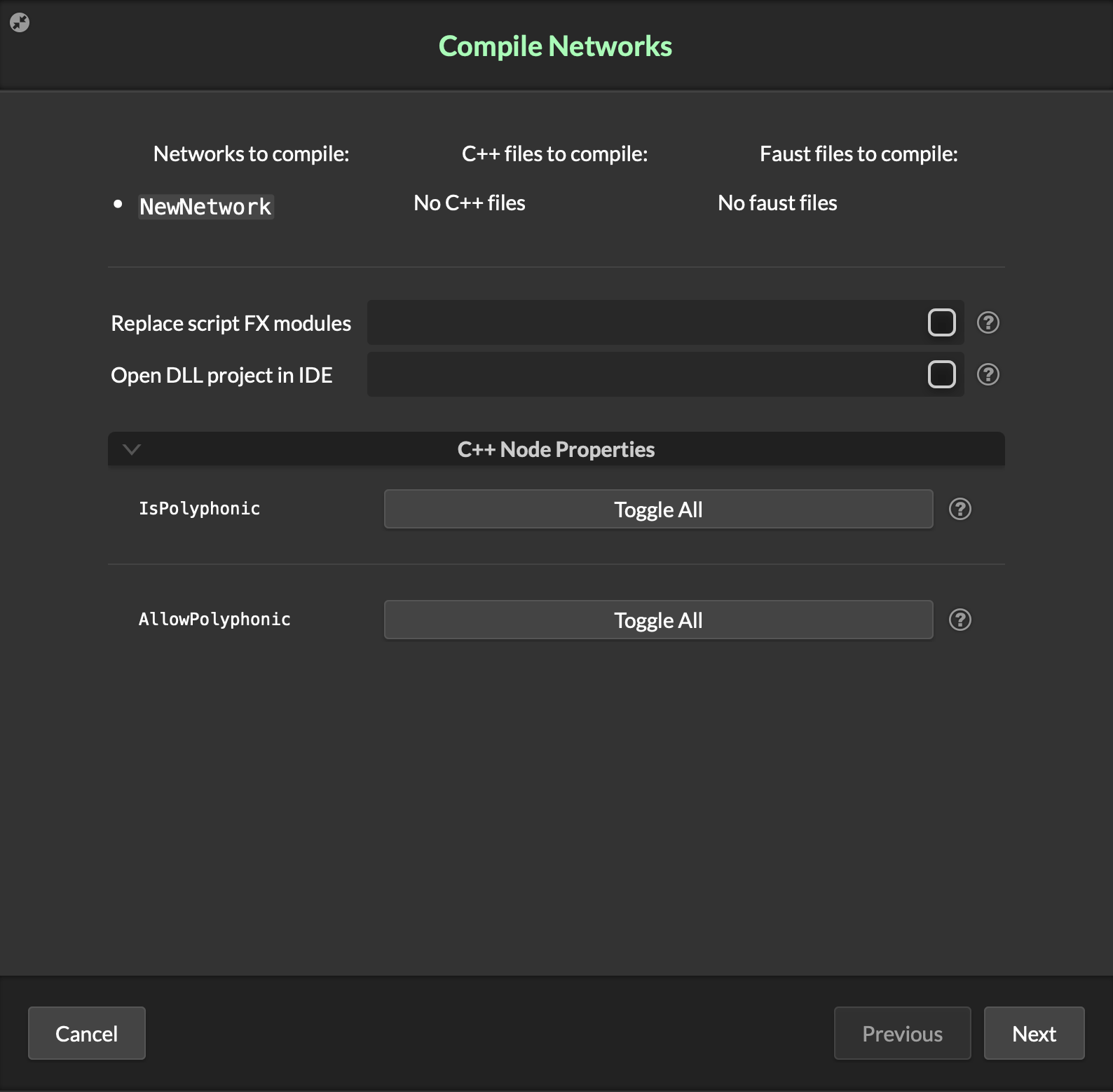
-
 H HISEnberg referenced this topic on

