How to do text links in a settings panel?
-
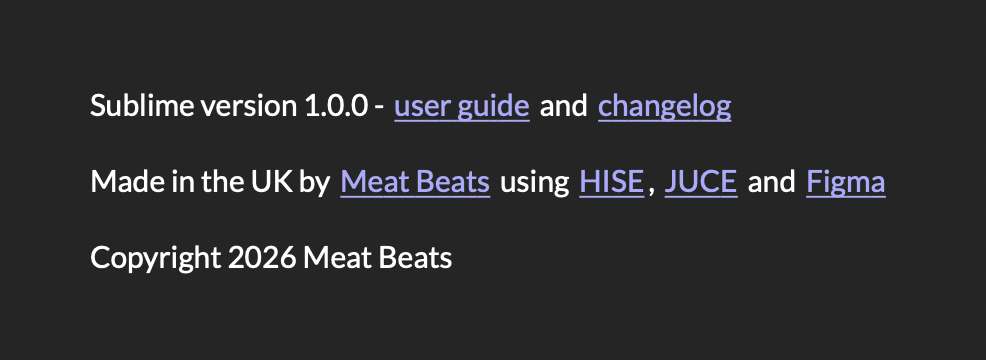
@David-Healey The basics seem to work fairly well, although the links aren't clickable.
I wonder if that's just in HISE and maybe they work in the compiled plugin?
The Markdown docs don't say that any other link handling is required.
I'll have to LAF the font and the colours, and not sure if I can do the dotted underlines. CSS
text-decorationisn't mentioned in the CSS Reference, nor is the a selector.Might actually be easier to use a small web view for the links section.
Content.makeFrontInterface(600, 600);

const var Panel1 = Content.getComponent("Panel1");

const var markd = Content.createMarkdownRenderer();
markd.setTextBounds(Panel1.getLocalBounds(0));

markd.setText("
Sublime version 1.0.0 - [user guide](https://meatbeats.com) and [changelog](https://meatbeats.com)

Made in the UK by [Meat Beats](https://meatbeats.com) using [HISE](https://hise.audio), [JUCE](https://juce.com) and [Figma](https://figma.com)

Copyright 2026 Meat Beats
");

Panel1.setPaintRoutine(function(g)
{
	g.drawMarkdownText(markd);
});
HISE dev latest / herdr + Claude Code / Figma + Affinity
Meat Beats: https://meatbeats.com
Klippr Video: https://klippr.video -
@dannytaurus I've just tested and the links don't work in a compiled project.
Free HISE Bootcamp Full Course for beginners.
YouTube Channel - HISE tutorials
My Patreon - More HISE tutorials -
@David-Healey Yeah, same here. Maybe it's because it's rendered in a plain panel and the link handling is only built into the MarkdownPanel floating tile?

Well, I'm looking at using a Web View now. It's going well except the links are opening within the web view, instead of the user's default browser. Just need to sort that out.
HISE dev latest / herdr + Claude Code / Figma + Affinity
Meat Beats: https://meatbeats.com
Klippr Video: https://klippr.video -
@dannytaurus said in How to do text links in a settings panel?:
using a Web View now.
Doesn't work on Linux so not an option for me
Free HISE Bootcamp Full Course for beginners.
YouTube Channel - HISE tutorials
My Patreon - More HISE tutorials -
@David-Healey I'm a bit wary of using one too to be honest. But I don't know how else to do it without a load of old school hacks like an array of x,y coords and a mouse broadcaster, or invisible buttons on top of text.
HISE dev latest / herdr + Claude Code / Figma + Affinity
Meat Beats: https://meatbeats.com
Klippr Video: https://klippr.video -
@dannytaurus Use fewer links in the design :)
Free HISE Bootcamp Full Course for beginners.
YouTube Channel - HISE tutorials
My Patreon - More HISE tutorials -
-
@dannytaurus I just used a straight up button and changed the text to the url link. Laf for hovers and clicks etc.
-
@dannytaurus
The safest way would probably be to use a panel with its PaintRoutine and MouseRoutine.To ensure that the area for mouse interaction is correctly positioned over the link on every operating system, you could perhaps use
Engine.getStringWidth(String text, String fontName, float fontSize, float fontSpacing)for the calculation. -
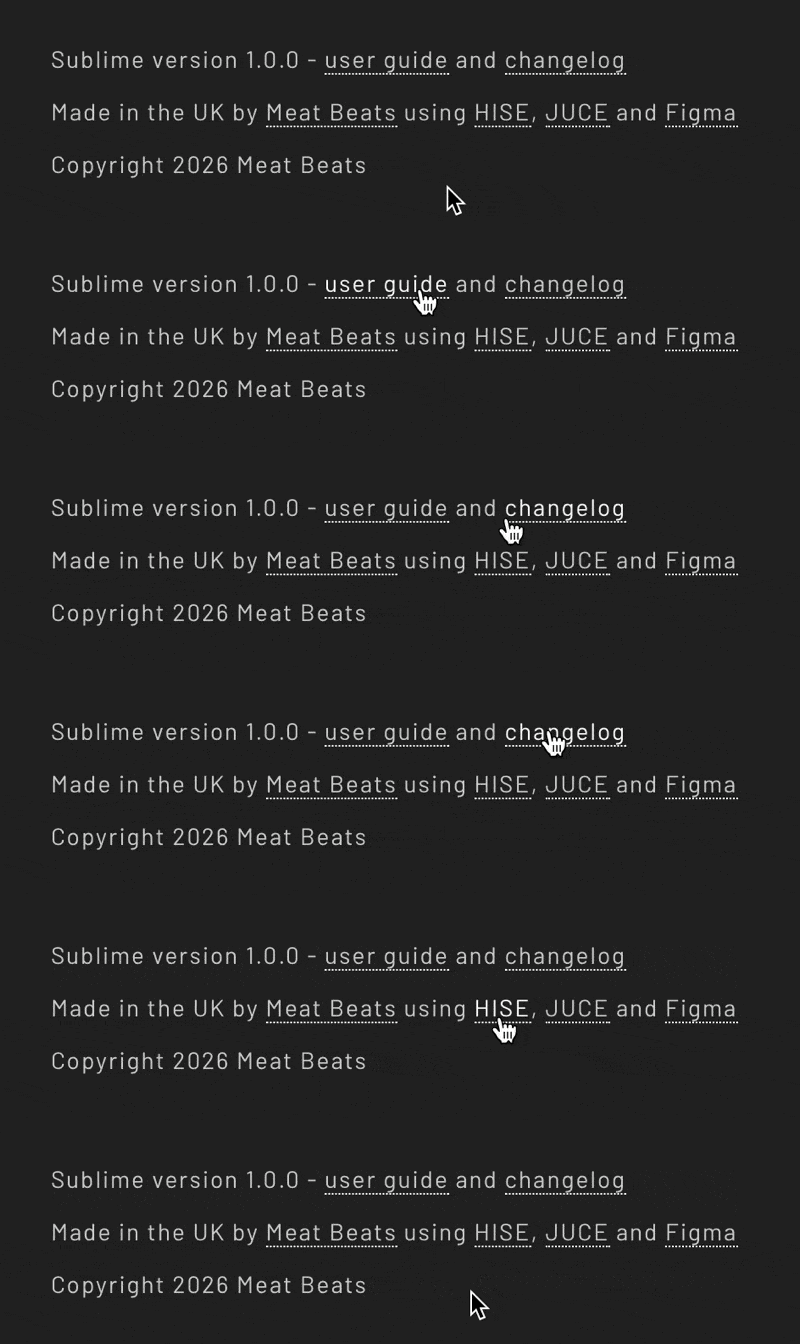
Got it working nicely with a WebView. Very easy to implement but I'm a bit wary of using it.
I notice using CSS throws an 'experimental' warning in the console, but WebView doesn't.
Are WebViews production-ready? Who's using them in plugins right now?
HISE dev latest / herdr + Claude Code / Figma + Affinity
Meat Beats: https://meatbeats.com
Klippr Video: https://klippr.video -
Sorry to necro this post but I wanted to update with how I ended up doing this.
After the Markdown text didn't work for me (links not clickable) and the WebView proved too fragile/unproven I decided to go with the classic hack of interspersing buttons in the credits text:
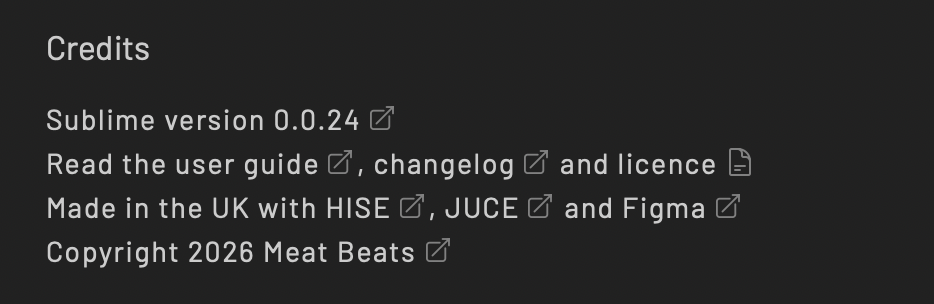
That worked great until the text rendering on Windows scared the bejesus out of me!
 Any deviation in text size or spacing causes the buttons to overlap the text and just generally look bad.
It's also a pain to align all the buttons and I ended up here with 4 lines of text, with a specific amount of spaces between certain words and 8 separate buttons. Not very nice to manage.
So I went back to the Markdown renderer and added link click handling instead. That means the credits text block can be one single text string with links formatted within the text.
I lose the 'external' icons after each link but the standard underlined/coloured text for links is completely fine, and universally understood. I actually prefer simple underlined links anyway.
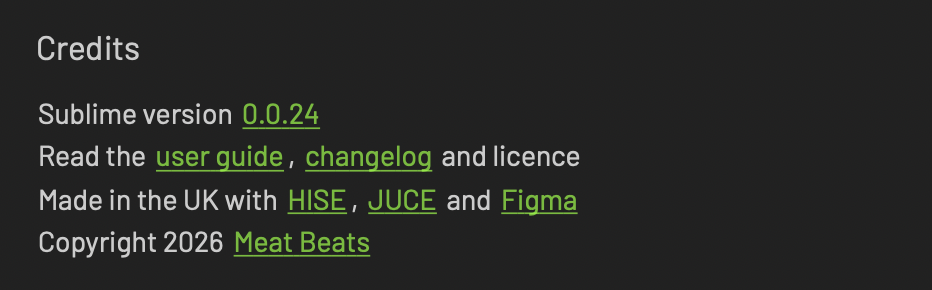
So that's where I'm at right now. Here's the PR that adds link click handling to MD rendered text:
HISE dev latest / herdr + Claude Code / Figma + Affinity
Meat Beats: https://meatbeats.com
Klippr Video: https://klippr.video -
I also added a LineSpacing and LetterSpacing to the Markdown renderer so I can style it to match my plugin.



