Restoring properties with DAW session
-
@clevername27 link? would love to give it a try
-
@whoopsydoodle I tried to find it, but there is no "advanced search" that I can find for the forum. You'd want to search by user (me) and then maybe "file". Perhaps there is a way to do that I do not know of.
-
@clevername27 said in Restoring properties with DAW session:
there is no "advanced search"
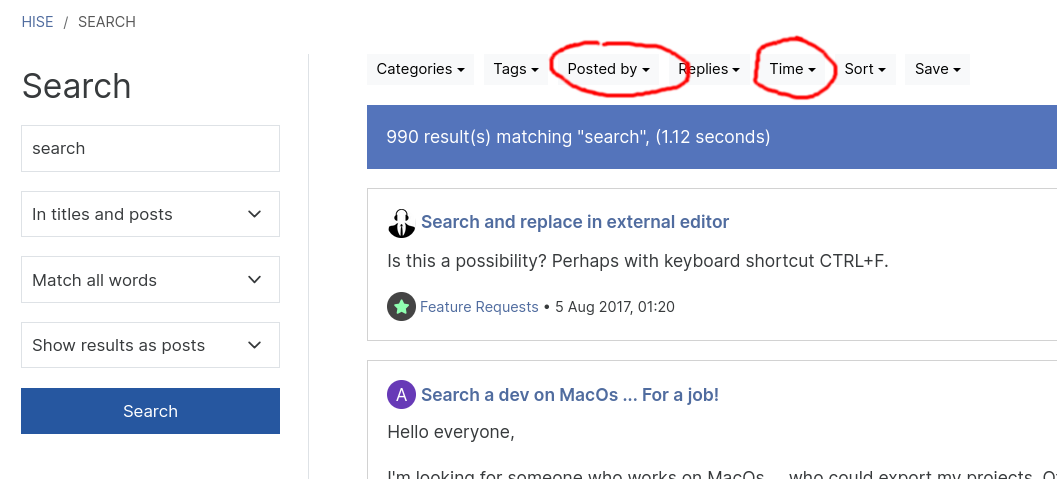
Search bar at the top, hit enter.
-
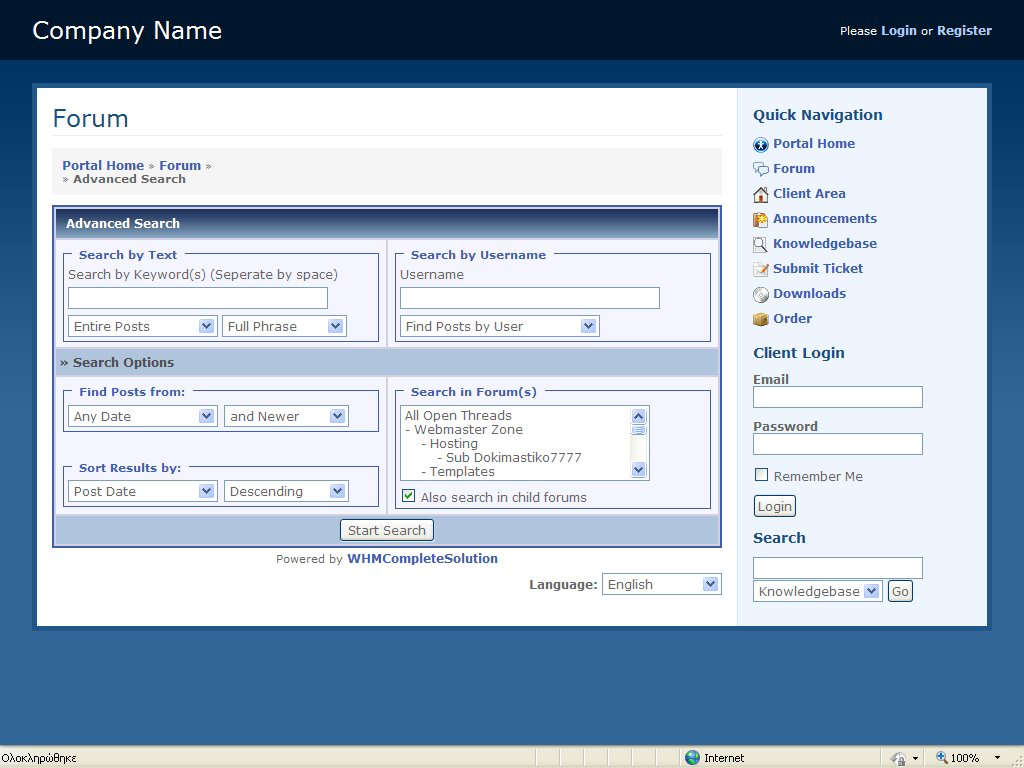
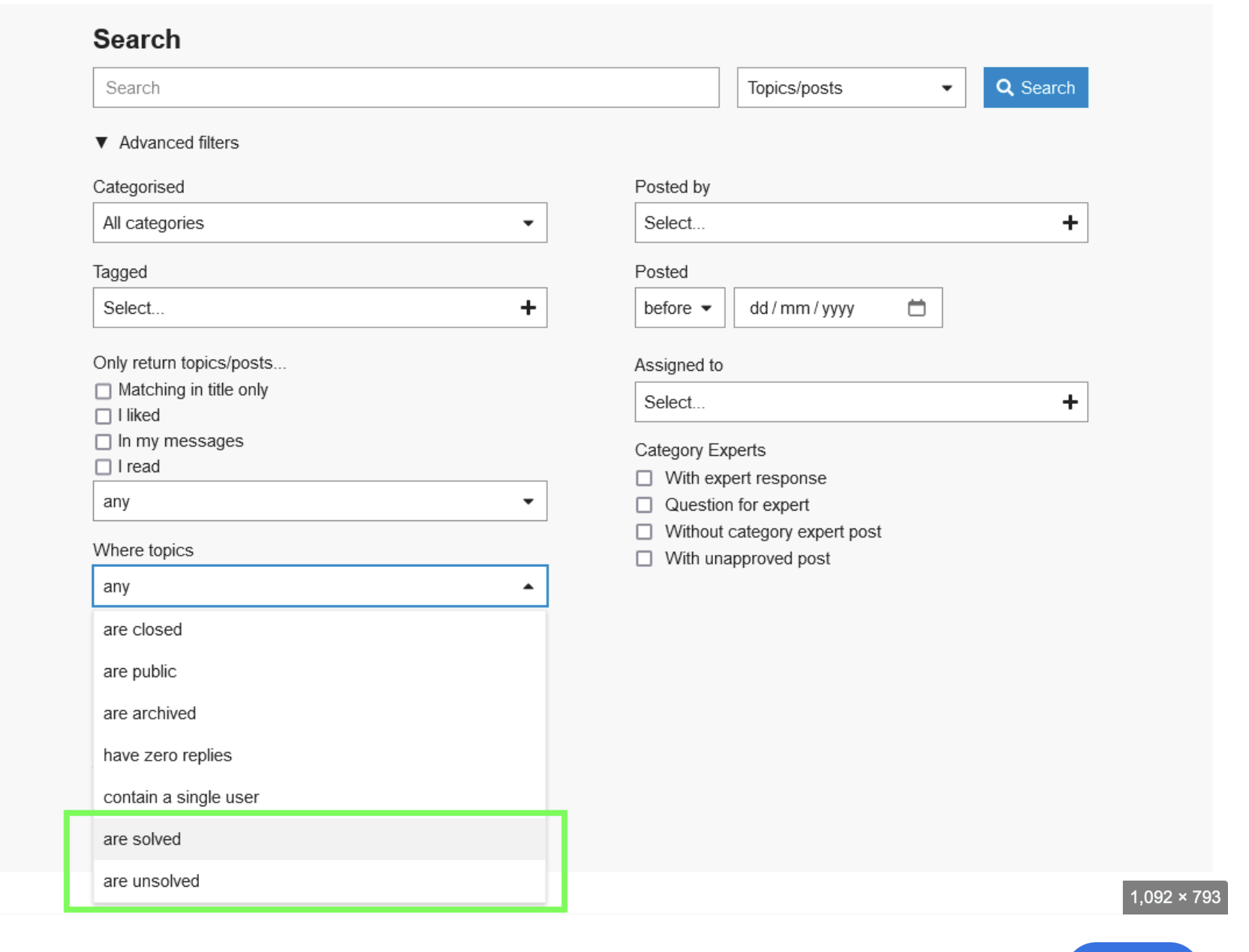
@d-healey Thank you, appreciated — I can't find stuff, often, with that interface. I meant something like this, which includes options on which keywords must be found, and such.
-
@clevername27 said in Restoring properties with DAW session:
I can't find stuff, often, with that interface
It does provide all of those features, the interface is just different.
Search in forum = category
Entire post = In titles and posts
etc. -
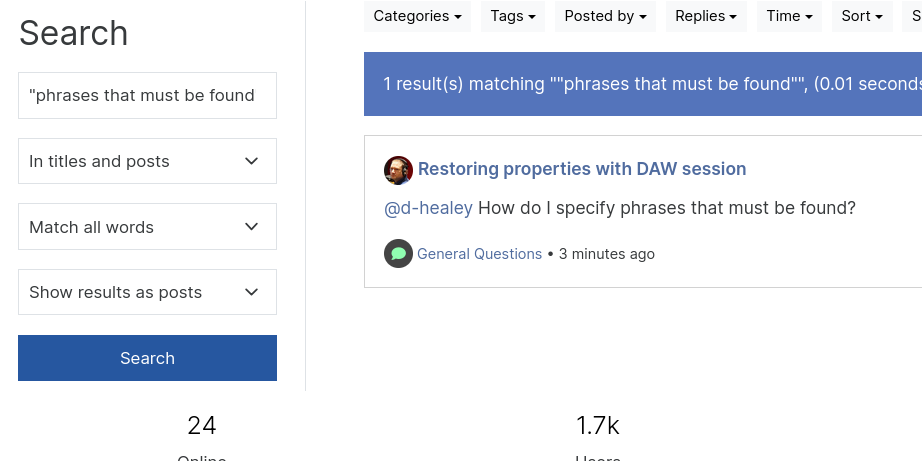
@d-healey How do I specify phrases that must be found?
-
@clevername27 Wrap it in quotes
-
@d-healey So it does, cheers (clicking the gear icon).
-
@clevername27 said in Restoring properties with DAW session:
clicking the gear icon
Yeah I just noticed that too :)
-
@whoopsydoodle @d-healey Here, then…
https://forum.hise.audio/topic/11384/user-preference-system?_=1742308745595
-
 D David Healey referenced this topic on
-
D David Healey referenced this topic on
-
@David-Healey Would there be any way to make it so that the values don't update visually every time you change a preset?
In my case the button opens a panel and it’s quite abrupt seeing it open and close every preset change. Could this be to do with where the code is placed?
It’s a trade off between the option to say, browse presets without turning off the arp every time or the unaesthetic UI value jump.
-
@cassettedeath Remind me what this thread's about again, I'm too lazy to read through
-
@David-Healey Restoring values in a daw session without the save in preset flag
-
@cassettedeath What is the solution that was provided that you're currently using but isn't working as you expect? Do you have a simple snippet?
-
@David-Healey Snippet ```
code_textconst uph = Engine.createUserPresetHandler(); const var Knob1 = Content.getComponent("Knob1"); reg knobValue; uph.setPreCallback(function(presetData) { if (!uph.isInternalPresetLoad()) knobValue = Knob1.getValue(); }); uph.setPostCallback(function(presetFile) { if (!uph.isInternalPresetLoad()) Knob1.setValue(knobValue); }); -
@cassettedeath Is the goal to keep the leave the panel's open/closed state unchanged between preset changes?
-
@David-Healey yes that would be good
I suppose the values have to jump from what’s saved in the preset to the previous value?
-
@cassettedeath Is there a reason you need to save the button value in the preset at all?
-
@David-Healey Just so the setting saves in the DAW project. I.e the user has the chord button on for a project - reopens the project and that setting is still on
-
@cassettedeath I'll do some tests