Build Failed - Missing JUCE 'modules' ?
-
@Chazrox It looks like you only enabled compilation on the gain node, not on the outer chain, is that correct?
Free HISE Bootcamp Full Course for beginners.
YouTube Channel - Public HISE tutorials
My Patreon - HISE tutorials -
@David-Healey yes, but honestly i've tried it both ways. same result. I noticed that whether I do it to the outermost container or one of the inside nodes it changes it for all of them.
-
@David-Healey I just did it again with the outermost container just for good measure and still the same results. I did the same exact process in the video I sent you but I chose the outer container and set 'allow compilation'. I still get instant error/crash.
-
@Chazrox That is indeed an odd error. After you try the compilation, do you get the Binaries folder showing up in DspNetworks?
So YourProject/DspNetworks/Binaries
If so you can try launching and running this directly in XCode:
DspNetworks/Binaries/Builds/MacOSX/YourProject.xcodeprojBuilding from xcode will give you more informative error reports.
-
@HISEnberg Suuuper odd. I've been trying to fix this on and off for a year now.
Nothing shows up in binaries. This is my project folder that im trying to compile from.
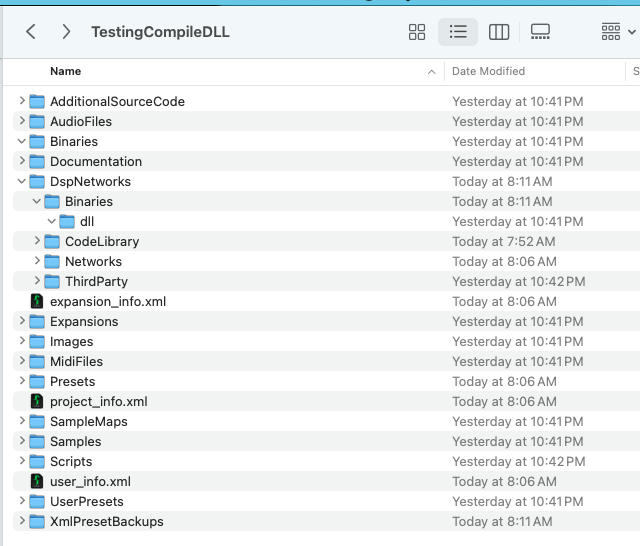
-
@Chazrox said in Build Failed - Missing JUCE 'modules' ?:
This is my project folder that im trying to compile from.
This is the one in the video?
Free HISE Bootcamp Full Course for beginners.
YouTube Channel - Public HISE tutorials
My Patreon - HISE tutorials -
@David-Healey yes.
-
@Chazrox Make a fresh project - that one might have stale files and we want to eliminate that possibility.
Do your test again in the fresh project, one network, one node.
Free HISE Bootcamp Full Course for beginners.
YouTube Channel - Public HISE tutorials
My Patreon - HISE tutorials -
@David-Healey will do. brb.
-
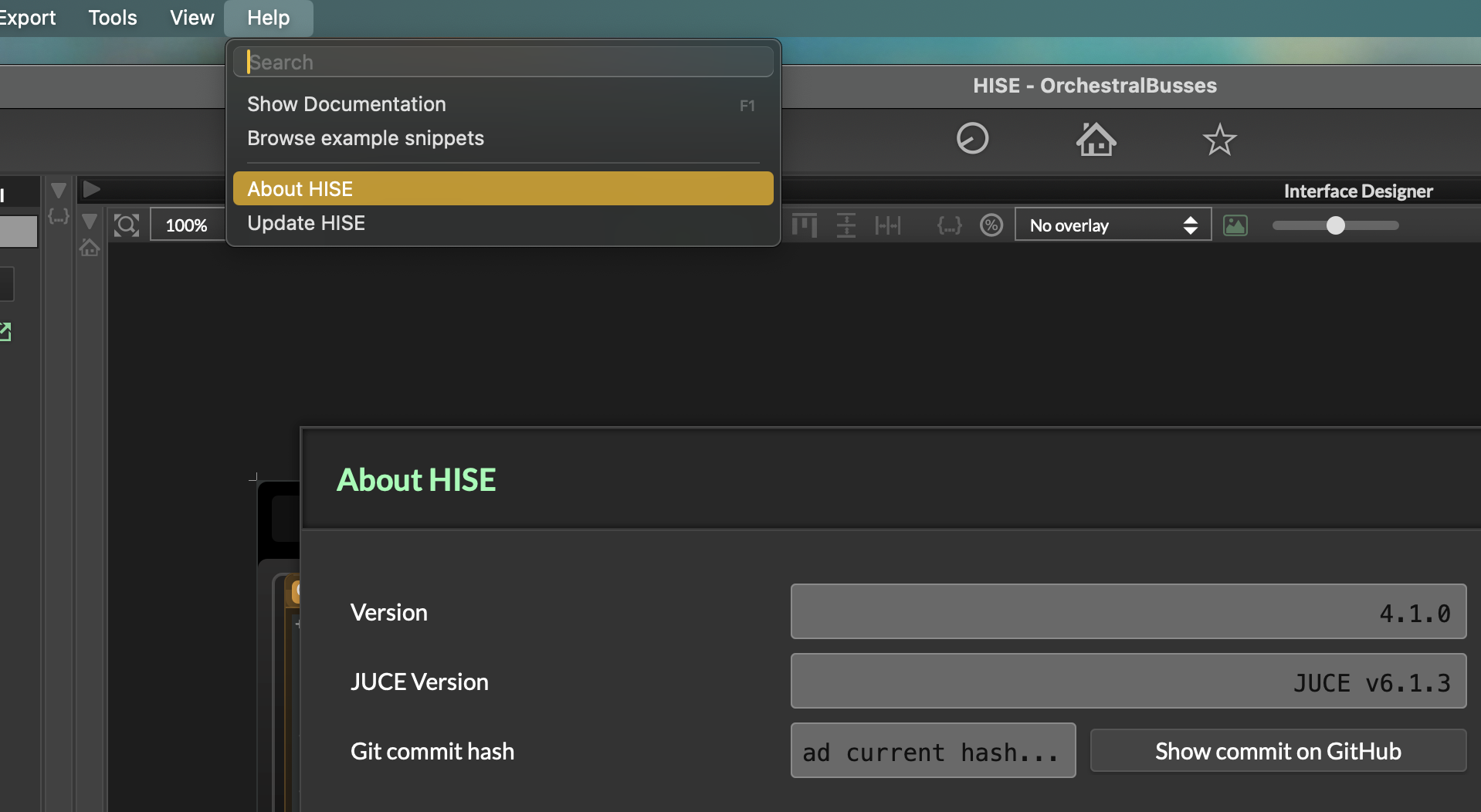
@Chazrox If I had to guess right now it looks like the script which HISE runs to autogenerate the template for the dll is failing you. Does the version of JUCE you used to create HISE match the JUCE version in the project settings?
Sonic Architect && Software Mercenary
-
-
-
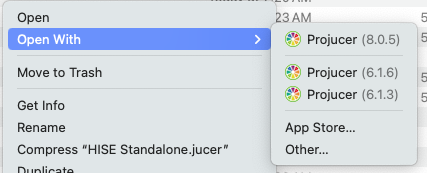
@Chazrox You didn't delete all copies of Projucer?
Free HISE Bootcamp Full Course for beginners.
YouTube Channel - Public HISE tutorials
My Patreon - HISE tutorials -
@David-Healey I did! Atleast I thought I did, I had to redownload it.
-
@Chazrox said in Build Failed - Missing JUCE 'modules' ?:
I thought I did, I had to redownload it.
You had to redownload Projucer separately?
Free HISE Bootcamp Full Course for beginners.
YouTube Channel - Public HISE tutorials
My Patreon - HISE tutorials -
@David-Healey Ok I checked again. Now when I right click the HISE standalone.jucer file its just this one...
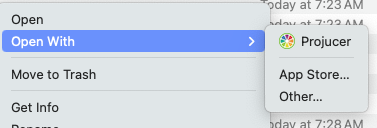
***After deleting and confirming only 1 projucer exists...Im attempting a fresh build and i'll try to compile again..
-
@David-Healey I made a fresh build of HISE, created a new project, created a dsp network and set 'allow compilation', re-saved .xml file, still same error.
-
@Chazrox You are trying with JUCE 6 right? The JUCE 8 integration is still very buggy so I wouldn't recommend building with JUCE 8.
-
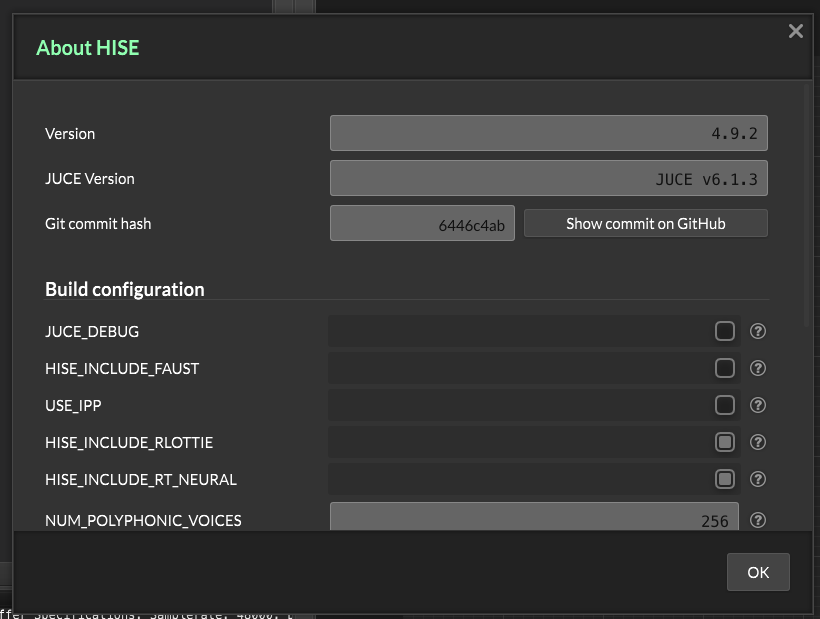
@HISEnberg yes. I only have JUCE 6.1.3 and that is the one showing in HISE about section also so that seems ok per your last suggestion.
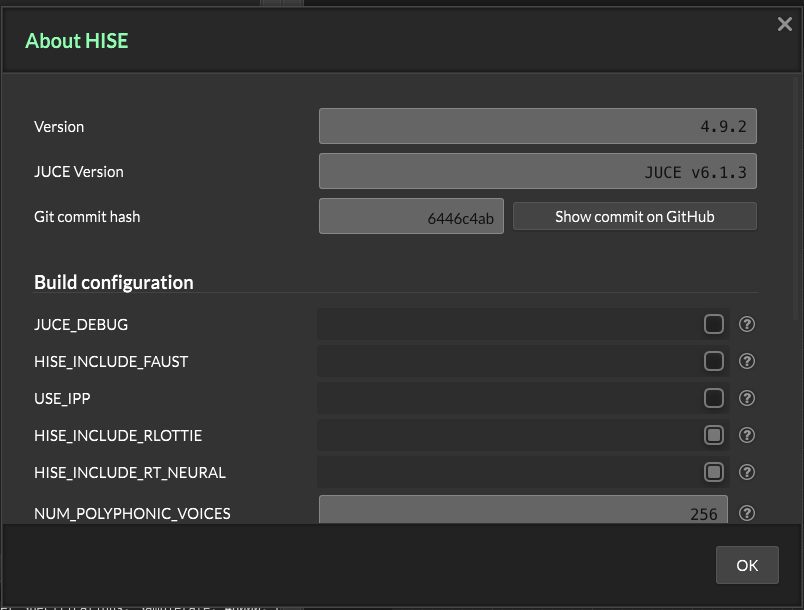
I had Claude read the crash report and it said this:
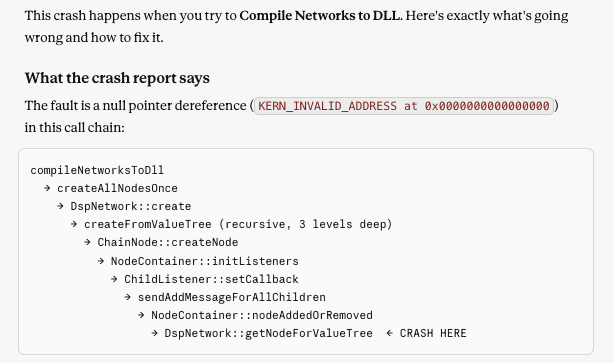
No idea..
-
@Chazrox Hmmm. Can you attach both a snippet with the scriptnode network, then also post the .xml from the DspNetworks/Networks?