[PR] Overlay image toggle button
-
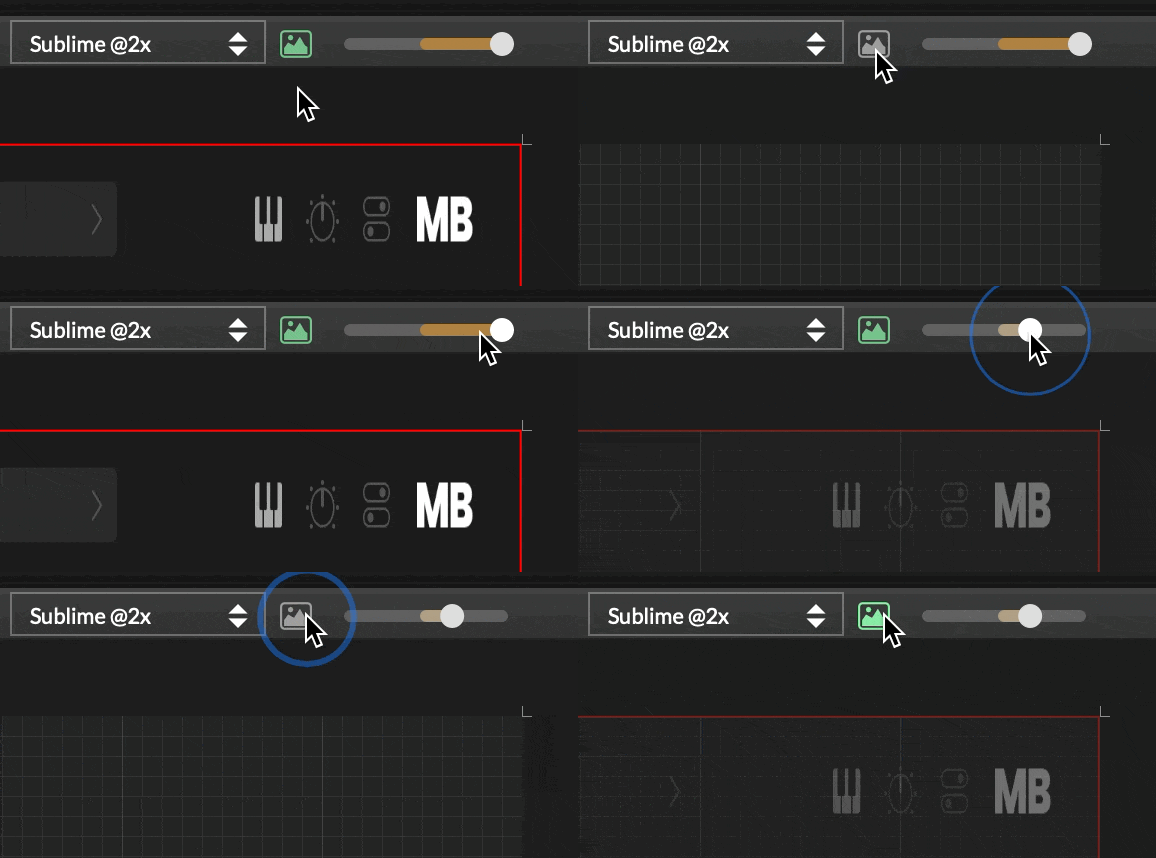
I like using overlay images to ensure my Figma design is translated properly to HISE. Currently, the only way I know to toggle the image visibility is to select/unselect the image, or quickly slide the alpha slider, which is difficult because of the 'invert' half of the slider.
This PR adds a toggle button between the image dropdown and the alpha slider. It uses an existing image icon for the button and respects the alpha slider value.
This allows me to toggle the image without taking my eyes off the interface, making it easier to spot changes.
PR here: https://github.com/christophhart/HISE/pull/825
HISE dev latest / herdr + Claude Code / Figma + Affinity
Meat Beats: https://meatbeats.com
Klippr Video: https://klippr.video -
@dannytaurus Now you've just won the right to make it "shortcutable"

Hise made me an F5 dude, any other app just suffers...
-
@dannytaurus
This is a very handy feature
-
@ustk said in [PR] Overlay image toggle button:
@dannytaurus Now you've just won the right to make it "shortcutable"
Oh yeah!
Added a keyboard shortcut 'o' to toggle the image. Only works when the UI editor is focussed.
HISE dev latest / herdr + Claude Code / Figma + Affinity
Meat Beats: https://meatbeats.com
Klippr Video: https://klippr.video -
@dannytaurus said in [PR] Overlay image toggle button:
Added a keyboard shortcut 'o' to toggle the image
Is it editable?
Free HISE Bootcamp Full Course for beginners.
YouTube Channel - HISE tutorials
My Patreon - More HISE tutorials -
@David-Healey Not currently. It's focussed to the UI editor, so I thought it would be OK hardcoded.
It works like the 'j' for JSON shortcut.
Do you think it should be editable?
HISE dev latest / herdr + Claude Code / Figma + Affinity
Meat Beats: https://meatbeats.com
Klippr Video: https://klippr.video -
@dannytaurus said in [PR] Overlay image toggle button:
Do you think it should be editable?
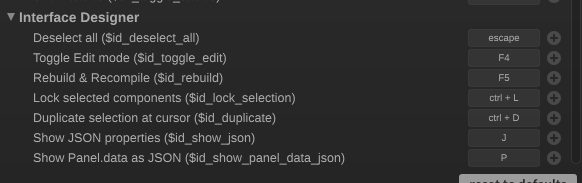
I think it's good if more shortcuts can be edited. There is a section for Interface Designer specific shortcuts.
Free HISE Bootcamp Full Course for beginners.
YouTube Channel - HISE tutorials
My Patreon - More HISE tutorials -
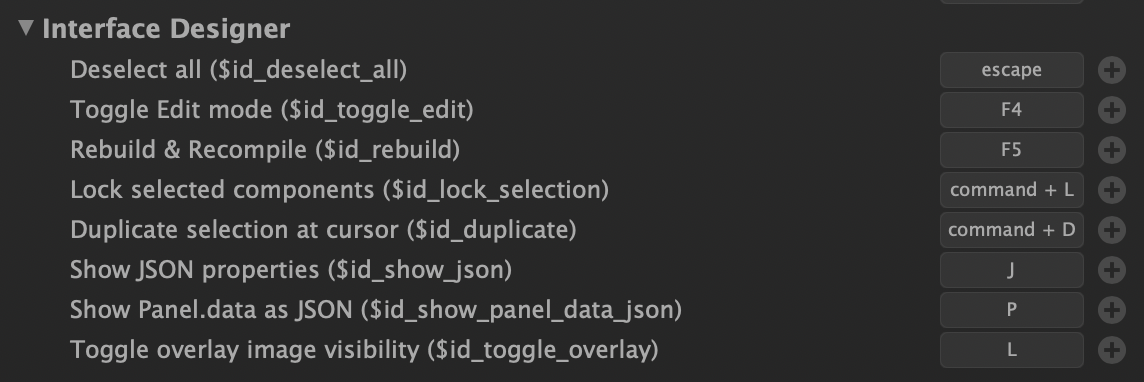
@David-Healey Oh, it's already there and editable!

I didn't release it was automatically registered for the shortcuts panel. Huzzah!

HISE dev latest / herdr + Claude Code / Figma + Affinity
Meat Beats: https://meatbeats.com
Klippr Video: https://klippr.video -
@dannytaurus Nice