Hise won't open on Windows 10
-
@d-healey ah I thought that it might be time to move on from SSE - the first CPUs that support AVX are from 2013 so that makes it 12 years and ~5 generations of intel CPUs.
There's no hard requirement, but yeah currently the plugins would also require AVX if they are built with the flag.
Anyways, looks like I need to add back the ability to switch that. In the meantime you can change this line:
Just remove the
/arch:AVX at the end and rebuild HISE.But should I leave the default on or switch it back to SSE 4.2 as minimum requirement?
-
Yeah might be fine actually. Although it doesn't list AVX on Intel's website for the N3350, I found specs on another site that say it is supported.
@bendurso If you still have that Celeron machine running it would be good if you could test disabling AVX as Christoph mentioned and see if HISE then works.
Free HISE Bootcamp Full Course for beginners.
YouTube Channel - HISE tutorials
My Patreon - More HISE tutorials -
@d-healey said in Hise won't open on Windows 10:
If you still have that Celeron machine running it would be good if you could test disabling AVX as Christoph mentioned and see if HISE then works.
I’ve already uninstalled everything from that laptop, and installing/compiling things takes a long time, hehe. But when I export my plugin on the new computer with AVX, I’ll test whether the exported plugin works with or without that line.
-
I found the file, as well as the string in it that prevent Hise from starting.
fileeditorData.jsoninto%AppData%Hise folder.Temporary solution:
You have into
positionvariable, here you have a array"Position": [ x, y, w, h ]decriment values for
wandhvariables and off"isFullScreen"parameter byfalsevalue, then Hise will launching again.Broken strings:
{
  "Position": [
    0,
    0,
    2560,
    1345
  ],
  "isFullScreen": true,
Other broken settings (Hise has launched)
{
  "Position": [
    0,
    0,
    25659,
    1344
  ],
  "isFullScreen": false,
Resault screenshot
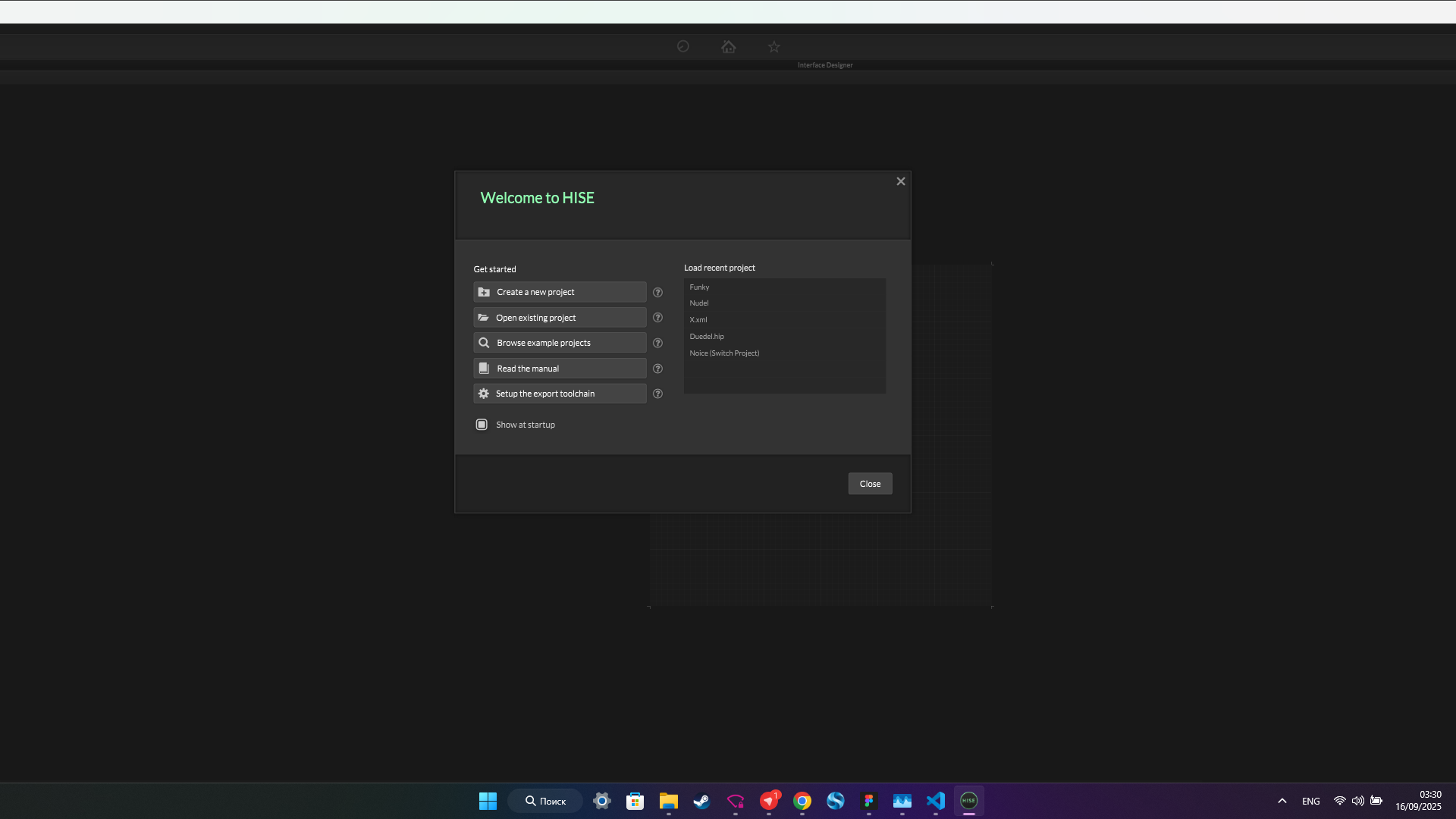
Manually repaired strings:
{ "Position": [ 0, 0, 2555, 1340 ], "isFullScreen": false, -
@Christoph-Hart said in Hise won't open on Windows 10:
Anyways, looks like I need to add back the ability to switch that.
I just helped someone who'd made a plugin and sent it to a friend that's using a CPU from 2007 - the plugin didn't work. After disabling AVX in the autogenerated jucer it did work. I think a checkbox in project preferences would be the way to go.
Free HISE Bootcamp Full Course for beginners.
YouTube Channel - HISE tutorials
My Patreon - More HISE tutorials -
@d-healey Did you remove /arch:AVX from extra compiler flags or did you something else? I tried and didn't work on that machine
-
@bendurso extra compiler flags in Projucer, then save and open in ide
-
 R resonant referenced this topic on
-
I just had to help another HISE user who ran into this issue. I think AVX should be disabled by default, I won't be using it with my releases since it's an issue for a not insignificant number of users.
Free HISE Bootcamp Full Course for beginners.
YouTube Channel - HISE tutorials
My Patreon - More HISE tutorials -
@David-Healey so back to SSE4.2 then?
-
@Christoph-Hart Sounds good to me