How does the .keyPressCallback() work?
-
@d-healey Trying to set multiples and not getting the syntax:
label.setConsumedKeyPresses({keyCode: 27}, {keyCode: 13});I thought that would do it.
This obviously works, but seems too redundant:
label.setConsumedKeyPresses({keyCode: 13});
label.setConsumedKeyPresses({keyCode: 27});
Actually, that doesn't do it either, as the 2nd one (27) overwrites the first one (13).
You can listen to my orchestral mockups here:
https://www.virtualvirgin.net/
I have a Git repo here:
https://github.com/craig-van-hise -
@VirtualVirgin You can only pass a single parameter to the function. To pass multiple values you place them in an array:
Label1.setConsumedKeyPresses([{keyCode: 27}, {keyCode: 13}]);Free HISE Bootcamp Full Course for beginners.
YouTube Channel - HISE tutorials
My Patreon - More HISE tutorials -
@d-healey just got here with the same issue! I found the problem seems to be using a Label. Have you tried a panel? Mac works!
const var panel = Content.addPanel("p", 0, 0); panel.setConsumedKeyPresses("all"); panel.setKeyPressCallback(function(obj) { Console.print(trace(obj)); }); -
@hisefilo said in How does the .keyPressCallback() work?:
just got here with the same issue
What's the issue? Didn't we solve it?
Free HISE Bootcamp Full Course for beginners.
YouTube Channel - HISE tutorials
My Patreon - More HISE tutorials -
@d-healey sorry, many tabs opened. Wrong thread. The issue you described here:
-
@hisefilo We solved that one too (scroll up in this thread), I was misunderstanding the new behaviour.
Free HISE Bootcamp Full Course for beginners.
YouTube Channel - HISE tutorials
My Patreon - More HISE tutorials -
@d-healey
 This is what 14 hours of screen time does to me! Sorry.
 -
@hisefilo said in How does the .keyPressCallback() work?:
This is what 14 hours of screen time does to me!
I know that feeling!
Free HISE Bootcamp Full Course for beginners.
YouTube Channel - HISE tutorials
My Patreon - More HISE tutorials -
@d-healey Well! had a good sleep! back to the arena.
Do you know how to catch the "note off" or key release from computer keyboard?
Im handling this way, but obviously got hanging notes due no note off.HiseSnippet 1507.3ocyX0sbSaDEVJIho1TXJcX5zK2wSuvvjIwNwwNoLLjDmevj3DSbBAZufYizZqkHsqP6JCtElgmh9HzGhdaeg3Mn8rR1VqHNAiKvTcgGc9aOe6YO64bjaExsIBAOzvL+w8CHFleqU69LoacWLkYzXKCyaZ0DKjjPTBqM6GfEBhigo4r6pXXlaNi3m2+fMwdXlMIkkgwS3Tax9TepLkaq02i54sC1gbL0WS6Jq2vlypy83Q.dl0pjQ.19bbWxAXkZyXY7Prv0v7tVkVoJgTa4NNN3kW1oZ0pqs5ZUVqLtSoJ3yJWcsJKUo1RqVqig4011gJ4gskXIQ.K5lbm9sc4uhk3fmPEzy7HJhxFsAOmv1ntK0yo0vfivvvzpUZnZ1jP0ssZRcni3mFx9tXAnTKzCZlybUPp7m.jL0fzbIP5VVssCoAxTIJ7bcqFL3DrCFNazgRhtFyb2qYUmCZvjK3iOmrSHPLxhhUKUZdD7yctW974WbwVd39HGhvgfjDaOrCG8xWQBk8yCGdBIpGNDEfYDuGGyEcezv0tKQVm6GvY.QwBZ5THdoUFZyEQ9Dm8H8EiLuPxx+3S29nieFV3zYi1asyu8Z6d+xSq+j.NMp0gMNw67W31c+8dzC20mcVyC1rvBh.OJ3F0Zu3hevZ2BrRsxSj040P5BB0dfMbgZEBAYhn3Ef8XLan50wddmA40E6DwrkTNqHoGDPtS9eOOBdTHMlwVXIFvXBW0SApXGtcj.xyXcIE94D0VHC24S011EGhsgCwQZNhilVh.hME6AfajZorlW22m5Rg7U3FotqSYlQ28IRcGOjQFc1h1kJ0TIlVSiyI8qycRc1.ZMMfjv3DXHFNRKMd56RWZmTeESoGo7cRiQ9NZRvdoVAuGK3s2KuJCf6QVHHjBYxxP0sjjCQ04dtEWD0DN6eAGM7Nh.oxY2EUzmx96+RXGoX0G4i6Oj5NwqMsCpXlcK592GUcEzadS9bJ4WP1pKe4xpt5kKqVoDGllckcOUPkpBwPUkeTDCmrMT6G0FQcqXncwcKVH.JJb.WpJc3eRihkUELlGsVoAJ913em93BwSPFevo1RpM4PvbQwUtZwqb0hqNsQoce3i1a+IILUaoLgo7uMtTX9g0FPblR+CYEU0GxkGBjennNcFqLUQ2PtmGIbrhUcdCuJCKxh7OCtxBEj7hHiTD5zjs800lr1W1I8.zTjyZvnxCCHCn2g64nZKod+hM6LFzDAd6jFpRip9eC3A5E.UYoJ3XtEoGLwQR2vbVaQDmK4AvvCi57.PVFK8FC5UtO9LhmAEbcQq5dT6ySZegjbDTsj1C1mnjlOH04Gk0030oCs7r06Oh3c+55uh5HgQTrLeOP6RncckJphFwagKCBsTNLFB2vRqsgteZn4GiCR8iqote9i34qtvXAv.IbG35jL6TJp42FH.N6yLZfp8OSPk80mu6SXzkRW4nKSJDukUKpz1c7XblwfQHq3KAFGLv2Mr1tSGhsLEfyYsySm1o6lb2eyD2ecq1TFItRRry+gXZzo3dPAGBiDpBdkuzIze2y9yIcB8fIdB8Cskf6ONDyDAbQlEtMwmdLjuKzYdh.J9Qd4QpSSc9043vwJ58OXGXSNVaZikQgwoEa3yiXxLoAyl8bXtIqLU1aDZ5Olwum6K0WDL2jky7QJX9++p.Y9.lbCwXapefGYaVOhGTVOFieOTGuCNxSNja1j7lbFOvkyn15Y.GQjgztcIg5XeranMjRXd7TN2d8iHdDrd17Os99PVHNDhSjoLV7o+wbi875GsRfKRcyD8e4b6qZZ1UVIe1IpR9mc7N8U0+7.ki3QRXZhlXHQE5zacPjeanvpMQ8sbvP.BUG8YTEGSnKonSprxbhI9G3YfvxJZyABKOT3WEe3isC4O2NYtQUt72DyA12r3+3lbVMUznxFwyRpeF6CUEetsc1k5BFtzzZ3xSqgUlVCWYZMr5zZXso0vU+3FpZZsQjj6mbk0vnYqsiG91zbaFFx3iucX7uMR0n2.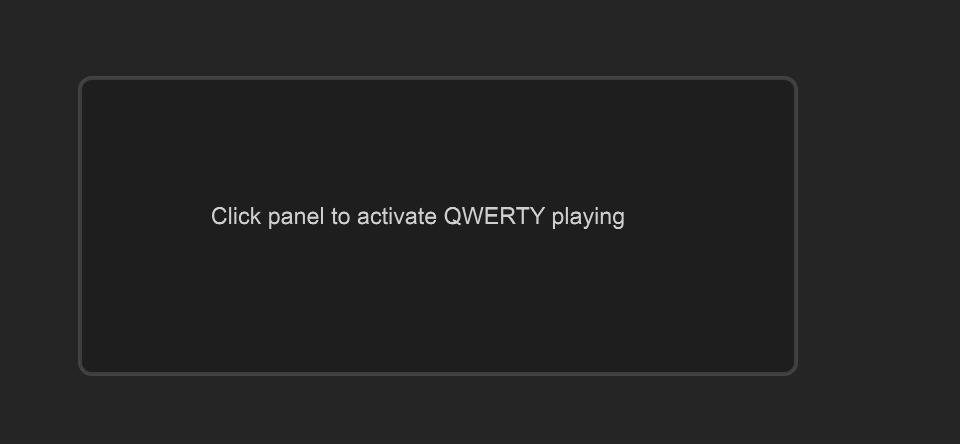
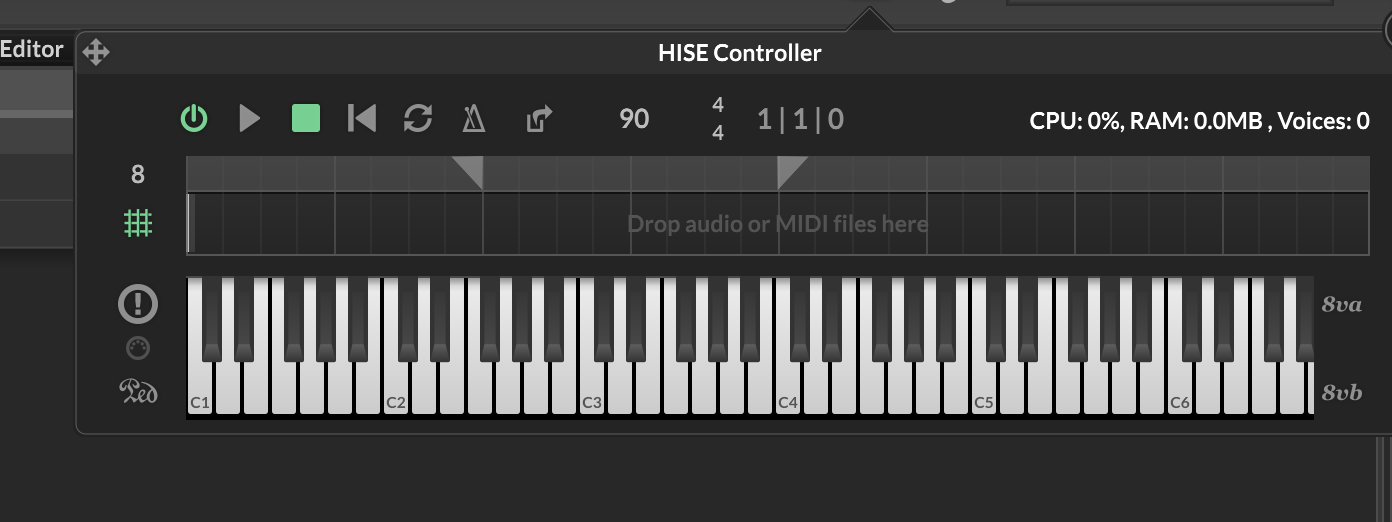
The desired behavior is already happening on the built-in HISEs keyboard. (once clicked, you can play with your computer keyboard and it's getting notes on and off)
-
@hisefilo I don't think there is way to detect a key up.
Free HISE Bootcamp Full Course for beginners.
YouTube Channel - HISE tutorials
My Patreon - More HISE tutorials -
@d-healey got it! thanks