FREE PRO LICENSE! // NEW: Online KNOB BUILDER for HISE!! // Filmstrips, Radial Gradients, Render Bounds
-
@digi I was gonna do that actually. I already added that to the StarBody layers but must have forgot to do the rest. I got you. update will be pushed by tomorrow. easy.
@digi said in UPDATE // NEW: Online Knob Builder for HISE!! // Added: InnerShadows, Angled DropShadows, GradientOutlines.:
annoying
I feel you brudduh. haha.
-
UPDATE:
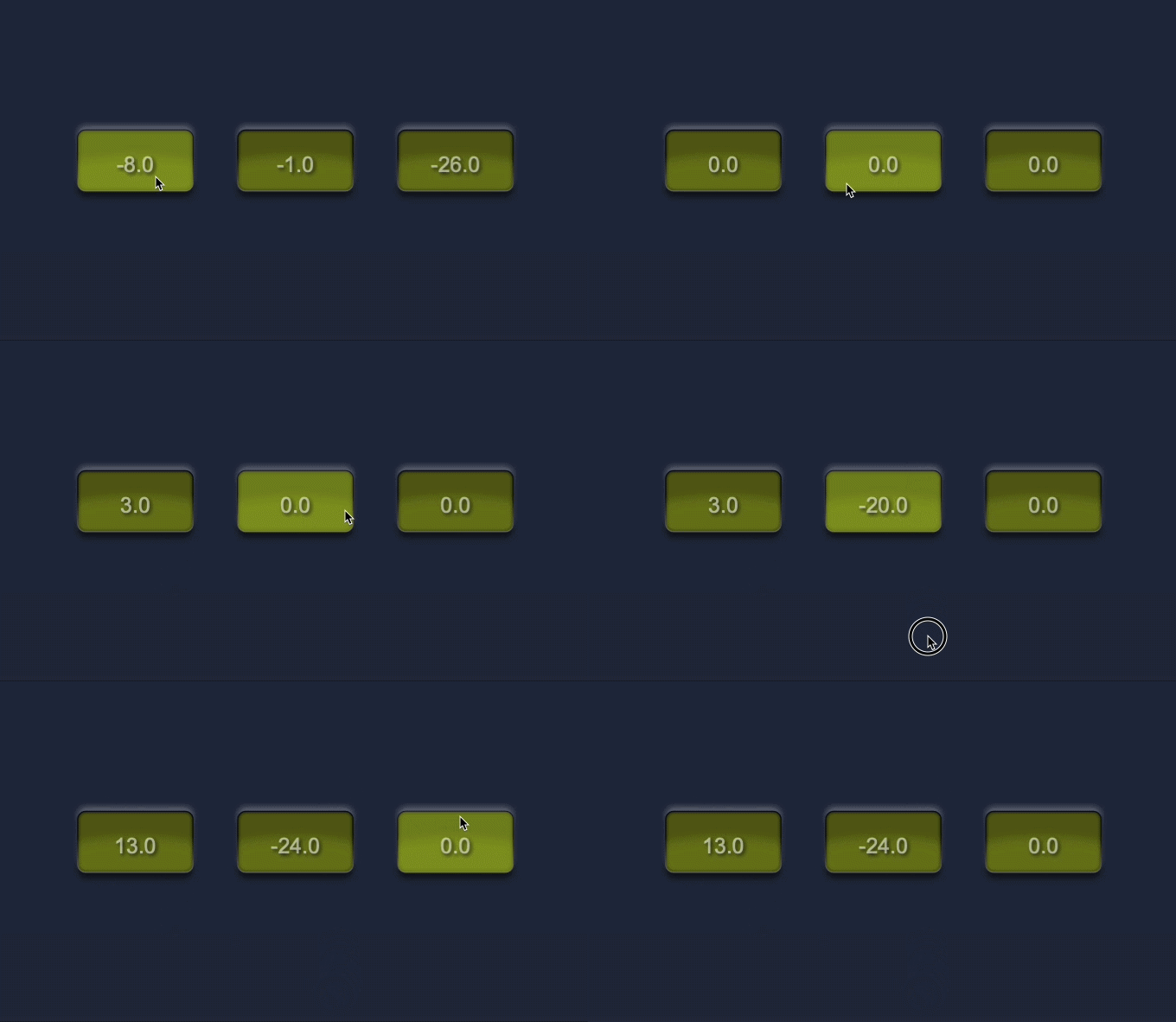
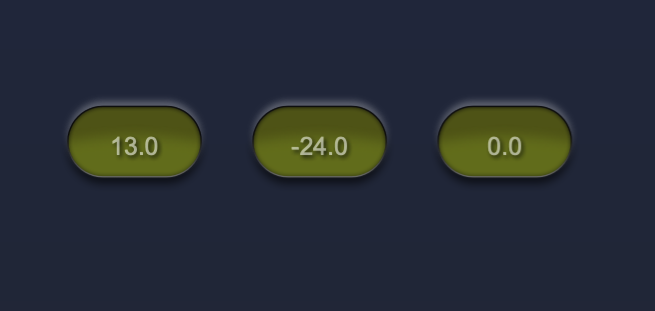
Added 'Fixed Body' layer so you can make these types of knobs. I dont know what theyre called but they look like this.
You can make rectanlges or pill shapes.
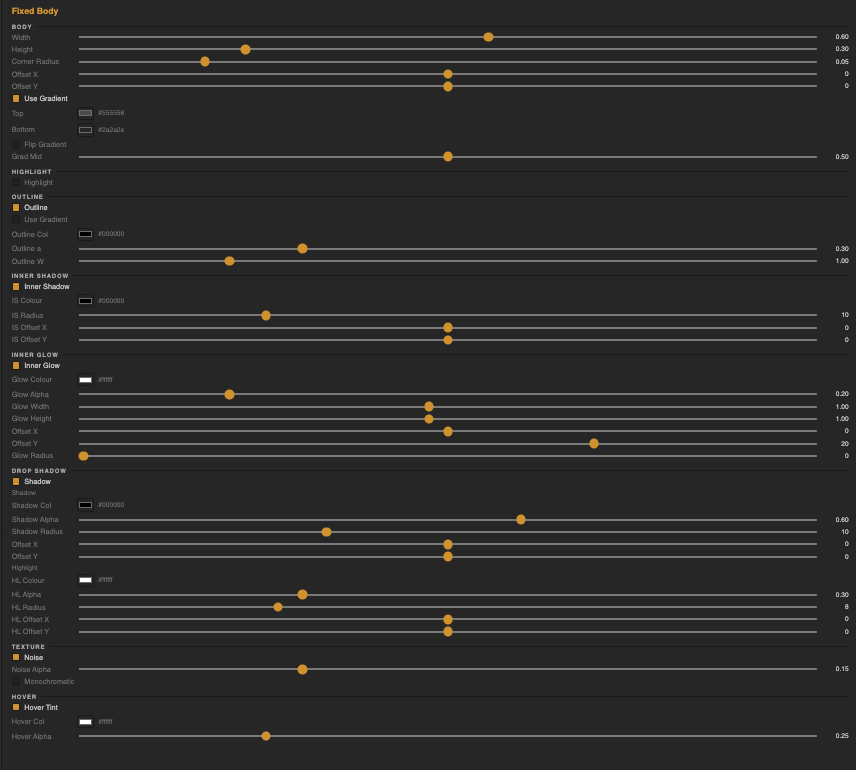
FixedBody parameters:
Other updates:
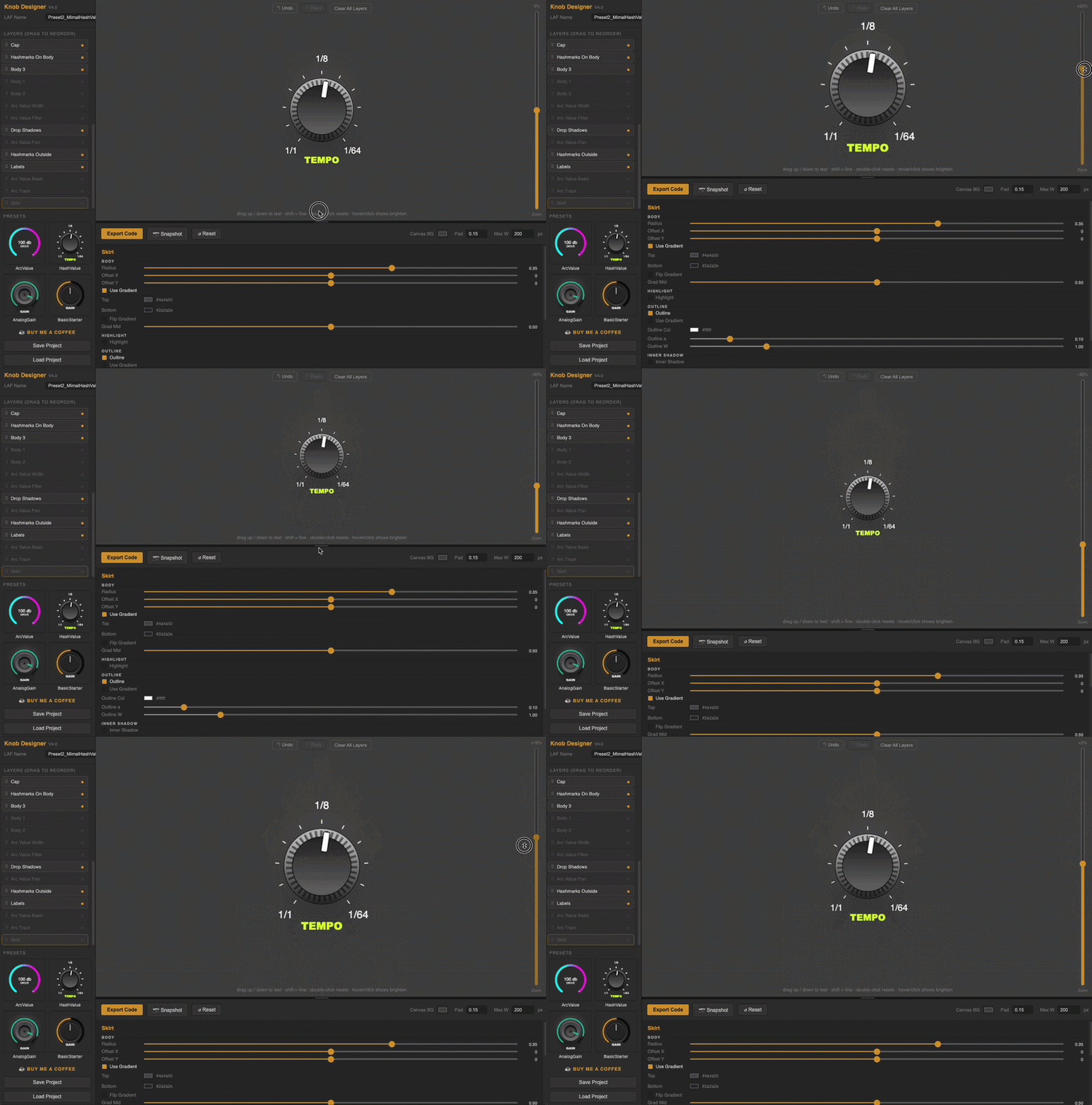
Canvas resize handle (so you can see more parameters)
Canvas Zoom slider
Draw Text Shadows
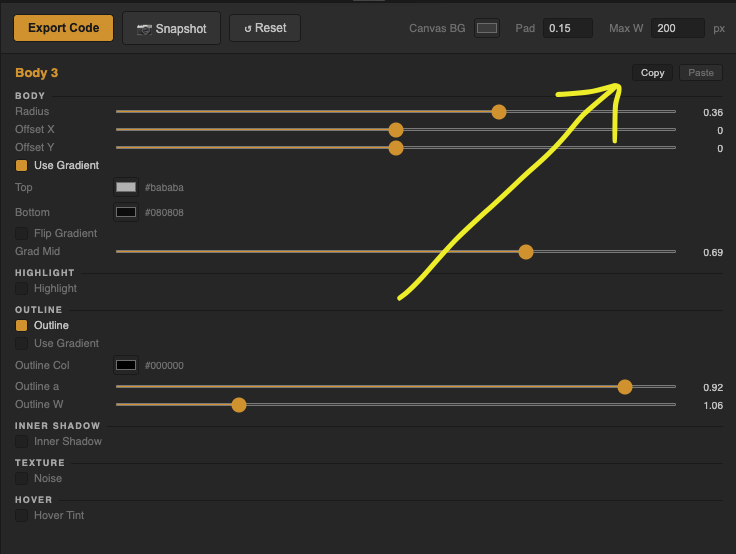
Copy/Paste settings between 'Body' Layers 1/2/3 per @digi request
Copy/Paste settings between 'StarBody' LayersCopy/Paste: (Find these on 'Body' and 'Star Body' layers)
Canvas Resize/ Component Zoom slider:
-
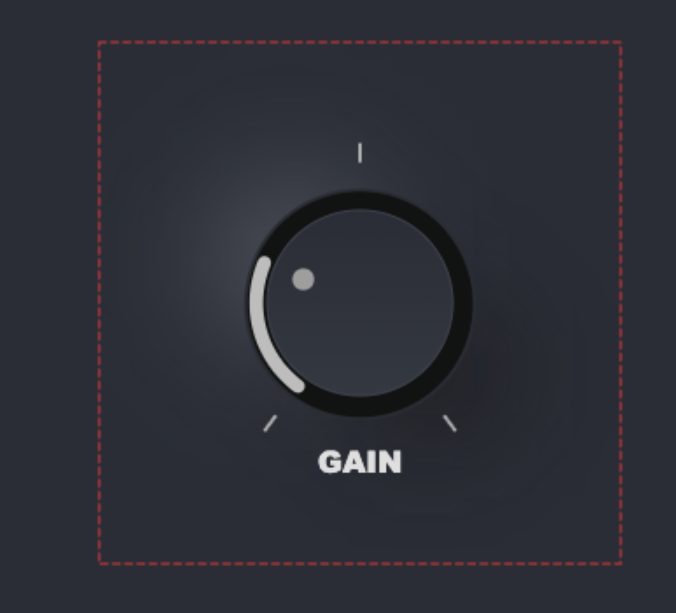
Awesome stuff. I'm hitting into one issue atm - it seems that the large drop shadow is getting cut off at the bottom. I'm not sure how easy it is to see, but it's definitely there (notice the bottom right). Adjusting the padding doesn't seem to help in this case. Any suggestions?
-
@digi Can you save the knob file and send it to me please. I'll take a look. DM me the .json file please.
-
@digi also...the approximation of the drop shadows shown on the canvas and what renders in hise is a tiny bit different because of how the browser and Hise treats blurs differently. have you tried to compile in HISE and see what it looks like? If its only clipping on the bottom and not the sides, just increase your component height in HISE to reveal the rest of the shadow.
-
@Chazrox Will try that now, thanks
-
@digi as supsected, the designer canvas exaggerates the shadow a little more than what will render in HISE. I think you're good to go. Looks great.

-
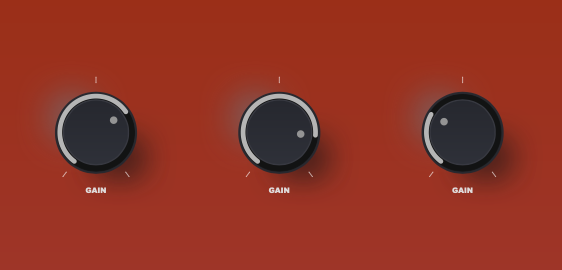
@Chazrox Set the white highlight drop shadow to a slightly lighter version of your faceplate background color and that'd blend very nicely :)
-
@Chazrox Looks really good well done, what you need now is a truck load more examples....
HISE Development for hire.
www.channelrobot.com -
@Lindon Thanks!
@Lindon said in UPDATE // NEW: Online Knob Builder for HISE!! // Added: InnerShadows, Angled DropShadows, GradientOutlines.:
truck load more examples....
Presets?
-
@Chazrox Preset gallery like Knobman perhaps.
-
@digi I AM working on a preset gallery.... but it'll take a while to get as many as knobman has.
 haha
haha -
@Chazrox said in UPDATE // NEW: Online Knob Builder for HISE!! // Added: InnerShadows, Angled DropShadows, GradientOutlines.:
@Lindon Thanks!
@Lindon said in UPDATE // NEW: Online Knob Builder for HISE!! // Added: InnerShadows, Angled DropShadows, GradientOutlines.:
truck load more examples....
Presets?
yes presets
-
Is it possible to somehow do stepped knobs?
-
@digi You should be able to adjust step size in script. I cant set step size in LAF script. Hise handles this with the component property editor by default, other than that you can script the stepSize parameter. The knob should follow the step size you set.
If you want a knob with 10 steps, set your knob min/max to 0-9 then set your knobs step size to 1.0. That will give you 10 equal stops across the knobs full range.
-
@Chazrox Thanks.
Any chance we could change the angle of the gradient on the body & skirt layers?
Eg. For the inner circle here, I'd like the gradient to run from dark at 10 o'clock to light at 4 o'clock.
Right now I can only do top to bottom. Thanks.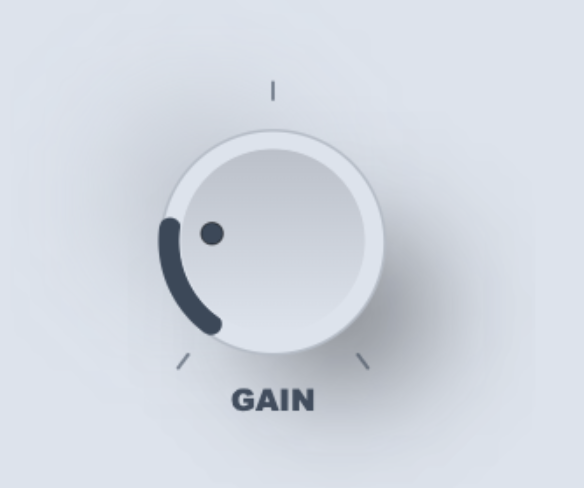
-
@Chazrox You're doing a great job with this, thanks a lot for sharing it!
Hise Develop branch
MacOs 15.6.1, Xcode 16.2
http://musikboden.se -
@ulrik
 Appreciate that brotha! Im actually having a lot of fun making this and im so happy that its actually useful!
 -
@digi I can add this. 'Gradient Rotation offset'. I'll push this when I get home tonight.
-
Been playing around with it a little bit this evening.
I noticed you have this for the knob value (I'm using the first preset design)
g.drawAlignedText(vtVal + " db", vtArea, "centred");It might be better to use
obj.valueAsTextthen it will be rounded correctly and have the correct suffix.Free HISE Bootcamp Full Course for beginners.
YouTube Channel - HISE tutorials
My Patreon - More HISE tutorials



