Animated spinner works in test project but will not work in my plugin project
-
@David-Healey Oh boy, sorry about that. Here you go.

-
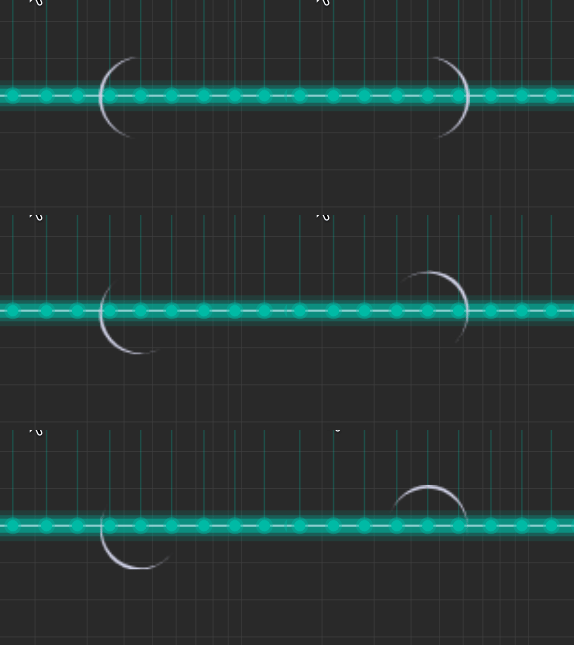
@pcs800 It's working here, the only thing I had to do was change the name of the image file to match what you have in the script.
Do you get any error messages in the console?
Free HISE Bootcamp Full Course for beginners.
YouTube Channel - HISE tutorials
My Patreon - More HISE tutorials -
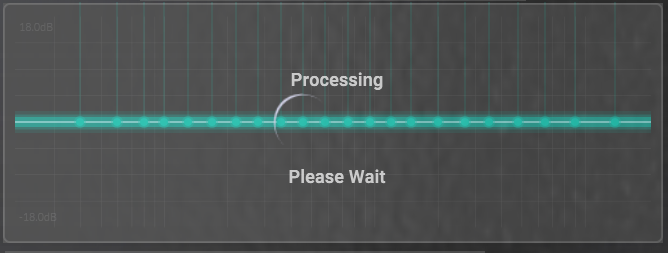
@David-Healey No errors in the console, and I get a static image
So the name must be correct? -
@pcs800 Yes the name is correct
-
@pcs800 said in Animated spinner works in test project but will not work in my plugin project:
Yes the name is correct
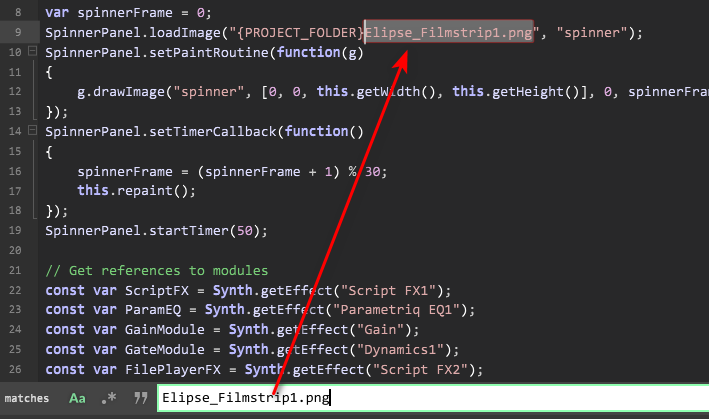
That is not the same as the file you posted
elipse_filmstrip1.png(lowercase). But the fact you don't get an error indicates that is probably not the issue (unless you have two files).Is the timer actually running? - Try
Console.print()in the timer callbackFree HISE Bootcamp Full Course for beginners.
YouTube Channel - HISE tutorials
My Patreon - More HISE tutorials -
@David-Healey said in Animated spinner works in test project but will not work in my plugin project:
Is the timer actually running? - Try Console.print() in the timer callback
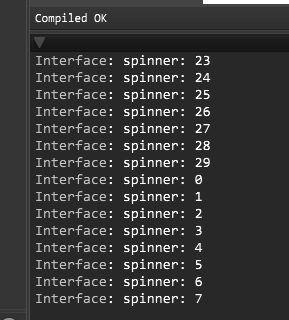
Yes, the timer runs, the frame increments, but repaint() has no visual effect
-
@pcs800 can you send me your project?
Free HISE Bootcamp Full Course for beginners.
YouTube Channel - HISE tutorials
My Patreon - More HISE tutorials -
I found a work around to control animations, I load a macro1 LFO and connect it to a dummy slider, then I load my film strip image as a knob and link the dummy to the image strip, that way if I want to change the speed and waveform action I can! It works 100%!
-
@David-Healey that is kind of you David, thank you. I will do that tomorrow.
-
@David-Healey I sent a link to you in chat.
-
@young60 Thanks, I may try that.
-
It's working here when I load your project and make the panel visible. How are you testing it?
Free HISE Bootcamp Full Course for beginners.
YouTube Channel - HISE tutorials
My Patreon - More HISE tutorials -
@David-Healey press reference, then target, then clone. It should appear during the clone process
-
@pcs800 Put
Console.print(spinnerFrame);inside the panel's timer callback and you'll see the timer stops as soon as you press clone. I'm guessing there is something in your clone action that is blocking the UI thread.Free HISE Bootcamp Full Course for beginners.
YouTube Channel - HISE tutorials
My Patreon - More HISE tutorials -
@David-Healey How can I find out what is blocking it? I really need this to work, unless the method given by @young60 is easier than troubleshooting this issue.
-
@pcs800 said in Animated spinner works in test project but will not work in my plugin project:
How can I find out what is blocking it?
A couple of things you could try
- Comment out bits of the code until the problem goes away.
- Try to make a minimal test project that runs a dummy clone action.
-
@young60 how did you connect the LFO to the macro, and how did you link the dummy slider to the filmstrip knob?
Can you provide a snippet?