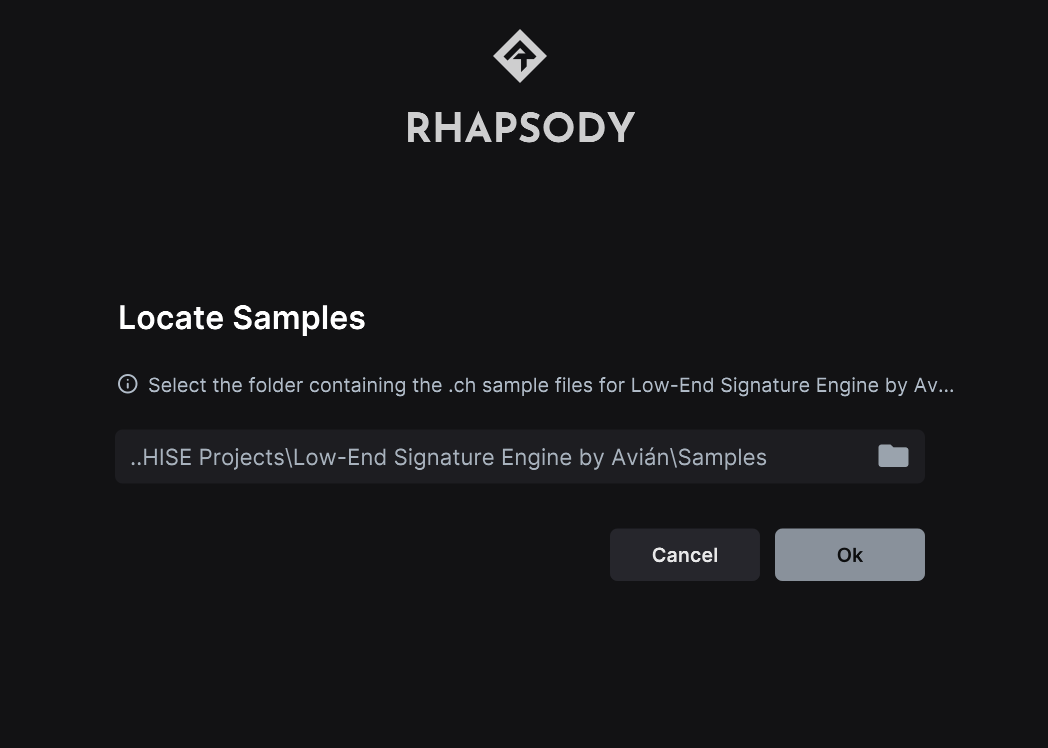
Full Expansion Export - SampleMaps disappear
-
@David-Healey Hi David, thanks a lot! My sample maps no longer disappear now. However, after exporting and testing in Rhapsody I still don’t have any sound, even when I set the sample location in Rhapsody to the “Samples” folder where my .ch1 files are located.
-
@Avián Are the original samples (the wav files) in your project's Samples folder?
-
@David-Healey yes, but in 2 seperate folders, and even if I put them outside this folder, it still doesn't work.
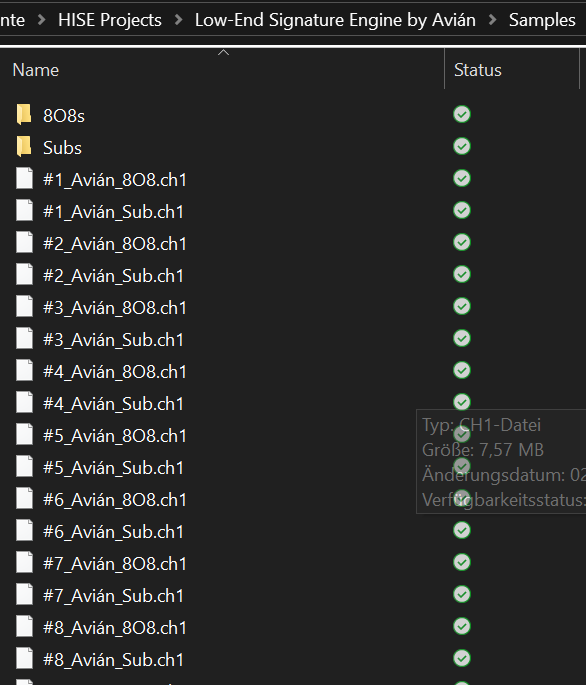
-
@Avián What path does the Link file in App Data show?
-
-
@Avián Have you checked the Link file in a text editor to make sure it does contain that path?
-
@David-Healey oh, I can't open the .ch1 files in my editor for some reason.
-
@Avián That's correct, the ch files are compressed samples. I'm asking you to open the LinkWindows file that is in the Rhapsody app data folder, it will be in the expansion sub-folder for your project. This is the file that tells Rhapsody where to find your samples.
It will be something like
Users/username/AppData/Roaming/Libre Wave/Rhapsody/Expansions/expansionname/LinkWindows -
@David-Healey ah thank you! I finally found it, but I can't open it, too.
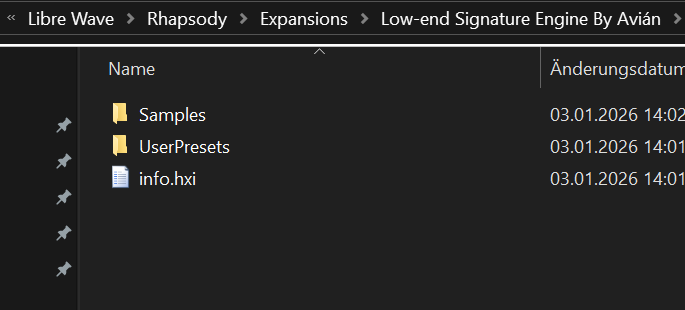
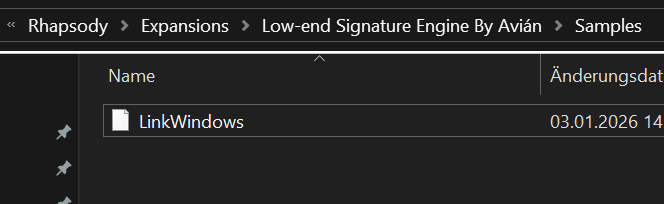
-
@Avián Right click on the LinkWindows file and open it with note pad - it's just a text file
-
@David-Healey ok, sorry with notepad it was possible to open it!
 seems like it's the right location
 -
@Avián Is OneDrive local or network/cloud?
Free HISE Bootcamp Full Course for beginners.
YouTube Channel - HISE tutorials
My Patreon - More HISE tutorials -
@David-Healey OneDrive is local
-
@Avián What does the RAM usage show in Rhapsody when you load your expansion?
-
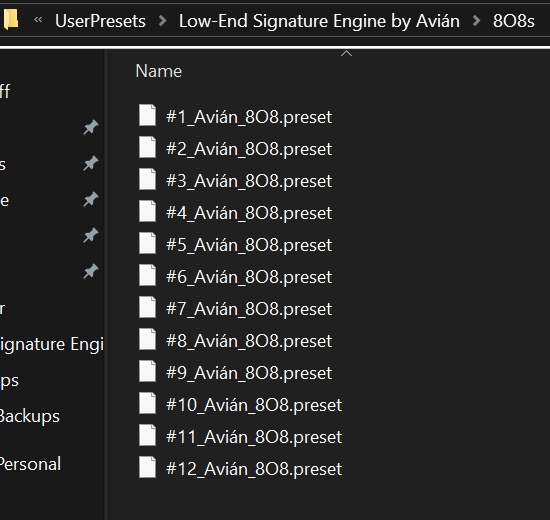
@David-Healey Could those # characters in the filenames be causing an issue?
They're making me feel queasy!

HISE dev latest / herdr + Claude Code / Figma + Affinity
Meat Beats: https://meatbeats.com
Klippr Video: https://klippr.video -
@dannytaurus Maybe...
-
@David-Healey can you please check your emails?