Soundsync Beta: HISE Ecosystem | UPDATE: Serial Validation + Storefront Package and Security.
-
Hey Gang,
I wanted to start a cleaner updated thread for SoundSync and keep this one focused specifically on the HISE ecosystem/workflow we’ve been building around it.
SoundSync started as a platform to help audio/plugin developers handle the pieces around releasing a product: licensing, customer accounts, serial activation, product delivery, storefronts, checkout, and customer libraries.
The HISE side has now grown into a much bigger part of the platform, so I want to use this thread to share walkthroughs, updates, screenshots, and short examples of how the HISE workflow is coming together.
The goal is not to replace anything inside HISE.
The goal is to help with everything around releasing, selling, activating, supporting, and managing a HISE-built product.
Some of the HISE-focused pieces currently being tested or polished:
Product setup and delivery files
Storefront and checkout testing
Customer library / download access
Serial generation and activation
Plugin-side validation
Offline grace handling
Suspend / deactivate / reactivate flows
Reseller, imported, and unassigned serial activation workflows
Branded activation UI
WebView-based in-plugin storefront
“My Products” customer view inside the plugin
Developer support links/pages
Customer/product ownership checks
Basic customer and purchase managementRight now the platform is still in test/beta mode. Stripe checkout is in test mode, so no real payments are processed.
For checkout testing, Stripe’s test card is:
4242 4242 4242 4242
Any future expiration date and any CVC should work.
What I’m mainly looking for from HISE developers:
Does the setup flow make sense?
Is the HISE package/drop-in workflow clear enough?
Does the activation/licensing flow feel reliable?
Does the WebView storefront/customer area feel useful inside a plugin?
Are the customer/product/storefront tools helpful or too much?
What would make this safer, clearer, or easier before real launch?
What support/docs/walkthroughs would make the HISE side easier to trust?This is still not meant to be a polished public launch thread. I’m mostly looking for a few HISE developers willing to test the workflow, create a demo product, run a fake checkout, generate/activate a serial, and give blunt feedback.
If you’re actively building or selling HISE plugins and want to test it, you can sign up here:
https://soundsyncsolutions.biz/developer
I’ll keep posting HISE-specific walkthroughs and updates in this thread as the package gets cleaned up.
Best,
Aaron -
This post is deleted! -
This post is deleted! -
UPDATE: Serial Validation + Storefront Package and Security.
During the Beta testing, it was brought to my attention that the HISE Validation and the HISE Storefront packages should just be a single package.
I have updated this and also added another secure way to obtain customer products.
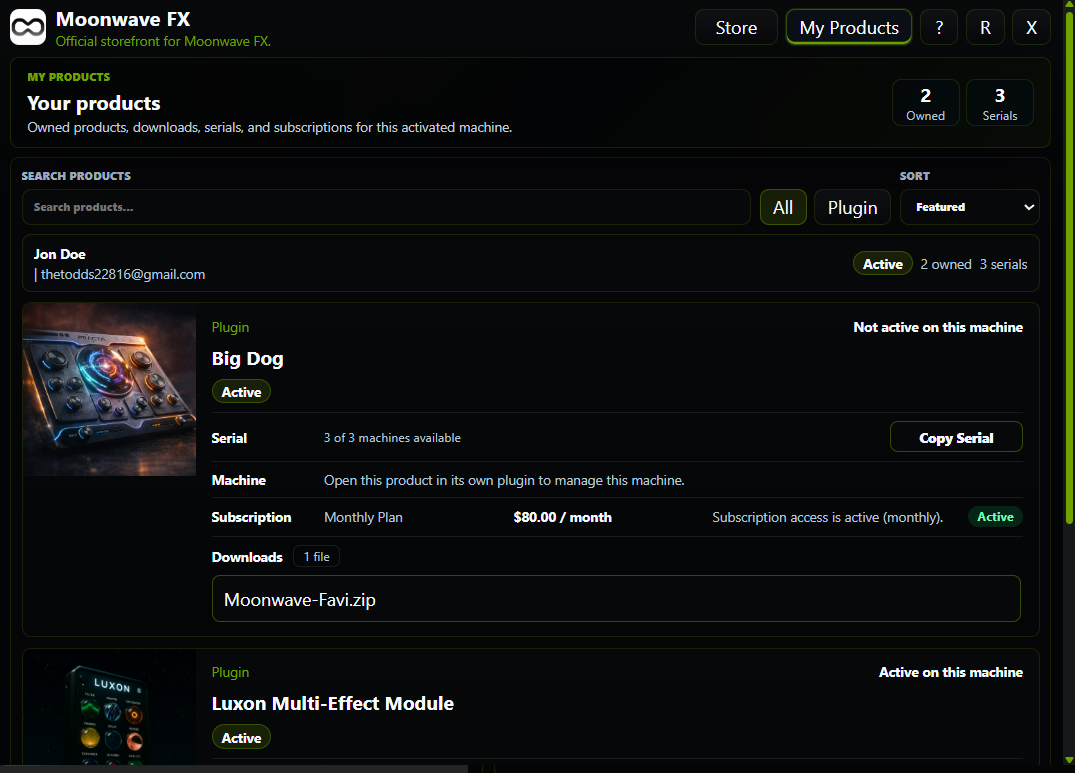
Now customers can log in directly to their account via the plugin to view, manage and download products/licenses.
They can also verify via serial code + email verification.
The process is still very straight forward.
-
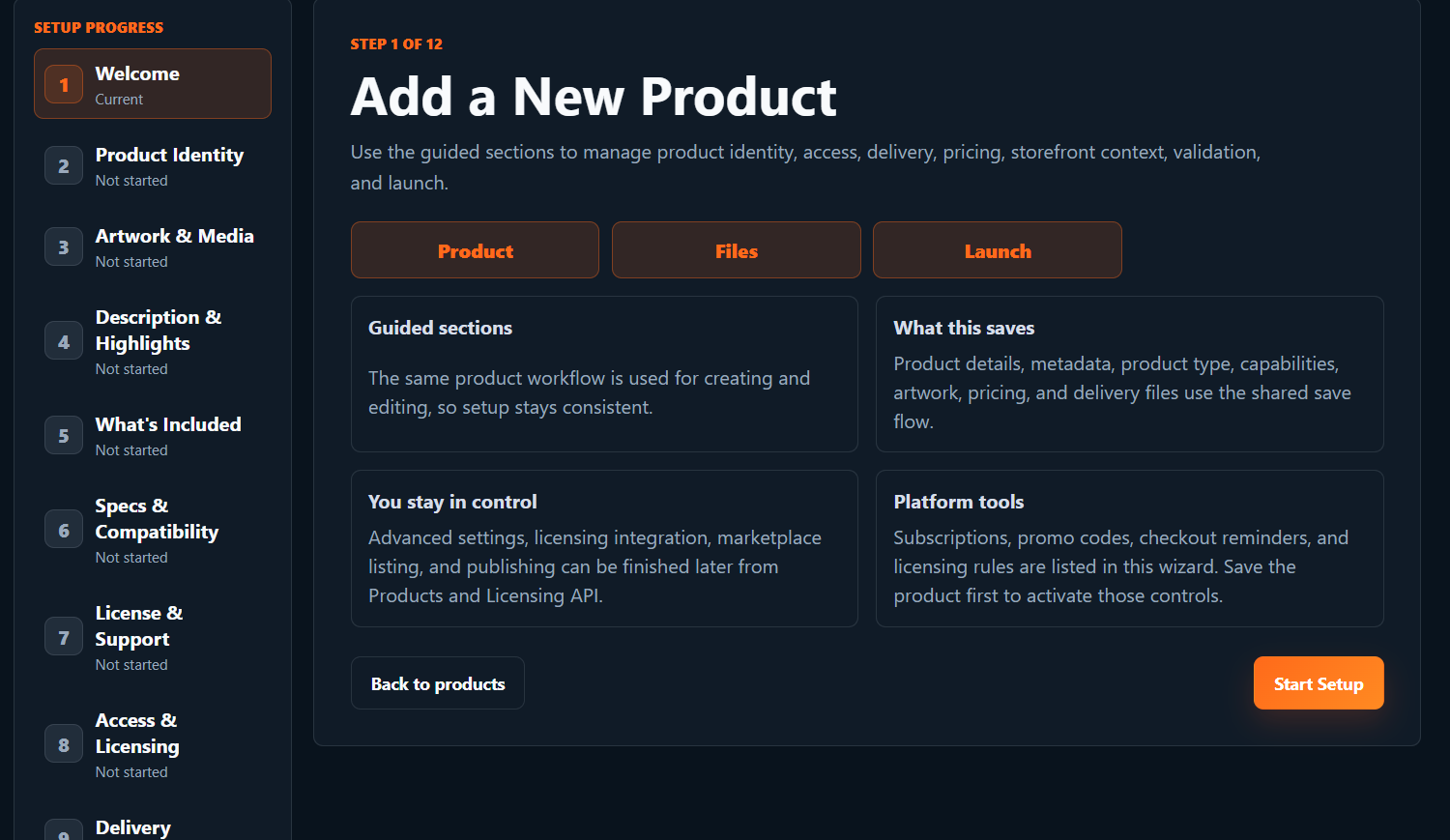
First and foremost, use the Product Wizard to create a product. It will walk you through step by step.
-
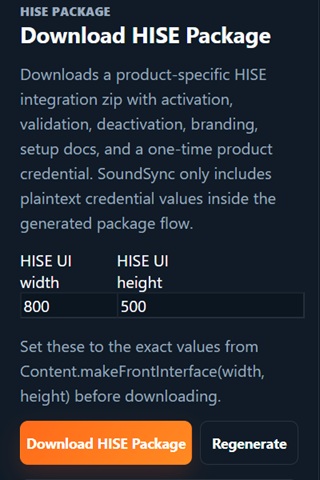
Once that is complete, you can generate a HISE package directly in the developer product view page. Simply enter your project UI size and generate the package. Unzip and place the SoundSync folder in your HISE projects "Scripts" folder.
-
Open your project and use 1 simple include line to generate the entire package in your project.
include("SoundSync/Runtime/SoundSyncRuntime.js");4 Then your branded validation window will be present. It will pull your logo, brand colors, store name, etc all from your Store/Brand page in the developer profile.
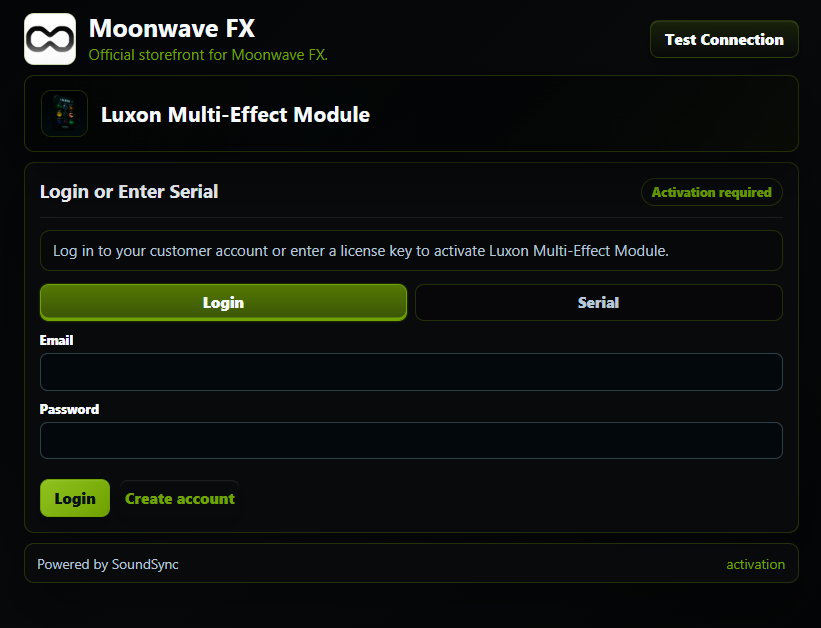
Use the "Test Connection" button (when connected to the internet) to confirm your connection with SoundSync and to tell the server you have successfully put the package in your project. In your product view (where you downloaded the HISE package) you will see connection status.
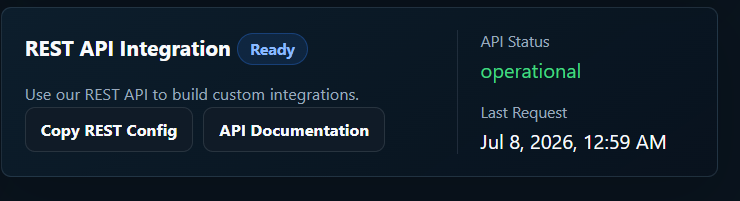
Once server connection is verified, simply hide the Test Connection button on your UI. This would complete your setup for live export/compilation.
Now lets test it.
Enter email and password OR serial number and email address. If you sign into your account, the plugin is automatically activated and good to go. If you validate via serial, you will need to verify your email before unlocking the product.
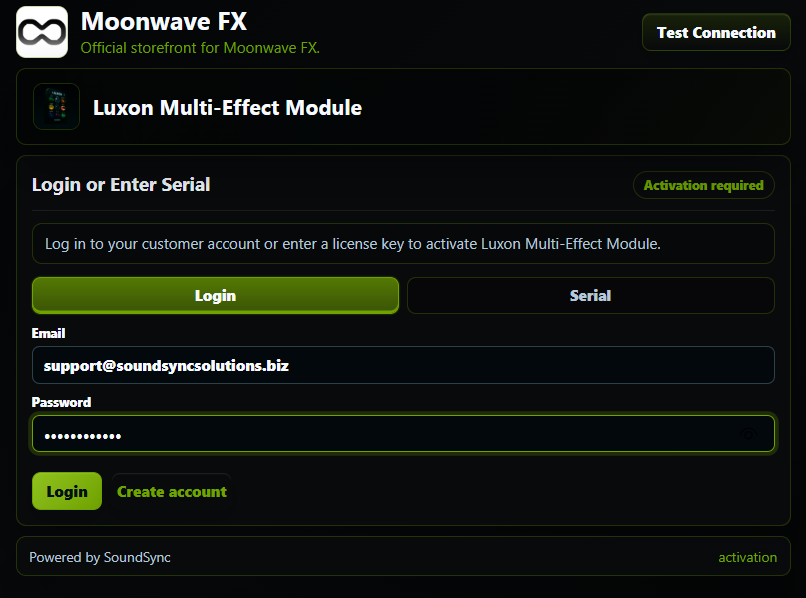
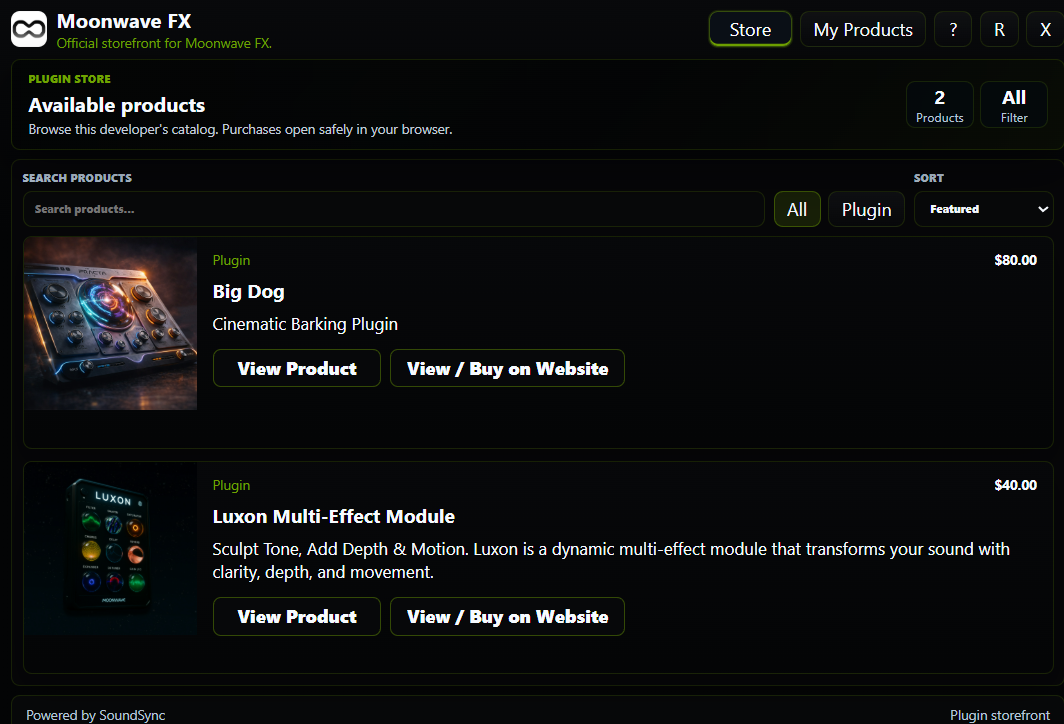
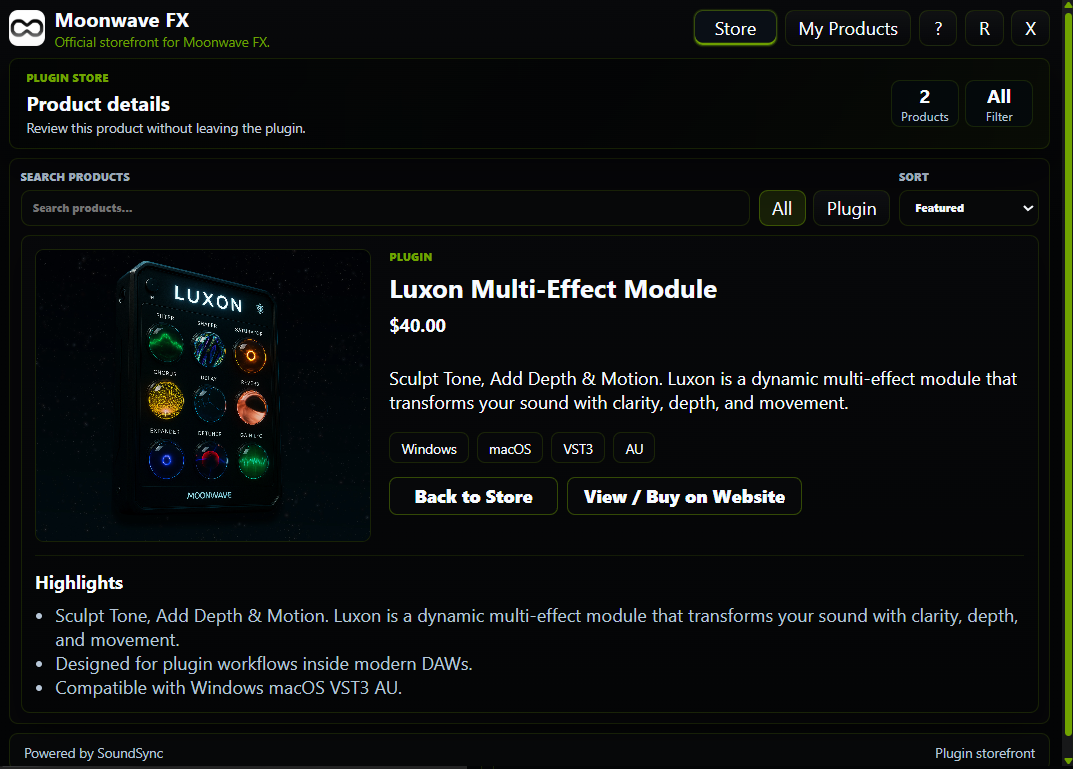
If you had an account and logged in, you will be all set. You can view, manage and download products as well as browse the developer catalog.
User Product Page:
Developer Catalog Page:
Developer Product Page:
If verification was done by serial and email:
The verification will either pass (if serial is already link to customer) or will tell customer to check their email for confirmation. All customer support, verification, etc emails are also branded. If you have set up your custom braded website and domains, they will be used here as well for your from and reply to emails. Soundsync is created to live completely in the background.
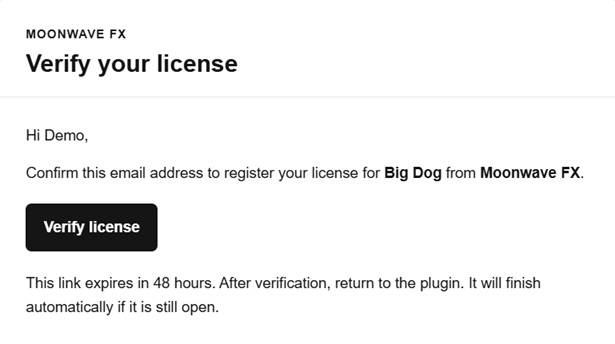
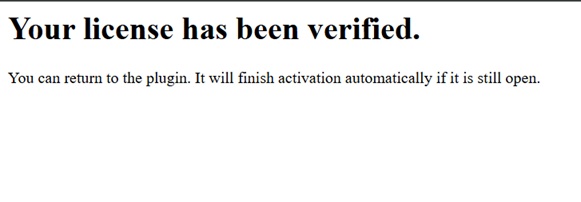
Once the customer verifies the license, they will be directed to a confirmation page and the plugin will automatically validate in the background.
Hopefully some of you can find this helpful.
Looking forward to the feedback and thanks to everyone who already signed up!
All the best,
Aaron
-