HISE develop build does not show Git commit hash after building specific commit (VS2022)
-
Hello everyone,
I’m facing a confusing issue with HISE develop build and I hope someone can clarify it.
I cloned HISE from GitHub at this specific commit:3c36e36c0c27adf97be22206fdebf87ec9c7eeb0Then I built the standalone app successfully using Visual Studio 2022 (x64, Release).
The generated executable is located here:D:\HISE-3c36e36c0c27adf97be22206fdebf87ec9c7eeb0\projects\standalone\Builds\VisualStudio2022\x64\Release\App\HISE.exeThe build finishes without errors, and HISE.exe runs normally.
However, when I open Help → About HISE, I see:
Version: 4.1.0
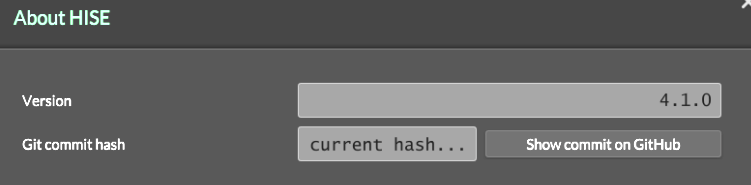
Git commit hash: “current hash…” (not showing the actual commit)
Clicking Show commit on GitHub does not point to my commit
So it looks like the executable was built correctly, but it does not embed or display the Git commit hash, even though I built directly from a specific commit.
My questions:
Is this expected behavior when building HISE from source?
Is there an extra step required to embed the Git commit hash into the build?
Could this be related to building outside a Git environment or missing Git metadata during build?
Is the executable actually using the correct commit internally, even if it doesn’t show it in “About HISE”?I’ve attached screenshots of:
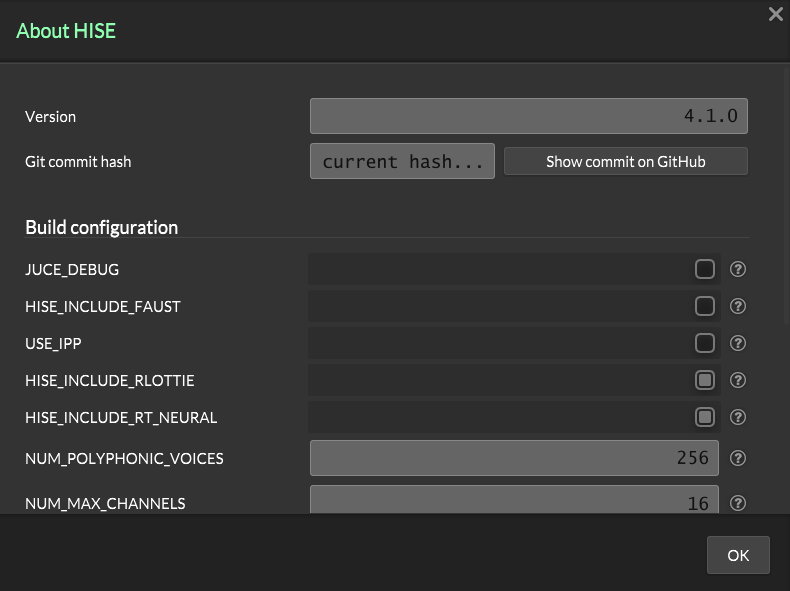
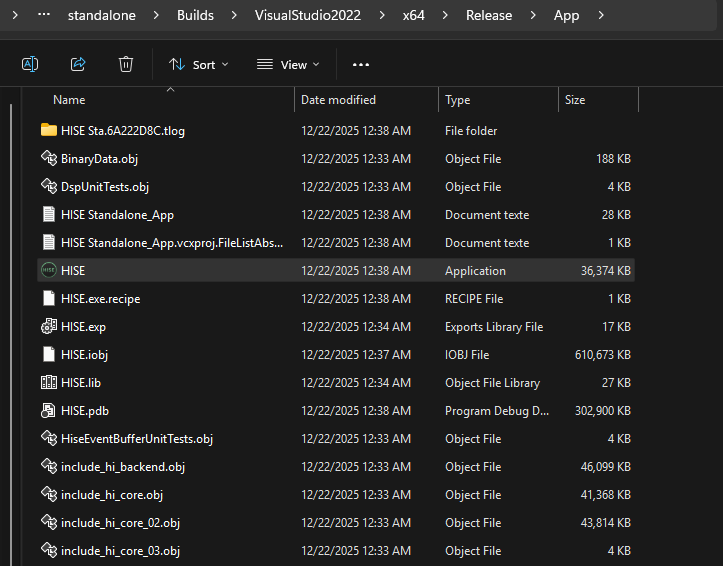
The About HISE windowThe Release\App folder containing HISE.exe
Any clarification would be greatly appreciated.
Thanks in advance
-
@the-red_1 in the source folder run git log and tell me what commit it shows at the top
-
@the-red_1 I ran
git log -1in the source folder and got:fatal: not a git repository (or any of the parent directories): .git

-
I rebuilt HISE after properly cloning the repository using:
git clone https://github.com/christophhart/HISE.git
cd HISE
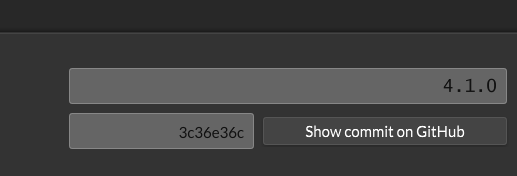
git checkout 3c36e36c0c27adf97be22206fdebf87ec9c7eeb0After rebuilding, the commit hash (short form: 3c36e36c) does appear in the About HISE window,
as shown in the screenshot, but it disappears shortly after.So the commit hash is detected initially, then it vanishes from the About window.
-
@the-red_1 said in HISE develop build does not show Git commit hash after building specific commit (VS2022):
git checkout 3c36e36c0c27adf97be22206fdebf87ec9c7eeb0
Why not build the latest commit?
git checkout develop?Free HISE Bootcamp Full Course for beginners.
YouTube Channel - HISE tutorials
My Patreon - More HISE tutorials -
@David-Healey I thought they were the same thing, I’ll give it a try.