FREE PRO LICENSE! // NEW: Online KNOB BUILDER for HISE!! // Filmstrips, Radial Gradients, Render Bounds
-
Great stuff - I see you've made some awesome improvements and implemented some of my suggestions & ideas - thank you! Can I suggest more features? 1. Gradient direction. 2. Textures other than just noise with some more control over them too? That'd be great for scuff marks etc.
Might be cool to explore adding 3d & lighting (multiple light sources) as a Pro feature or something - three.js would be a good bet and would definitly take this to the next level.
-
@Chazrox It might be useful to have something that can reduce the size of all, I keep getting caught out with the dropshadow since its mostly done last and then i have to resize everything.
I could of course clean up my workflow, just saying :)
-
This is supposed to help with that but I guess its not that helpful without visual feedback of some sort on the canvas. I'll add this in the next update so its actually useful. Thank You


-
@Lindon
@digi @lalalandsynth
Alright, finally got to get through your update requests.Here we go:
"Render Bounds" button on the toolbar.
Shows red box for clear boundaries.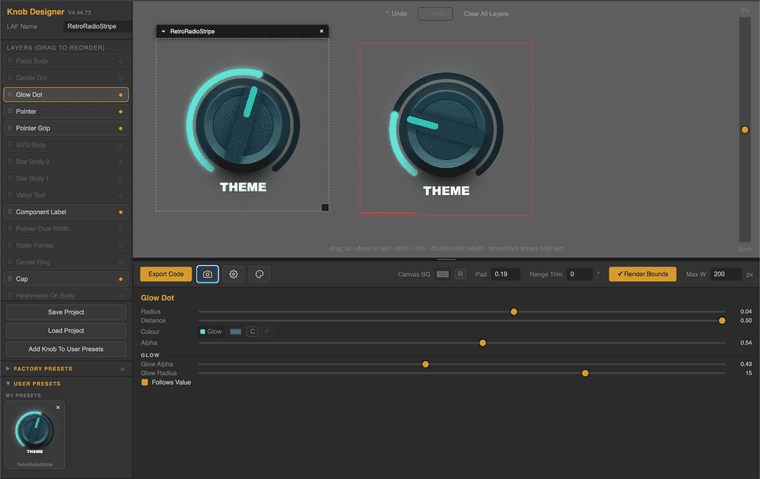
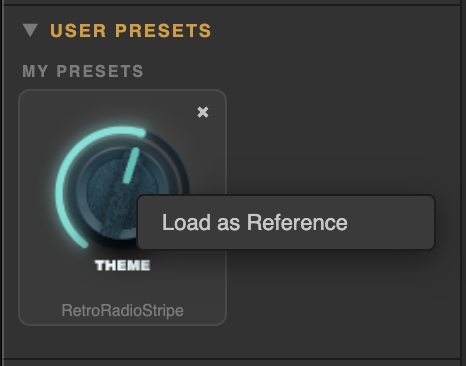
Right-click any thumbnail of a 'User Preset' to show it on the designer canvas as a "reference image".
Colour Theme Editor:
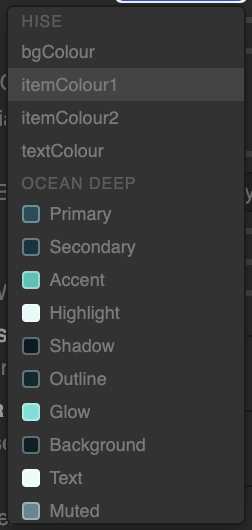
Colour Token selector near every colour picker:
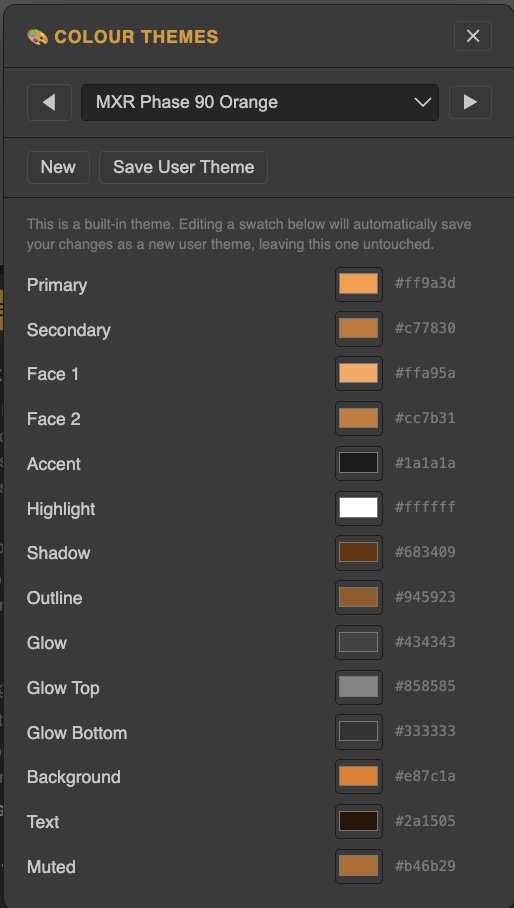
Theme editor. (100 Factory Themes)
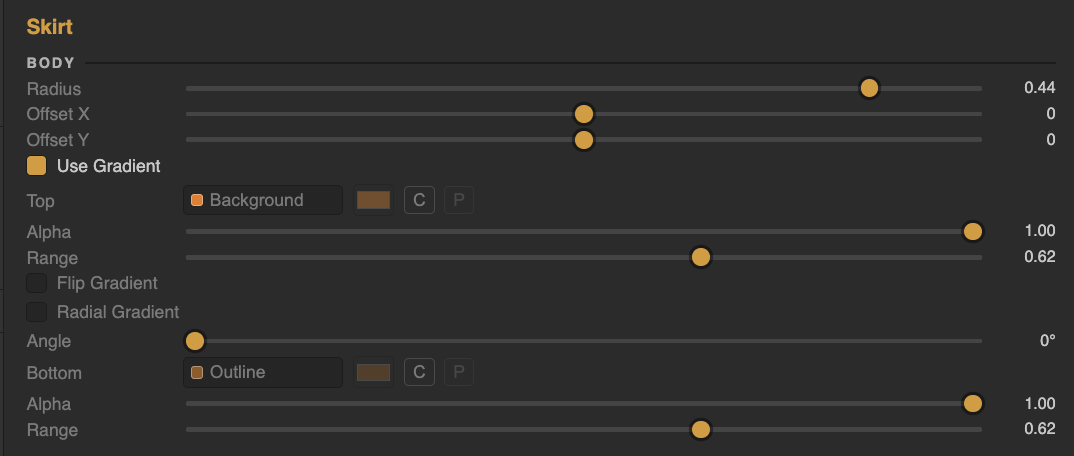
Colour Alpha param for every colour option including range params for gradient transition values:
(Also shown: Newly added RADIAL GRADIENT option)
Enjoy!
Thanks for all the input everyones been sending here including the enthusiastic pm's! I'll have alot more for you guys soon.

PS> There were a few other little things added but i'll leave it to you to find.
Fresh Link:
https://rox-knob-builder-for-hise.netlify.app/ -
@Chazrox You are amazing , loving this update !!!
Radial gradient ;)
I would love to see BG as transparent, especially when using as placeholder in design as I might have gradient background or in fact change the background color and then I have to change bg in app and re-export. if possible ?
-
@lalalandsynth Darn I totally forgot about that one. I'll do that asap.

-
@Chazrox Love the ref, game changer!
-
@Chazrox great update, enjoy the coffee ;)
-
@lalalandsynth Thank You brotha!
Im already working on a couple more updates now! I'll do the transparent backgroung png export for sure. Im also gonna investigate the mod value approach you suggested.
-
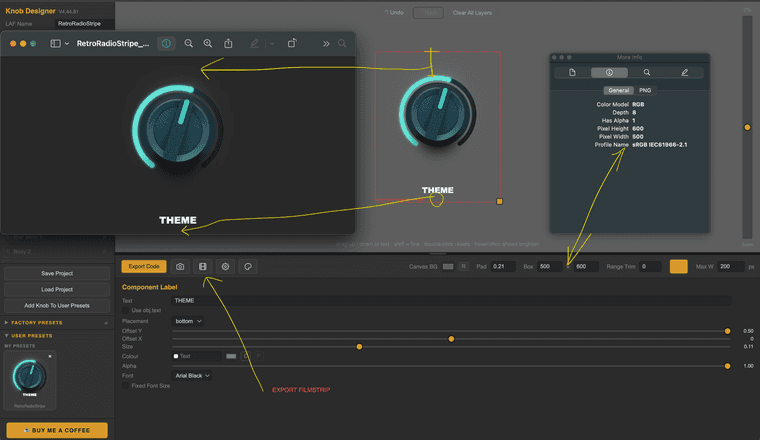
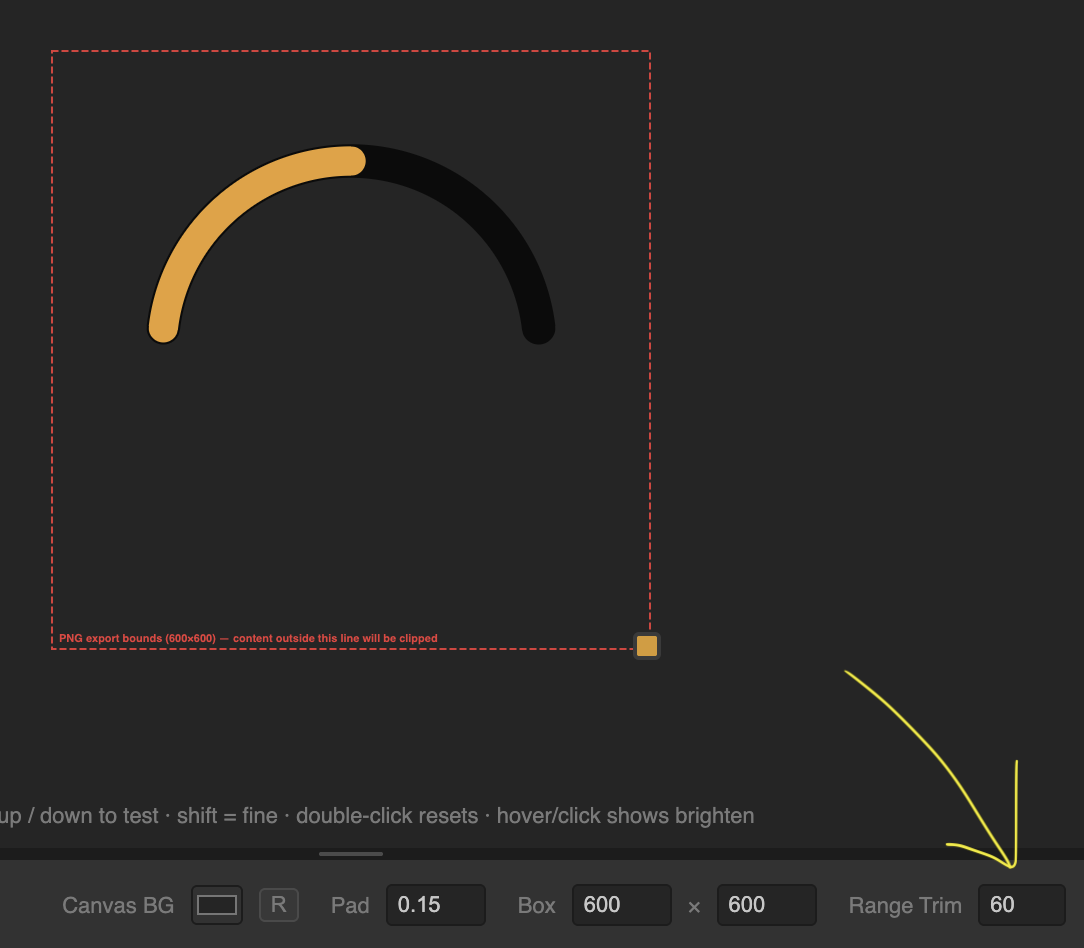
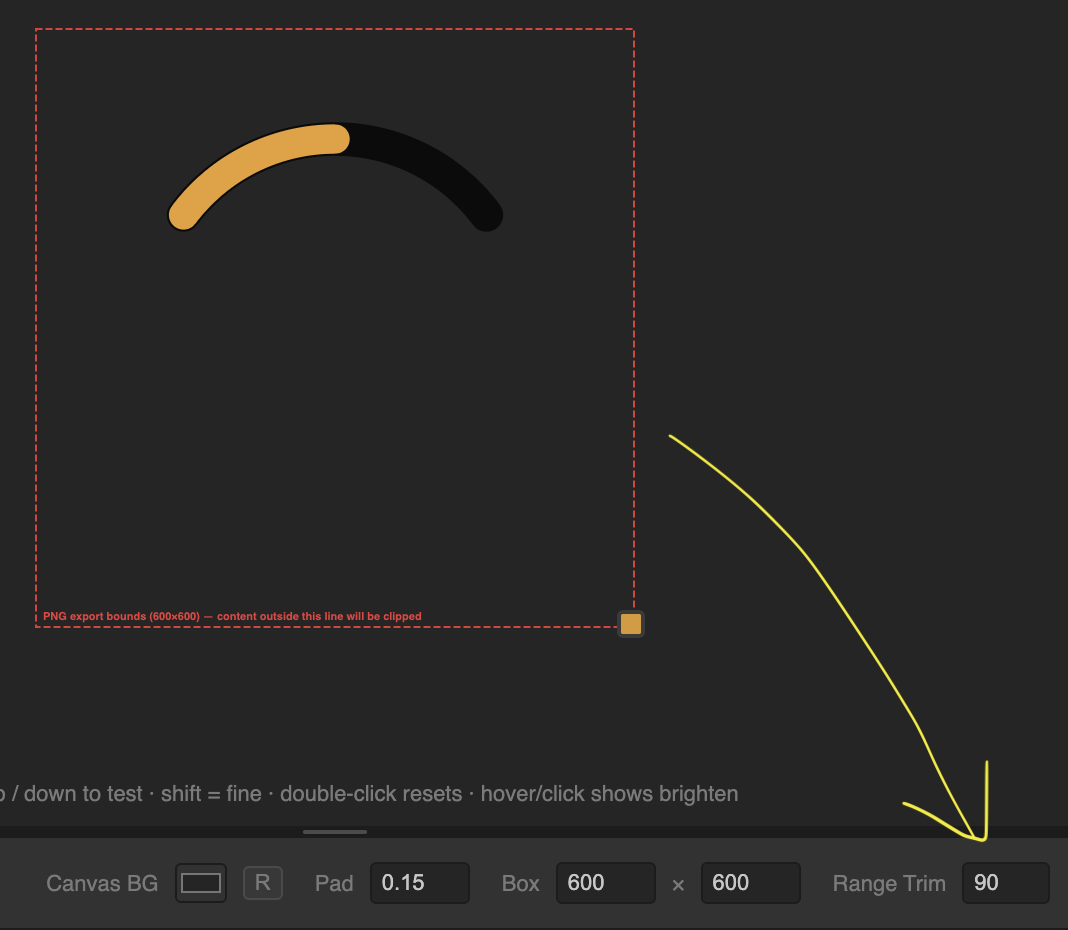
Also, just updated the boundary setting method for setting export dimensions. The red dashed box represents exactly how your export will look in Snapshot (transparent background), HISE compile and PNG Filmstrip.
In the example below, it shows you that the bounds set in the app translates accurately so you can be comfortable that you wont have as much back and forth to get your dimensions right.
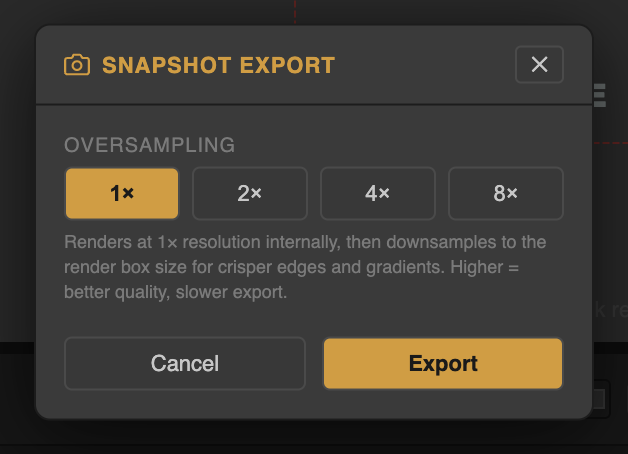
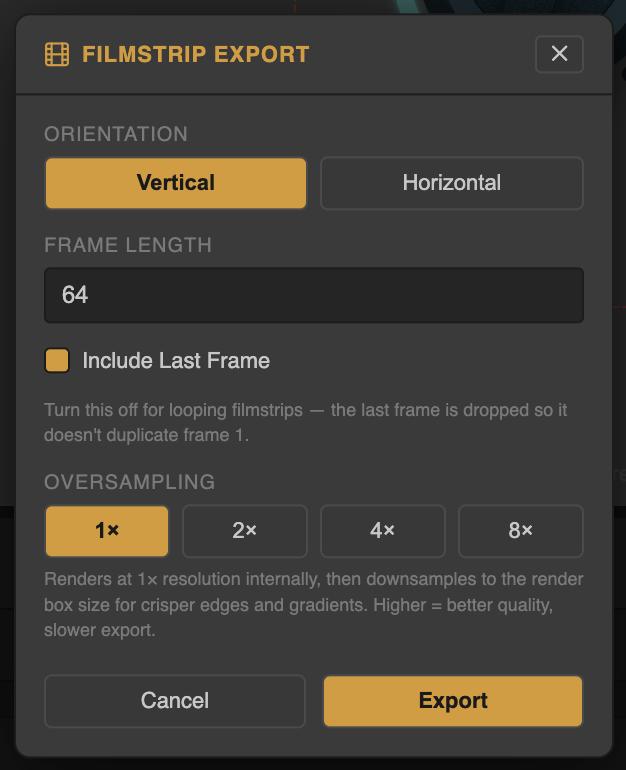
Each export has its own oversampling options.
Also added:
"Range Trim" so that we can do different arc shapes.
All layer components will follow this arc range.
Enjoy!
Fresh Link:
https://rox-knob-builder-for-hise.netlify.app/ -
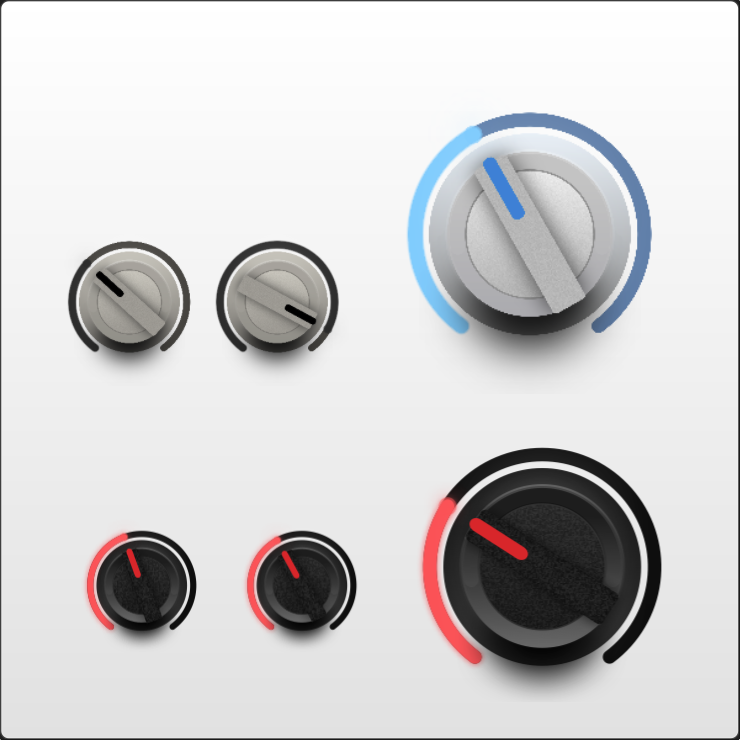
These are examples compiled in HISE (600x600 canvas). White knobs are PNG filmstrips. Black knobs are LAF.
-
@Chazrox "how your export will look in Snapshot (transparent background),"
Am i thick I cant see how i can set background to alpha?
-
@lalalandsynth The background is transparent by default when you export.
-
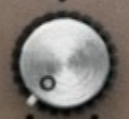
Any suggestions for getting this kinda radial brushed metal look? Thanks in advance.
-
Crazy suggestion but might be very cool
,
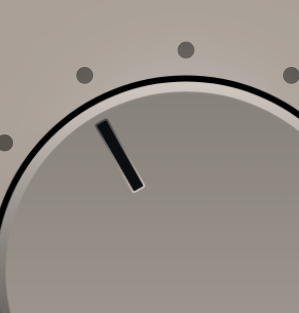
If there was a way to have that inner highlight on the pointer be like in photoshop , Global light , then it would change as I rotate , this would add a lot of realism as i basically want to drop it on this one since it stays in the same spot as I rotate.
Also maybe a gradient on the highlight line as it cuts off and is hard to use, nice but could be nicer :)
-
@digi @lalalandsynth Let me look into both of these.
-
@Chazrox If you do maybe global light could be useful for more stuff, not sure , would have to look
-
@lalalandsynth gets kinda tricky offsetting rotations. I'll give it a try!
-
@Chazrox yeah, no doubt. Its not essential.
-
A couple updates:
Expandable left column:
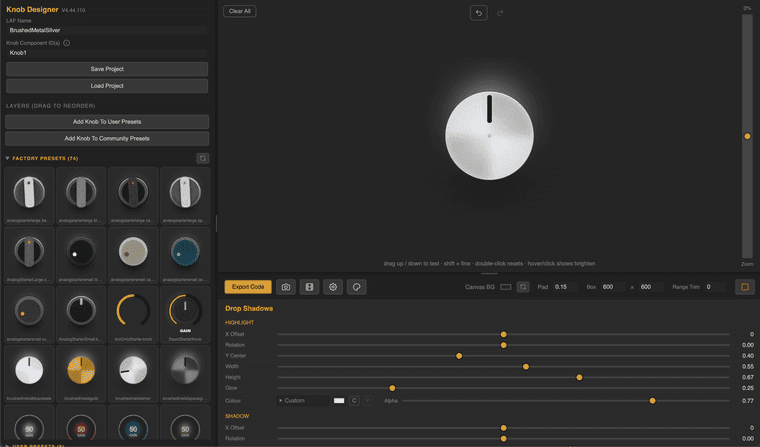
Brushed Metal (ish) parameters on "CAP" layer element:
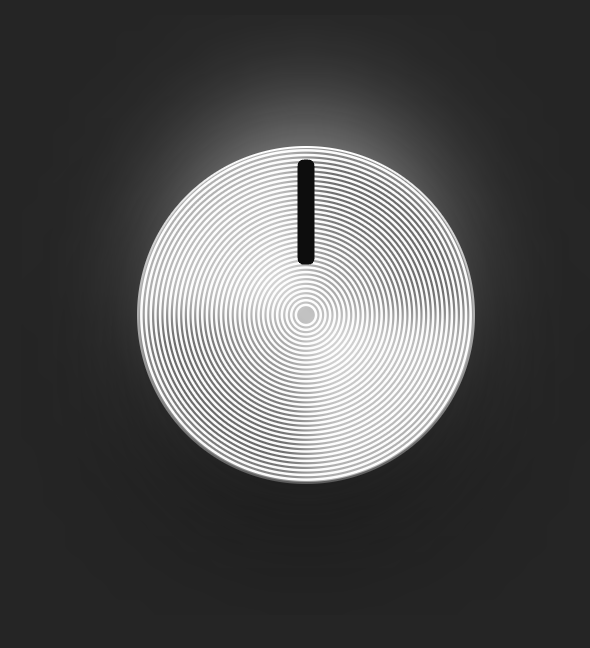
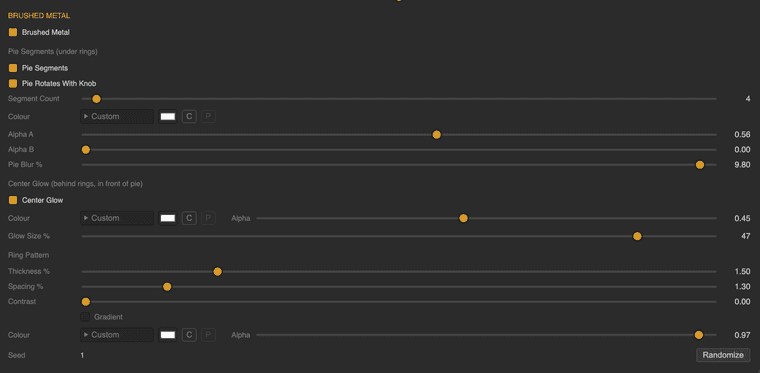
You can now delete all layers and add them back as you please.
Right Click to choose from optional layer elements to load into layers list.
Right Click also offers 'Duplicate' option.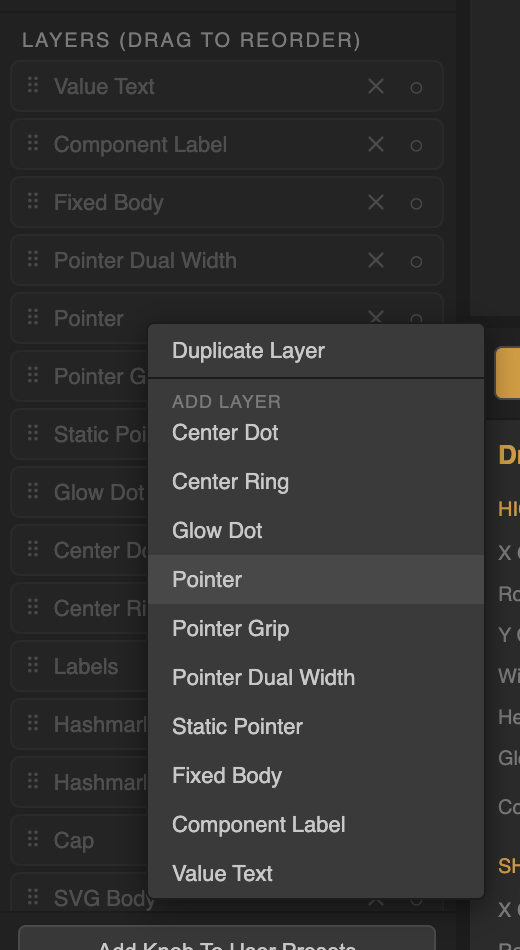
...Plus a few aesthetic updates.
Hope you're enjoying the app.
Fresh Link:
https://rox-knob-builder-for-hise.netlify.app/