Module tree navigation tips
-
Hello developers!
I saw improvements with the module tree (clicking on a container arrow hiding all its children is already a nice step), although i think the master chain should hide only its effects, not all the child samplers.
a BIG improvement in my opinion would be a cmd/opt + click on an arrow that hides ALL children and effects, leaving only containers and lone samplers visible. THIS would be a life changer i think, in case of big projects!
And also, every time you add an effect or open/close a parent, the module tree view goes back all the way up. that's a bit tedious. With the shortcut i mentioned above, this would already be less of a problem.
But thank you already for all your work!
-
@ScreamingWaves said in Module tree navigation tips:
i think the master chain should hide only its effects
Why the effects chain and not other chains?
-
@David-Healey said in Module tree navigation tips:
@ScreamingWaves said in Module tree navigation tips:
i think the master chain should hide only its effects
Why the effects chain and not other chains?
for every output channel i have several effects, i would like to hide only those, but it hides everything instead.
i understand this behavior if bigger projects require multiple masterchains though.
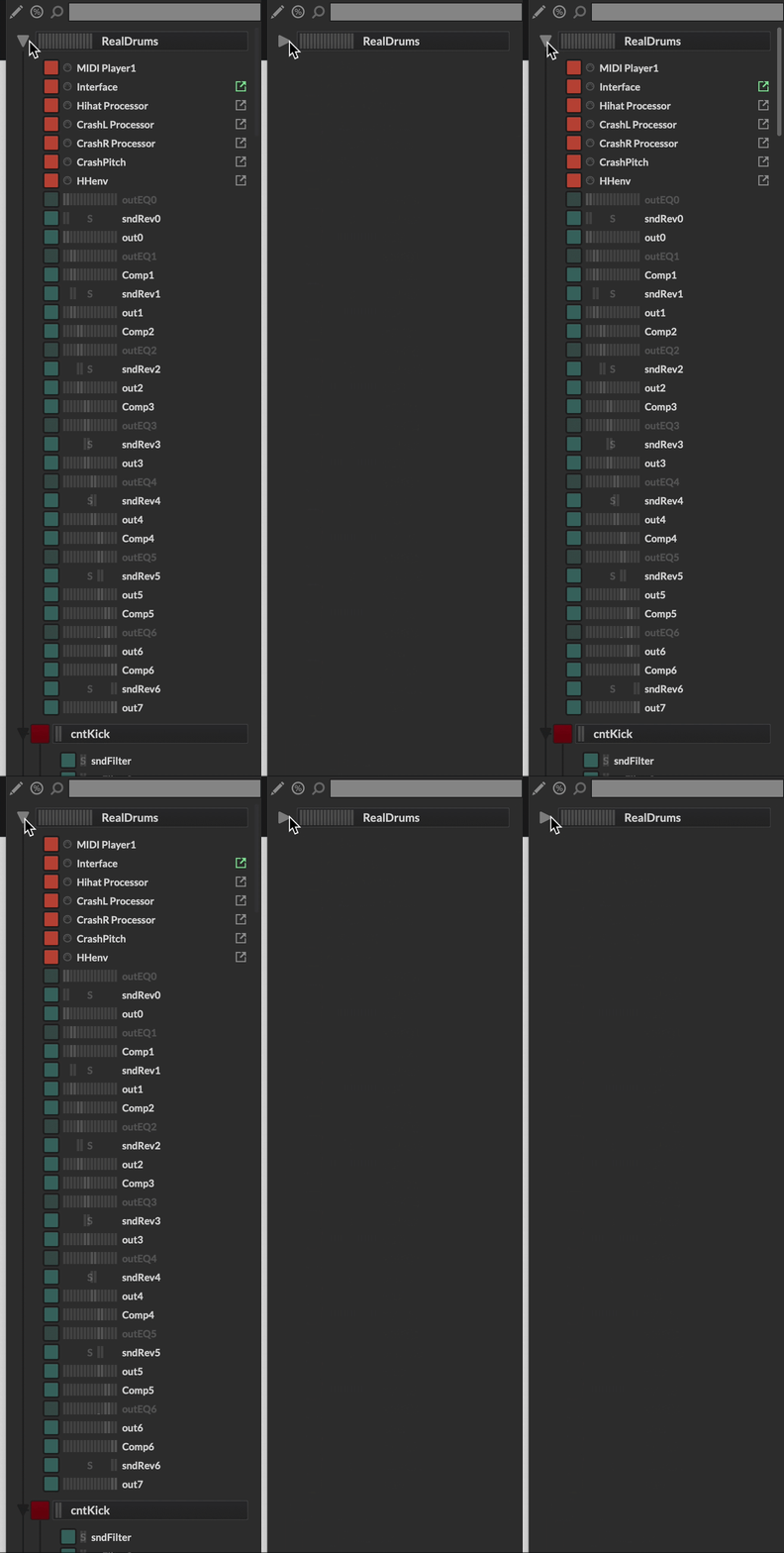
-
@ScreamingWaves said in Module tree navigation tips:
for every output channel i have several effects, i would like to hide only those, but it hides everything instead.
The solution you suggested would affect everyone. I don't use a lot of effects but I do use a lot of midi processors so how about we hide/show midi processors instead

I think what would be better is a button for collapsing each chain.
-
@David-Healey said in Module tree navigation tips:
@ScreamingWaves said in Module tree navigation tips:
for every output channel i have several effects, i would like to hide only those, but it hides everything instead.
The solution you suggested would affect everyone, not just you. I don't use a lot of effects but I do use a lot of midi processors so how about we hide everything except midi processors instead
does that mean that one can have multiple master chains?

For sure i don't know how others use HISE, since I'm not so experienced with it, i assumed that everybody use only one master chain haha -
@ScreamingWaves said in Module tree navigation tips:
does that mean that one can have multiple master chains?
There can be only one. But you can use containers to separate different flows. There's also send effects which occupy a separate chain.
