Changing RR group from sample table won't work
-
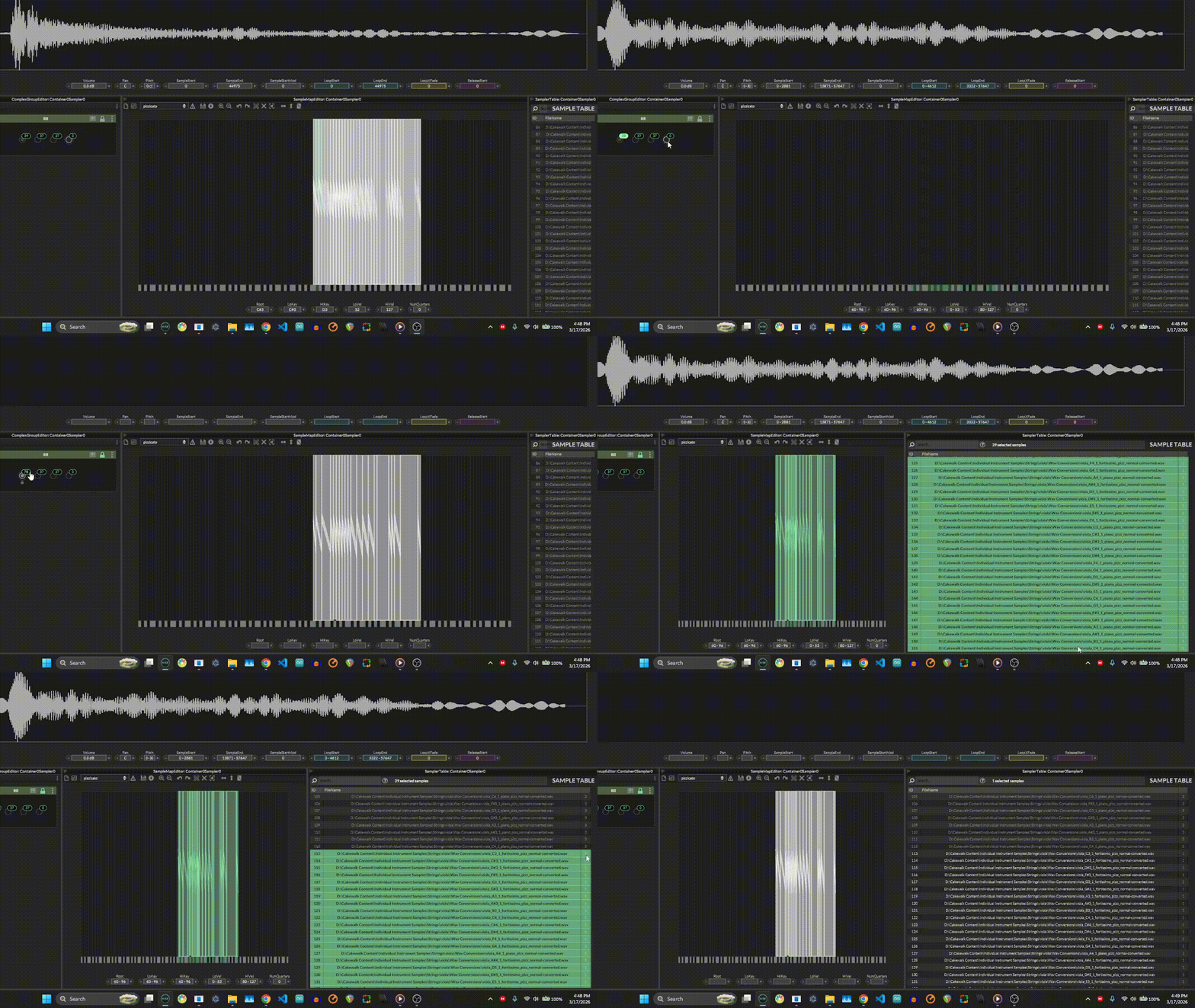
I appreciate the new complex group editor in the sampler interface a lot. It's been making a lot of things easier. But I still find trying to copy and paste into another sample group as buggy. Whenever I copy the samples and try to go to a new group, it still pastes into the first RR group. And for some reason, in this particular scenario, the RR group just won't change even when going directly through the sample table
-
@boim98208 rr groups aren't needed with the complex group editor. You can just dump them all in group 1
-
@David-Healey but I don't think I can add RR groups in any other way, right? The old circles on the top right of the samplemap editor that'd represent the RR groups aren't there anymore and I couldn't find any other way to get the RRs assigned through the sample table unless I used the complex group editor.
-
@boim98208 the circles are only hidden if you enable the complex group editor as they don‘t make sense anymore when it‘s enabled. If you don‘t use the complex groups then it should still be there.

