A longish time ago I tried to get HISE working so I could make VST plugins. But exporting to VST from the prebuilt version seems to not really be an option. I didn't want to deal with the hassle of building HISE myself, so I gave up. But now I feel like giving it a try. Coming up with some issues though.
The first big issue is that Projucer just isn't in the folder it's meant to be in. This seems to be kind of intended but it's unclear to me on what it actually means for the process of installing HISE.
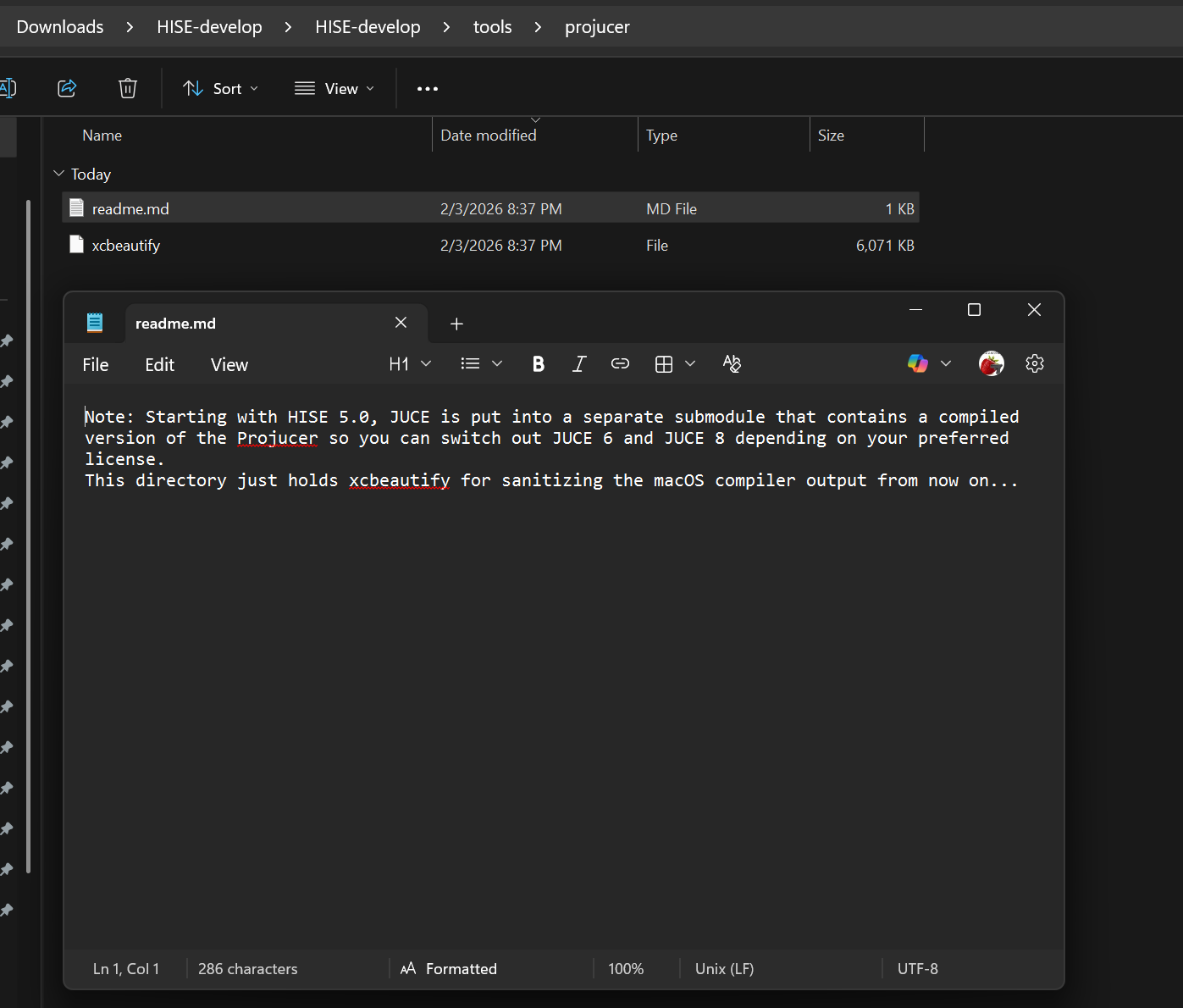
So I tried using Projucer separately and building it with that. But something else weird happened. The option to use IPP isn't in the preprocessor settings.
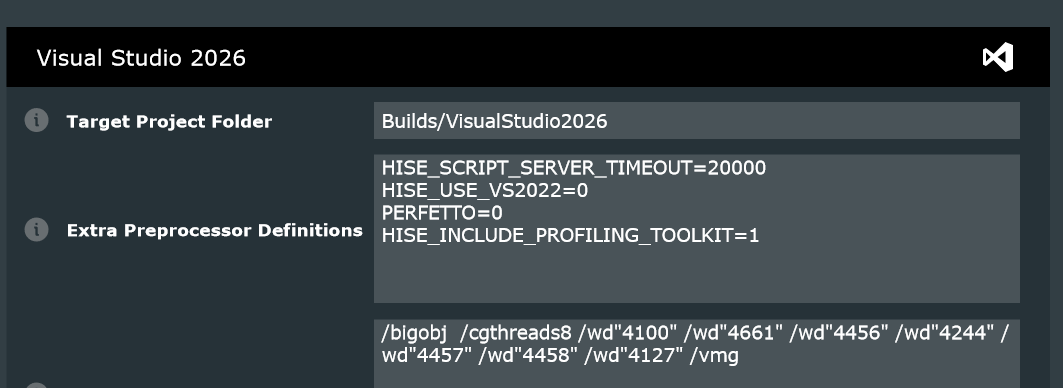
I swear I installed it correctly but whatever. It's just for better performance ...i think?
Anyway trying to save and open in IDE seems to work fine. But then when I have to "retarget solution", the option just... isn't there.
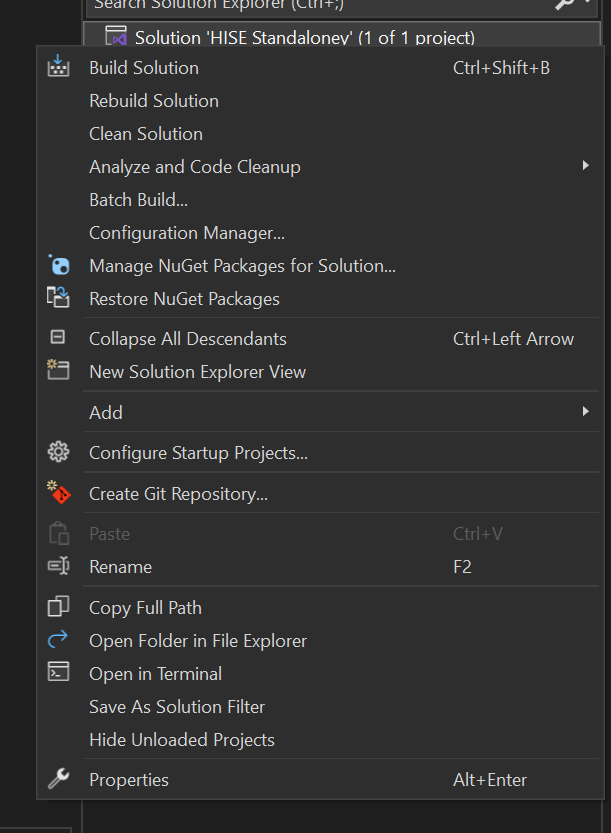
I had seen somewhere that this can happen if you're using the wrong toolkit. So I go to project > properties > general and switch it to 2022 (v143). It was originally set as v145, which it said was not installed. Couldn't really find a way to just install v145 so I ignored it. Switching to v143... still doesn't have the option to retarget solution. And trying to get back to properties results in this page, which is entirely different for some reason.
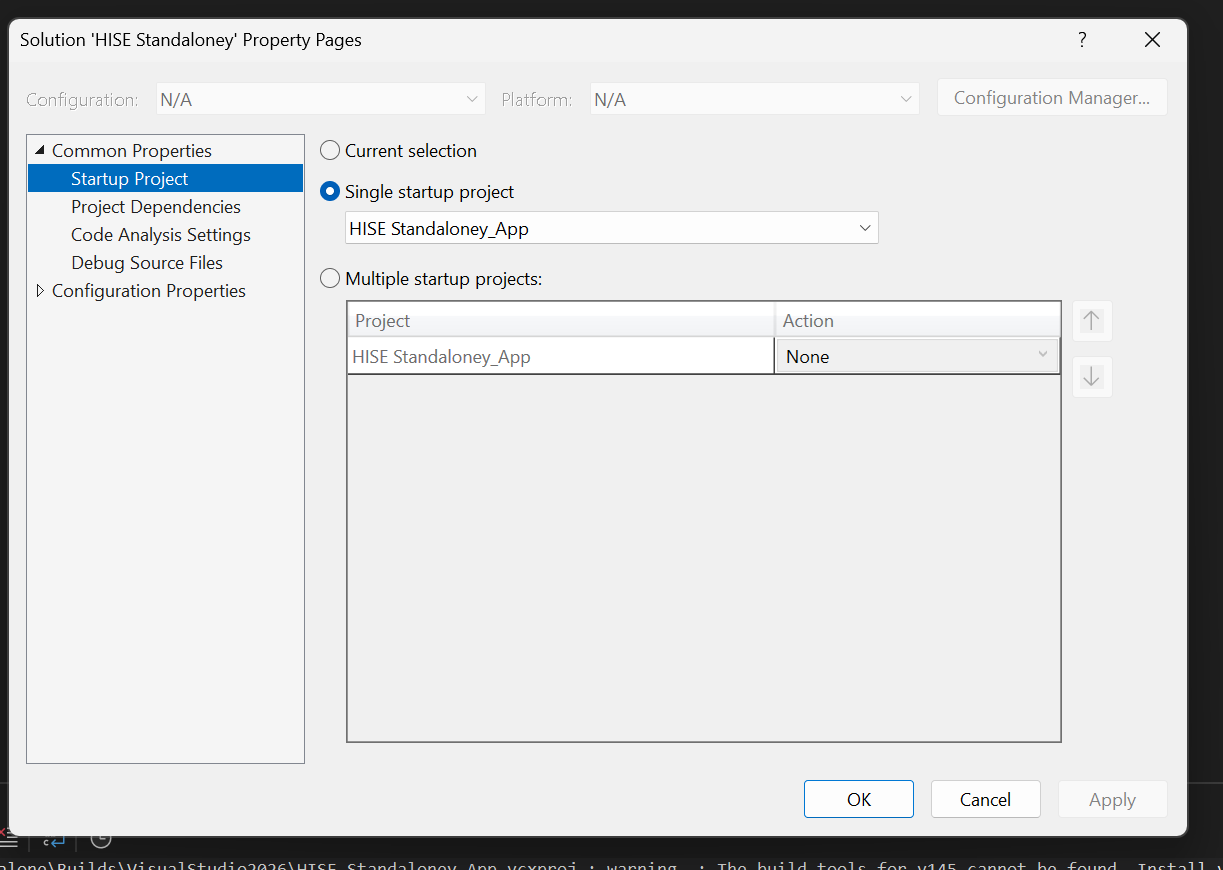
The reason this says "standaloney" is because I didn't really know how to delete the solution to try again since the weird properties window kept coming up, so I just renamed the project in Projucer to make it be a different project. And I wanted to try fixing it again.
could we get David on this im kinda lost lol whats happening