Email Marketing, Audiences, and Growth Flows
-
Hey Gang,
I’ve talked a little about Growth Flows already, but wanted to show some actual screens and give a quick look at the rest of the email marketing tools in SoundSync.
It’s a fairly big section, so I’ll touch on the main parts here and leave the more detailed walkthroughs for anything people want to see.
Email campaigns
You can put together product updates, launch emails, offers, or newsletters using the visual email builder. Start blank or from a template, then add text, artwork, buttons, product sections, and other blocks.
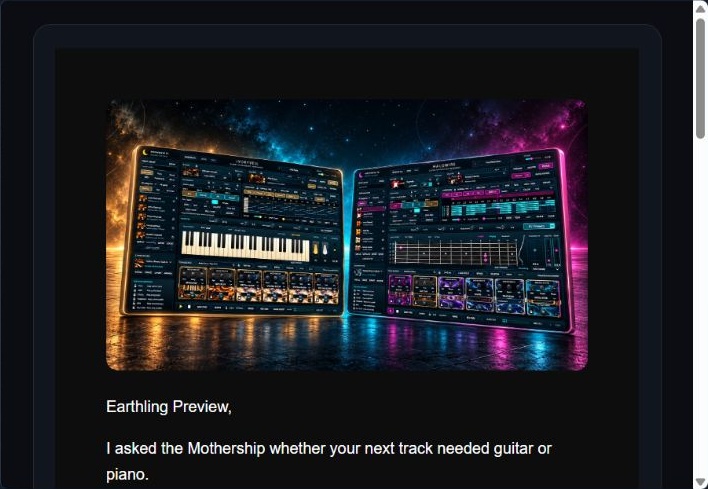
A preview of my recent Halowire / Ivoryveil campaign, with a dark background and large artwork.
You can preview the email, check the mobile view, send a test, and choose when it goes out. There’s also a cart-link tool for putting a product selection behind an email button; the customer reviews the cart before checkout.
Contacts and segments
Contacts can be imported from a CSV, and you can filter or save segments using things like product ownership, purchase dates, and recorded email activity. The audience estimate helps you check who is eligible before sending. Unsubscribes, complaints, bounces, and suppressions are respected.
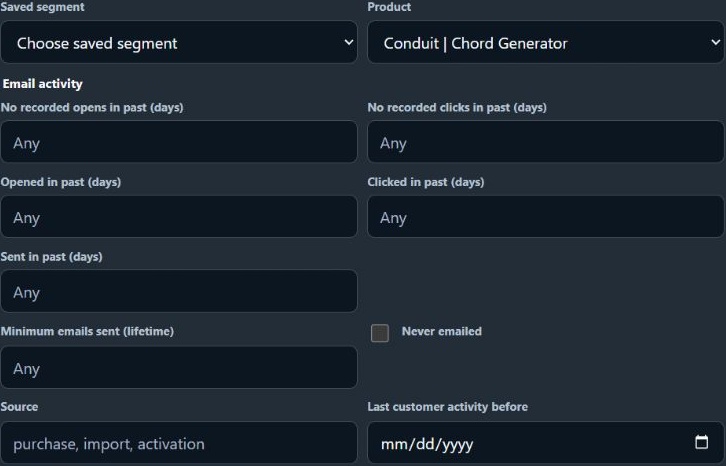
Filter by a catalog product and recorded email activity, then reuse the rules as a segment.
Growth Flows
These handle follow-ups around a customer event or a selected audience. The templates cover onboarding, cart recovery, review requests, cross-sell / upsell, promotion follow-ups, winback, product updates, new releases, and special promotions.
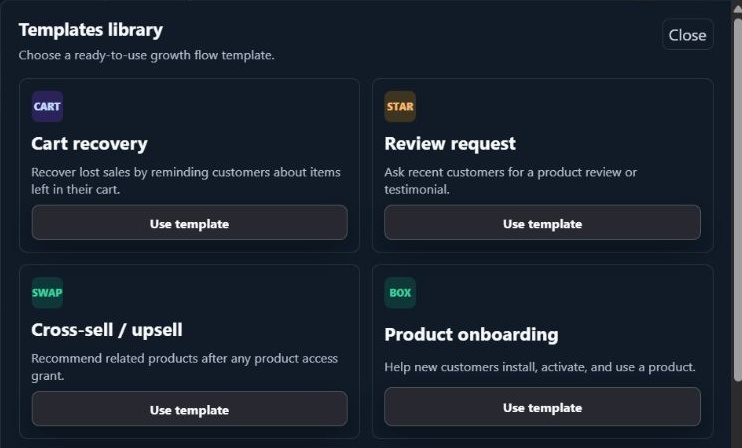
A few of the available starting templates, including onboarding, recovery, reviews, and cross-sell.
You choose the emails and the delays between them. For example, a flow could introduce related products seven days after someone receives access, then follow up a week later. Cross-sell can respond to supported purchases, free claims, serial redemptions, and access grants, and recommends products the customer doesn’t already own.
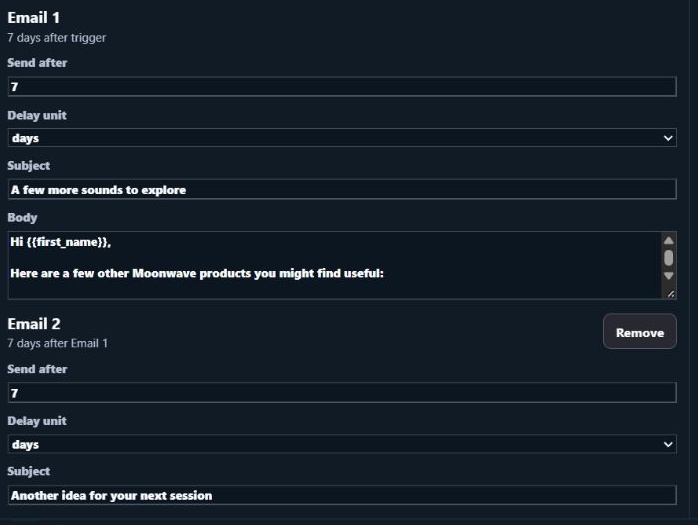
An example sequence: Email 1 waits seven days after the trigger; Email 2 waits seven more days after Email 1.
Optional rewards
Supported flows can include a promo code or a reward tied to a qualifying action. A review flow, for example, can send a separate coupon email after an eligible review is approved. A review incentive should welcome honest feedback regardless of the rating.
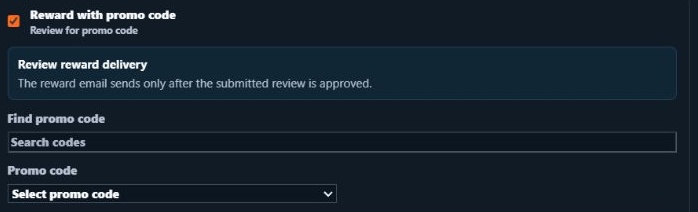
Review reward controls show the approval condition and coupon selection.
Reports and sending setup
Reports separate sent and delivered messages, opens, clicks, unsubscribes, bounces, and complaints, with attributed orders and revenue where available. Growth Flows also show queue status and recipient history so you can check what happened with a particular follow-up.
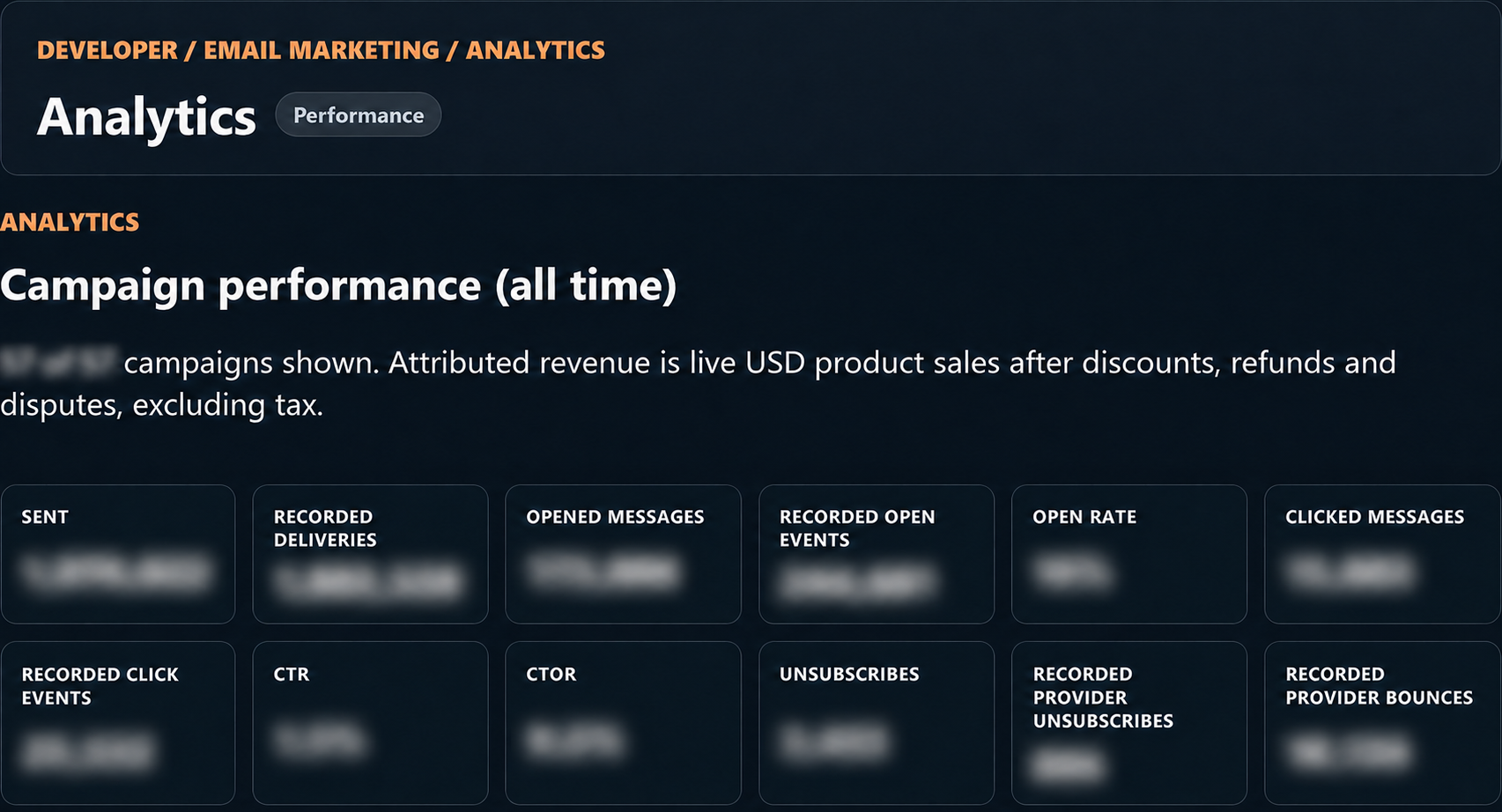
Moonwave’s reporting view, with delivery and engagement metrics (figures blurred).
The sending settings bring together your sender identity, reply-to, business details, and required footer. Home gives you a quick look at the audience, send usage, campaigns, and automation activity.
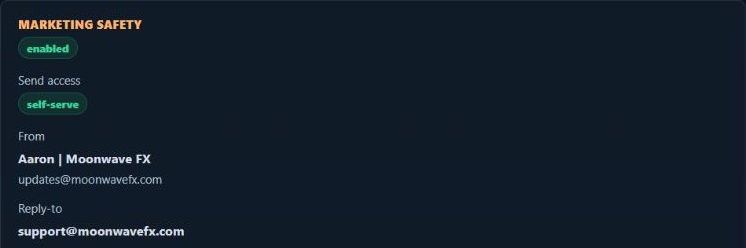
Sending settings show Moonwave’s sender identity and reply-to address.
All of this is managed through the dashboard. If there’s a particular part you’d like to see in more detail, I can put together a separate walkthrough.
What are you currently using for your emails and follow-ups, and what would you find useful to have connected to your products?