HISE_NUM_STANDALONE_OUTPUTS warning
-
Everytime I open HISE, this warning message comes up. It says the number of channels used in the audio device settings do not match the amount of channels defined by this portion of code. I'm attaching the screenshot that I took on my Mac.
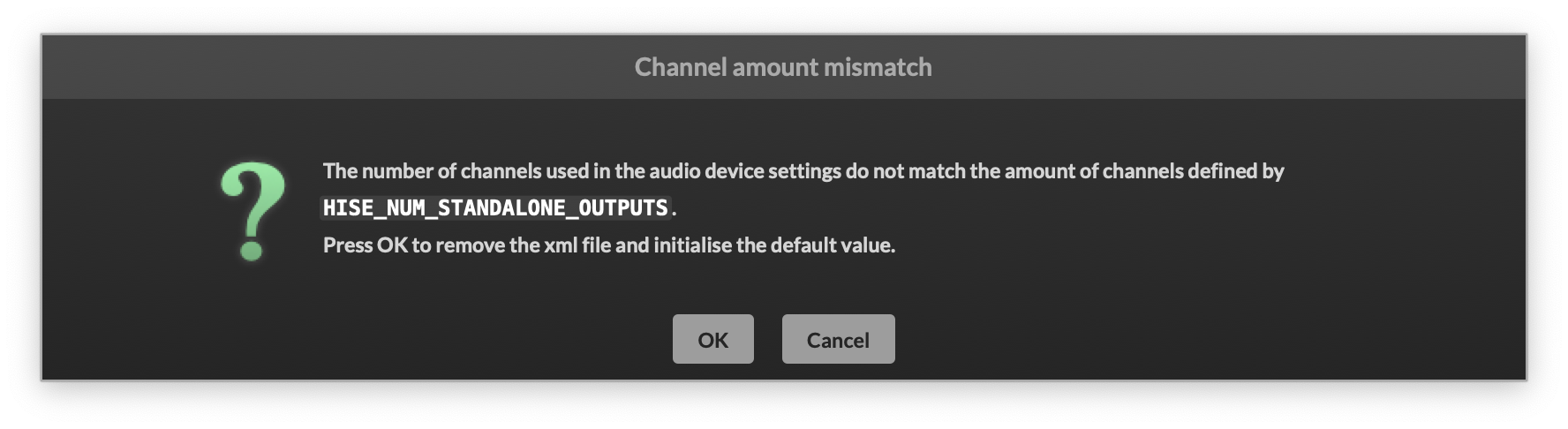 Everything works fine, but I want to make it disappear permanently. Could someone help me please?
 -
@gp_ It usually disappears after a few times for me, when changing audio devices.
It's a known issue that nobody has fixed yet.
-
@gp_ it seems to happen when you disconnect or change an interface Hise had in memory when it’s close, then when you start it again it doesn’t find it and throws this warning.
Since when Hise has an issue or crashes it doesn’t rewrite the memory, it will happen next time again and again. The same thing happens with the window configuration since it is saved only with a proper close without issues, recalling an old window configuration (this time without a warning like the audio interface one)
Instead, Hise should save the configuration (audio, midi, windows, etc) as they change and not when closing the app.
But usually for the interface if the configuration doesn’t change between Hise sessions the warning should just go away

