Script Oscilloscope Buffer Size
-
How can I increase the length of the buffer size of my oscilloscope inside of my scriptFX node?
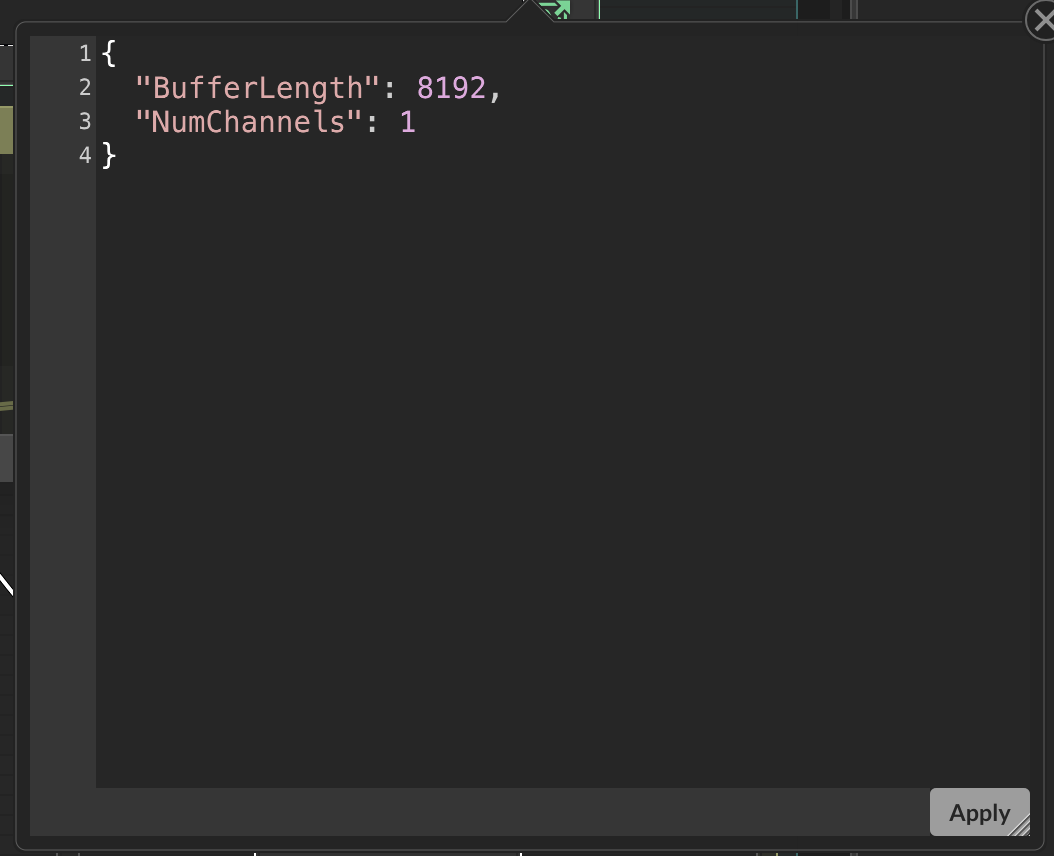
I change the number and its good for a little while until it decides to change back to default value "8192" again. Can I script this in onInit somehow to be a larger size?
-
@Chazrox It's volatile, so you need to do set the ring buffer properties in script so it can be recalled at init/compile.
On the oscilloscope node, create an external display buffer
then in the script:
const var dbs = Synth.getDisplayBufferSource("ScriptFX/HardcodedFX name");
const var db = dbs.getDisplayBuffer(0); // # index of the external display buffer -1

db.setRingBufferProperties(
{
	"BufferLength": 8192,
	"NumChannels": 1
});
And it's dynamic, in the case you want to change it with slider/combobox/etc
-
@ustk That was exactly what I needed. Thank You! As far as the dynamic part goes, I tried to create a reg for buffer length and change the value with a knob but im not getting any change.
const var Knob4 = Content.getComponent("Knob4"); reg bufferLengthNOW = 0; db.setRingBufferProperties( { "BufferLength": bufferLengthNOW, "NumChannels": 1 }); db2.setRingBufferProperties( { "BufferLength": bufferLengthNOW, "NumChannels": 1 }); include("LafOscilloscope.js"); inline function onKnob4Control(component, value) { if (value) { bufferLengthNOW = value; FloatingTile1.sendRepaintMessage(); } }; Content.getComponent("Knob4").setControlCallback(onKnob4Control); -
@Chazrox you need to set the ring properties again after changing the variable, it's not automatic
-
@ustk ahh. makes sense. Thank you.

