Can't find Test MSBuild when doing export setup
-
Re: Export Wizard - MSBuild detection issue on Windows (VS 2022 Professional)
Currently following the audiodevschool HISE Bootcamp: No Coding Required and noticed that the newest HISE version's export wizard is different from the one in the vids. I went through it and got this issue.
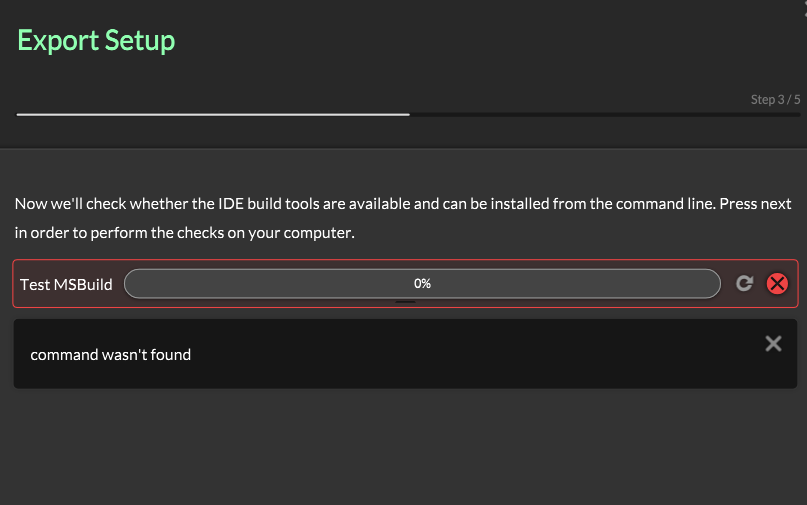
I switched between VS 2026 and 2022 community editions and I still got the same error even though I can clearly see the exe file in C:\Program Files\Microsoft Visual Studio\18\Community\MSBuild\Current\Bin
and C:\Program Files\Microsoft Visual Studio\2022\Community\MSBuild\Current\Bin
When I went through the export wizard in the standalone binary in https://github.com/christophhart/HISE/releases, I see an export wizard closer to the one in the sampler but then I get this error
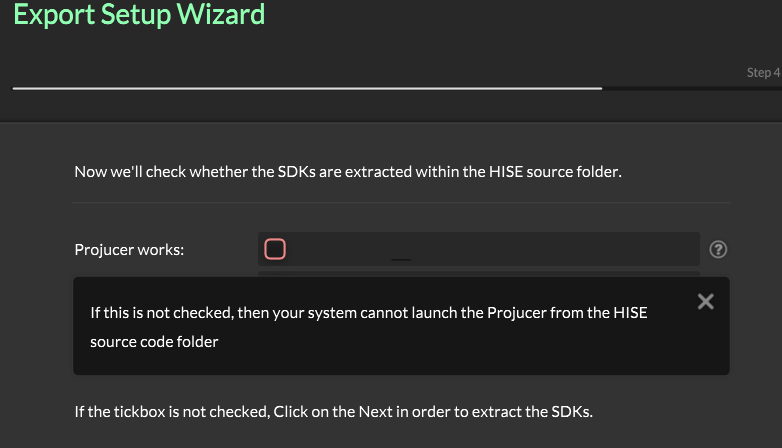
which is weird because I used Projucer to compile HISE. Could anybody please help me figure this out? I'm a complete beginner in all this and I'm getting really confused with all these errors

-
@boim98208 The export wizard has been removed from the latest version of HISE a few days ago. Remove the version you have and start over with a fresh build.
-
@David-Healey Rebuilt it and went through compiling again. Came across this new error
!LINK : fatal error LNK1104: cannot open file '.....\Compiled\Shared Code\My First Project.lib' [D:\HISE Projects\My First Project\Binaries\Builds\VisualStudio2026\My First Project_SharedCode.vcxproj]
!Compilation error. Check the compiler output.I ran as administrator and checked if the file existed and they both had the same error
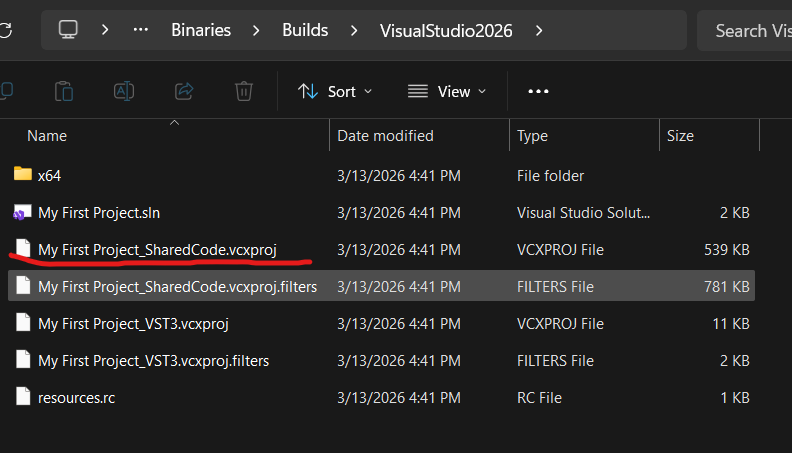
I linked a file to the compilation log in case that helps
-
@boim98208 Delete the Binaries folder in your project and try again.
-
@David-Healey Just did that and can confirm it works now :D. Thanks a lot for all the responsive help
