Hise Crashing
-
@LucaL I can't remember, I don't build on mac often but it's an old one because I'm running Ventura
-
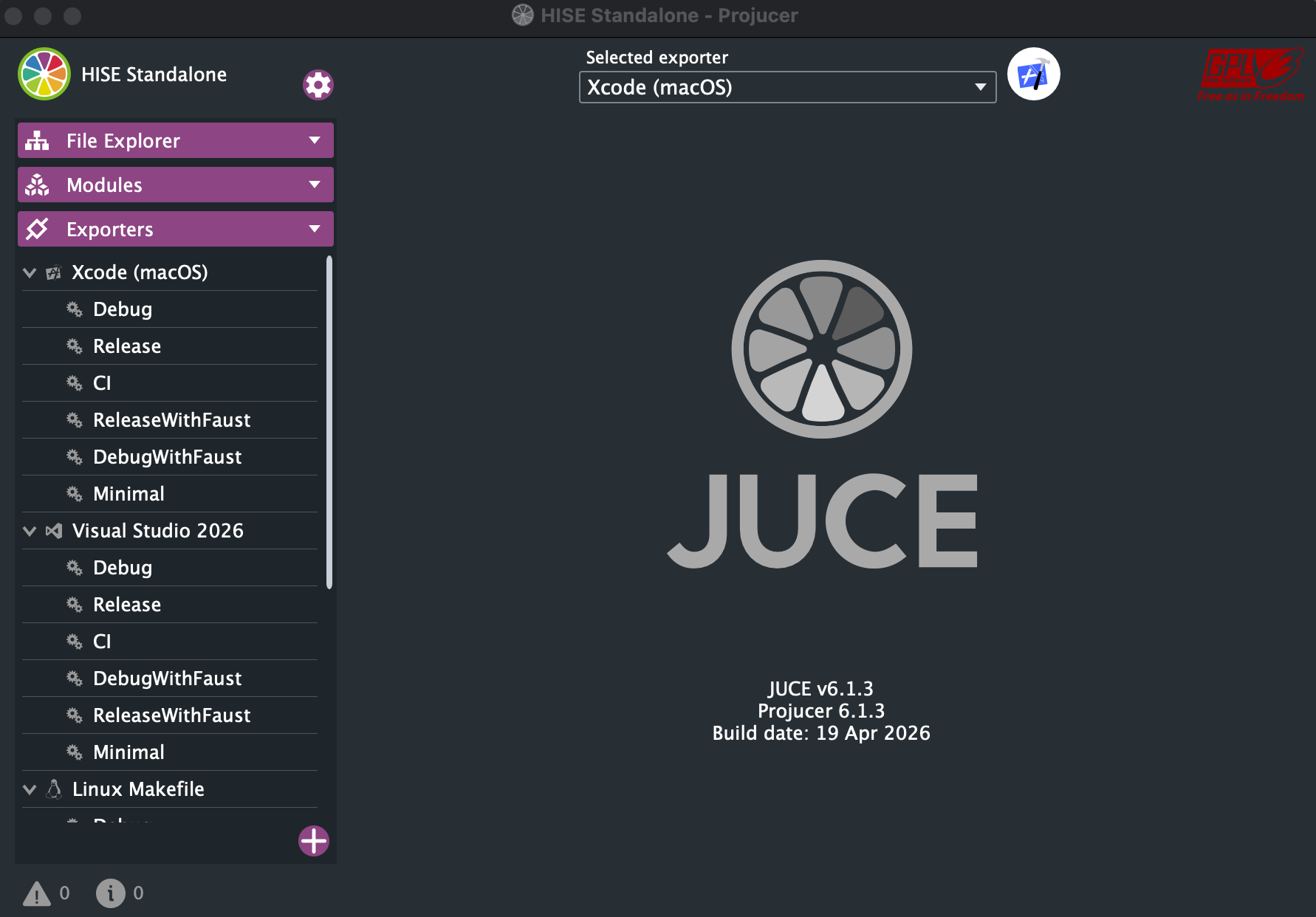
@David-Healey im currently stuck compiling hise. I can't seem to drag and drop the Standalone on to the Juce Window. It also looks quite a bit different in your tutorial video.
-
@LucaL Did you start with a fresh git clone? With the JUCE submodule?
-
@David-Healey Yeah, nvm I was just braindead for a second there seems to be all good
-
@LucaL but there I need to add an extra pre processor right? I don't know if hise supports up to 14 channels of stereo audio natively, all I could find about it was quite vague
-
@LucaL I can't remember what the default limit is, but your test worked for me so start with that
-
@David-Healey OMG you're the goat. Seems to be all working now
-
@David-Healey okay now when trying to import all 14 channels, I get following error
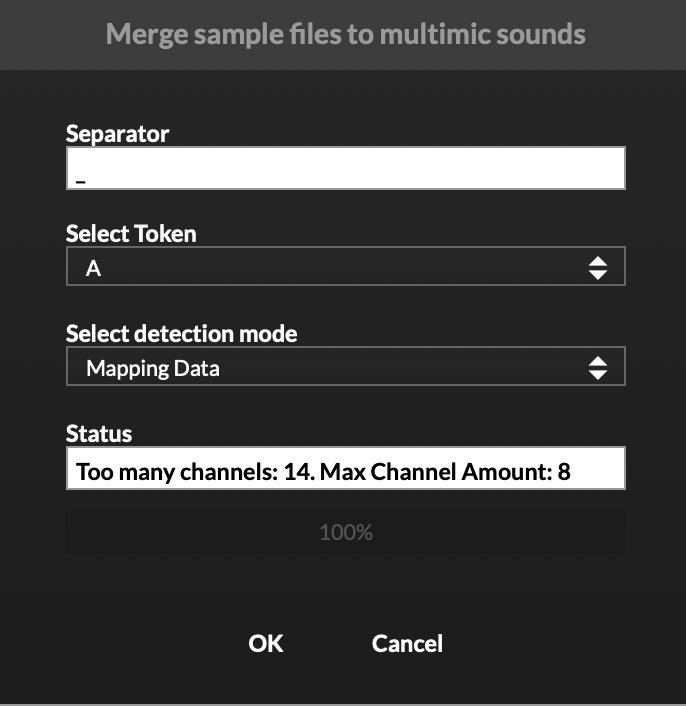 Which preprocessor do I need to add, and where do I need to do that specifically?
 -
@LucaL Help > About HISE

-
@David-Healey can I just override it there to 32?
-
@LucaL I think so, I've not tried. Click the little help icon and see if it says anything useful. You probably need to include it in your project preferences though before exporting.
-
@LucaL I´ve tried changing it directly there but it wouldn´t let me change anything, so I can't override it.
-
@LucaL Looks like you'll need to add it in Projucer then and recompile HISE.
-
@David-Healey alright, but are there some specific lines of code I need to add, or is it just available in a drop down of some sort?
-
@LucaL You add that preprocessor definition NUM_MAX_CHANNELS

-
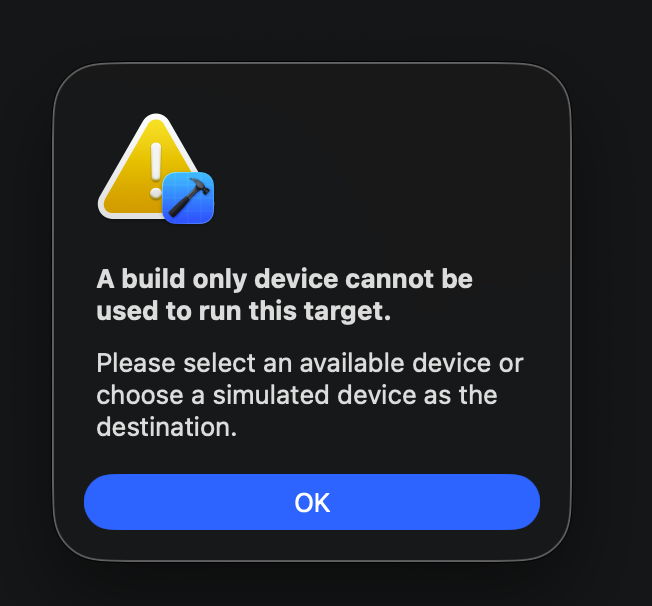
@David-Healey I added the preprocessor in Projucer, cleaned the build and tried building hise again, but now following error pops up
-
@LucaL I don't know what that message means, see what AI says
-
@David-Healey just fixed it. It now seems to all work like intended. Again thank you so much for your help, I was panicking so much before. I'll now try to get it running in the project where the interface is already designed
-
@David-Healey I just got one more problem with my mute and solo script which is always throwing the error unknown function setControlCallback. This is the part of the code which it is referring to
// Initialize channel components
for (i = 0; i < NUM_CHANNELS; i++)
{
gainFX[i] = Synth.getEffect("SimpleGain" + i);knbGain[i] = Content.getComponent("knbGain" + i); knbGain[i].setControlCallback(onknbGainControl); -
@David-Healey and one more issue sadly, I only got audio coming from the left channel only
