Couple of questions for my first synth plugin
-
So i´m making my first synth plugin, and i a few questions to make
1º - I was wondering if i could make a single display to show the Analyser, everytime i change the amp env knobs and filter changes, mouse hover etc, but later in the future i might add some more stuff and i want to know in general how to make the things i want to display one the same floatingtile.
This is pretty much inspired by Fxpansion´s Strobe, Cypher and Amber
This video (https://youtu.be/1aJgZ2zqgZc?t=87) as example, is showed Amber and the middle display panel is pretty much what i want. Show every changes i make on my plugin as well as mouse hover.
2º - And to disable the numbers and text from the knobs
3º - What is the best and easy software/website to develope my own GUI
4º - How to make a wooden keyboard style as a backgroundAs you see this is pretty much Fxpansions´s plugins
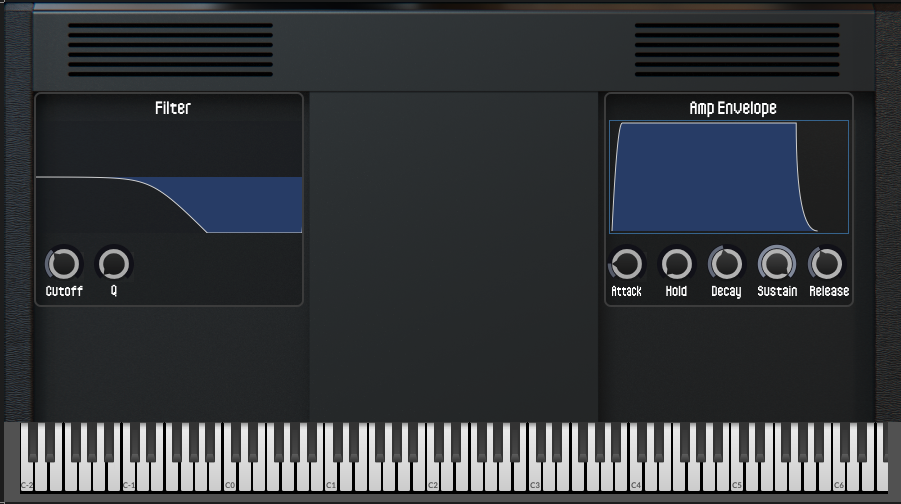
For now this is all the question i have, further more i will probably have more. Thanks -
-
I'm not 100% sure I understand correctly. I skipped through the video and it just looks like the thing in the centre is showing the filter curve... Each floating tile can only display one thing but you can position them over each other and hide/show them depending on which controls are used.
-
Use custom look and feel
-
Inkscape/Figma
-
Probably use an image file
-
-
Not sure if this video will help. But i tried to show what things get displayed on the main panel, how i can also make it show those numbers everytime i change the parameters
https://drive.google.com/file/d/1SIDx1hATHg2Ac99-HXWXt2dC7B5gaAlt/view?usp=sharing
How i can make stuff hide/show everytime another function happends? -
@chimaera_09 To hide or show a component you can use the
showControl()function or use.set("visible", true) // Change true to false to hide itTo have it happen on mouse over you're going to need to look into mouse broadcasters. A broadcaster is probably also the simplest way to have it happen when a control is moved as well - however broadcasters are a more advanced concept so you'll have a bit of a learning curve if it's new to you.
-
@chimaera_09 Sorry yeah, that´s too advanced for me, i still don´t know how to code, i literally only have the Content.makeFrontInterface
Also, when i export my plugin for testing it shows a blank screen, i did the export wizard with all the tickboxes checked. I export both with IPP on and off. With IPP is the one with black screen but IPP off doenst even export it, i change a bunch of errors.
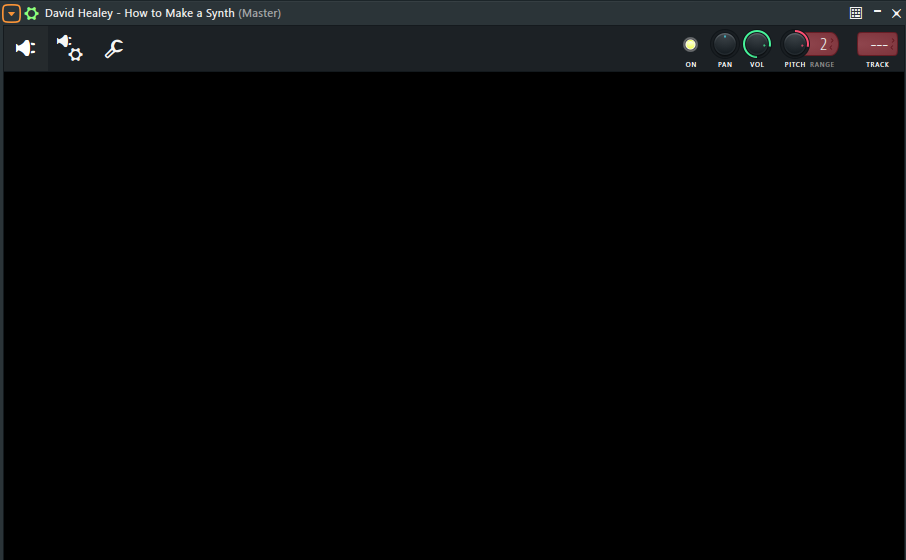
-
@chimaera_09 Have you been through the free bootcamp?
-
@David-Healey I have not sorry, gonna spend all 5 hours on this. Thanks!
