HISE as MIDI Clock Slave
-
Hello!
I am brand new to HISE and I set out to create an open source sequencer focused on live performance.For the time being I need the sequencer to receive the MIDI clock from a DAW via IAC Driver Bus (on Mac).
I configured HISE MIDI settings to receive from the DAW and I can see that the noteOn/noteOff messages are firing up inside HISE, but I cannot get HISE to see the clock messages coming from the DAW.
It is my understanding that I need to use the TransportHandler to make this work. But when I do that I still can't get HISE to follow the DAW's tempo.
I am simply putting the code below in the onInit function of the root container and I can see the Transport Handler works (based on the console messages logging each new bar), the tempo changes from the DAW are simply not coming through.
What am I doing wrong? I am using the latest version of HISE (I did a git pull a day ago and built it in XCode).
const var TransportHandler = Engine.createTransportHandler();
// Configure for MIDI clock slave with fallback to internal
TransportHandler.setSyncMode(2); // PREFER_EXTERNAL = 2
TransportHandler.setEnableGrid(true, 4); // Enable grid with 4 steps per bar
Console.print("TransportHandler initialized - MIDI Clock Slave Mode");
// Variables for bar detection and BPM tracking
reg beatCount = 0;
reg barCount = 0;
reg lastBPM = 120.0; // Default BPM for comparison
// Create timer for monitoring beats
const var beatTimer = Engine.createTimerObject();
// Set timer callback
beatTimer.setTimerCallback(function()
{
	// Get current BPM from Engine
	reg currentBPM = Engine.getHostBpm();
	// Print status every 30 callbacks (~3 seconds)
	if (Math.random() < 0.033)
	{
		Console.print("Status: BPM=" + Math.round(currentBPM) + ", Bar=" + barCount + ", Beat=" + beatCount);
	}
	// Check for BPM changes
	if (Math.abs(currentBPM - lastBPM) > 0.1) // Detect BPM changes (with small threshold)
	{
		Console.print("BPM changed: " + Math.round(lastBPM) + " -> " + Math.round(currentBPM));
		lastBPM = currentBPM;
		// Recalculate timer interval based on new BPM
		reg newMsPerBeat = 60000 / currentBPM;
		beatTimer.stopTimer();
		beatTimer.startTimer(newMsPerBeat);
	}
	// Try to get beat position
	beatCount = beatCount + 1;
	// Every 4 beats = 1 bar
	if (beatCount >= 4)
	{
		beatCount = 0;
		barCount = barCount + 1;
		Console.print("Bar: " + barCount);
	}
});
// Calculate timer interval based on BPM
reg bpm = Engine.getHostBpm();
reg msPerBeat = 60000 / bpm;
// Start timer at beat rate
beatTimer.startTimer(msPerBeat);
// No onController function needed - MIDI clock is handled by TransportHandler
Console.print("Bar counter initialized - BPM: " + bpm);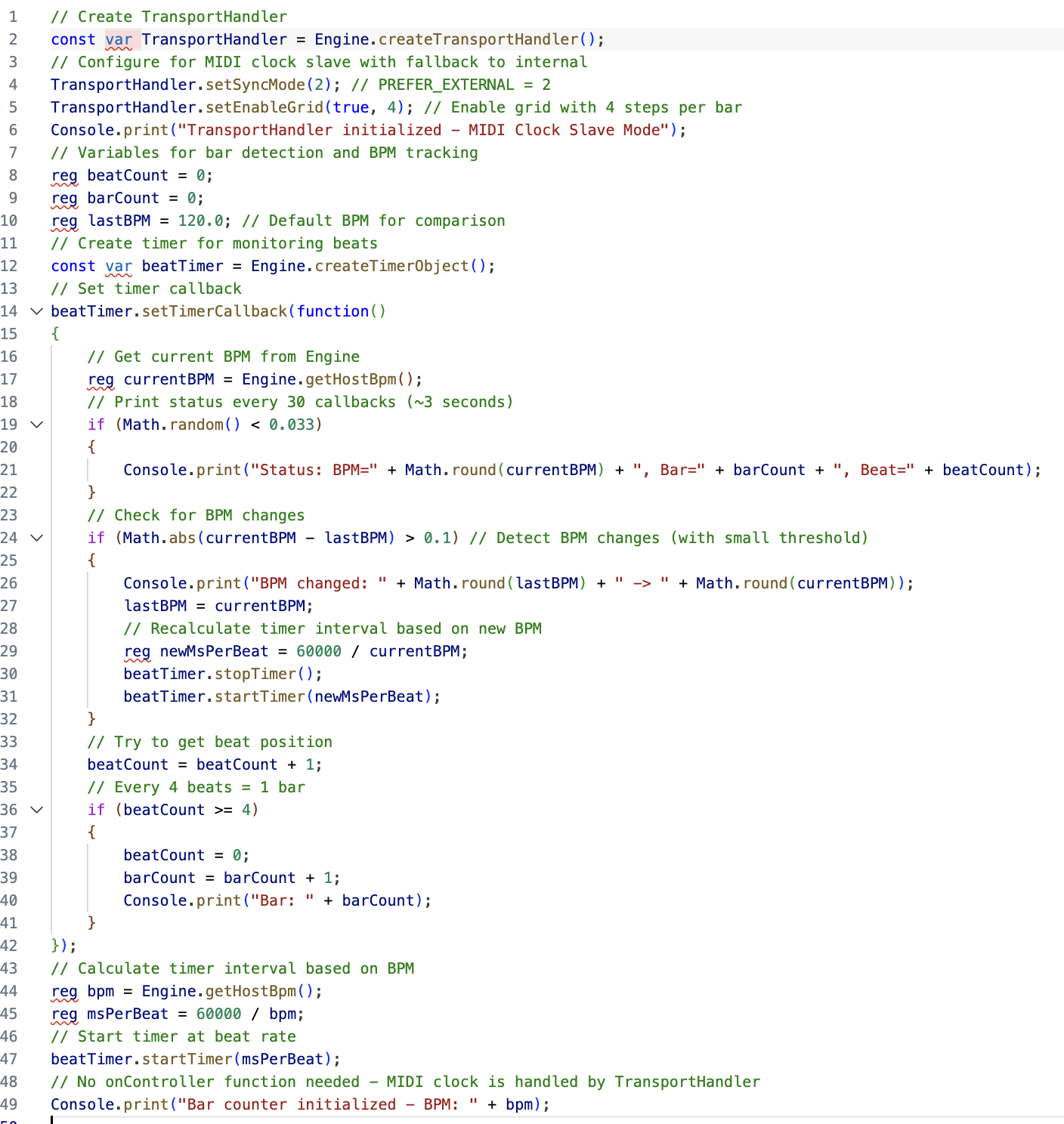

-
@j28 Have you seen the MIDI player module? It's basically a sequencer.
-
Thank you! The midiPlayer looper functionality is what I am looking for.
I can add the MIDI Player inside the midi Processor (inside my root module), set it to Looper, add track 1... but how do I access this MIDI Player instance in a scripting context so I can use the setSyncToMasterClock method?
-
I think I answered my own question above. It looks like the correct way to add a MIDI Player which I can control via scripts is:
- Add Scriptnode Synthesizer
- Add MIDI Player module inside it
- Add Track to MIDI Player
- Add Script Processor by right clicking on the MIDI Player
Is this the only way to do this? Meaning is the Scriptnode Synthesizer the only type of parent module that works if I want to script the MIDI Player?
-
-
Thank you! When I try to sync the clock to external via midiPlayer.setSyncToMasterClock(true); I get a message "You have to enable the master clock before using this method" but the API docs say nothing about how to enable master clock.
Could you elaborate here how this master clock is enabled or add this to the API docs?
-
@j28 I've not used it but the documentation here seems relevant https://docs.hise.dev/scripting/scripting-api/transporthandler/index.html
