HISE Standalone on macOS(macincloud)
-
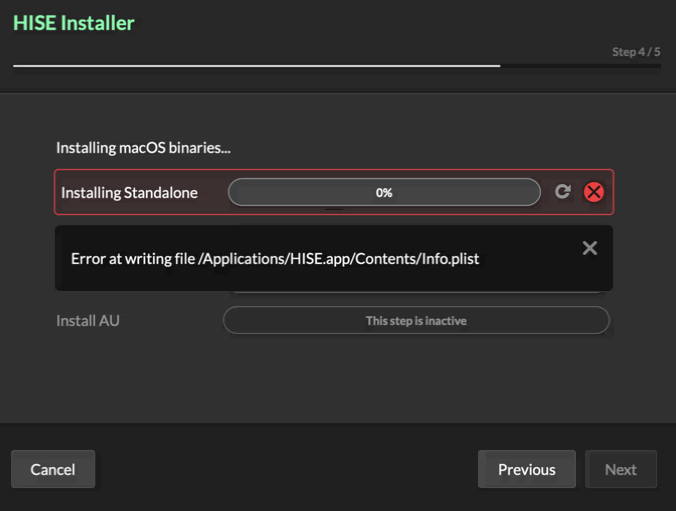
can someone please tell me how to fix that problem?
-
@Avián looks like a permission error
-
@David-Healey said in HISE Standalone on macOS(macincloud):
permission error
can you please help me how to fix that on macincloud? And at this point I want to say thank you, your videos and support is awesome, it really helped me a lot! Great work!
-
-
@David-Healey macincloud is giving me the possibility to develop on a macOS server from my windows
-
@Avián You might need to contact the service provider to check you have permissions to write files to that location.
-
@David-Healey do I maybe need the "dedicated" version of macincloud not the "managed"? So I also get the Root permissions on macOS to be able to work there free from gatekeepers, SIP and quarantine? https://checkout.macincloud.com/select I want to use your exact way to install Hise with xcode, like you did it in your tutorial. Can you please tell me what exact dedicated macOS I need for that step? so I can download and run Hise without any issues and be able to download and use my files from my .7zip Folders, test vst3 and au in reaper? https://checkout.macincloud.com/select/dedicated?preset=general&location=df&os=sn&platform=i7&flavor=plain&payment_cycle=m&cpucore=4&ram=8&hdint=50&hdext=0&rdp=0&bandwidth=0&tab=0%2C1%2C2%2C3%2C4%2C5%2C6%2C7%2C8%2C9%2C10%2C11 I'm so sorry for this questions, but it's my last step to get my second installer rdy (windows is done already) and i never worked on macOS before. I just want everything to run without any way of blocking something.
-
@Avián I know nothing about using macincloud so I can't help specifically with that. I use virtual machines, so you could try running MacOS in a VM on your Windows system.
-
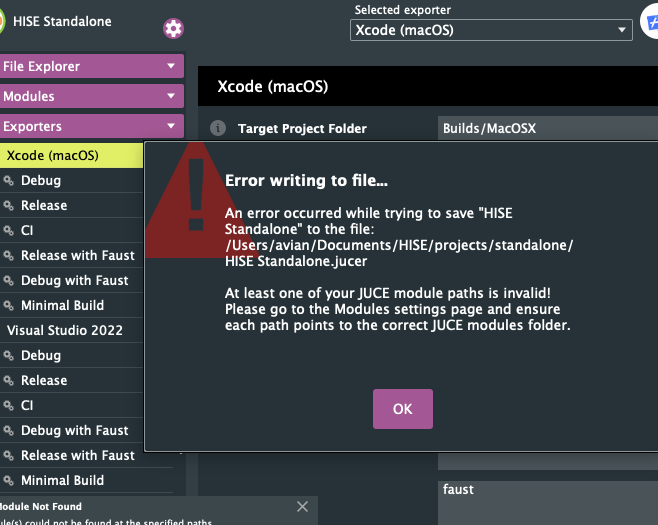
@David-Healey ok after hours and hours of trying I finally can run macOS on Virtual Box, I followed your Instructions How to Compiling Hise: Building Hise on MacOS, now I have some standalone-issues again....
-
@Avián said in HISE Standalone on macOS(macincloud):
How to Compiling Hise: Building Hise on MacOS
Is that the video from the bootcamp?
Are you using the develop branch?
-
-
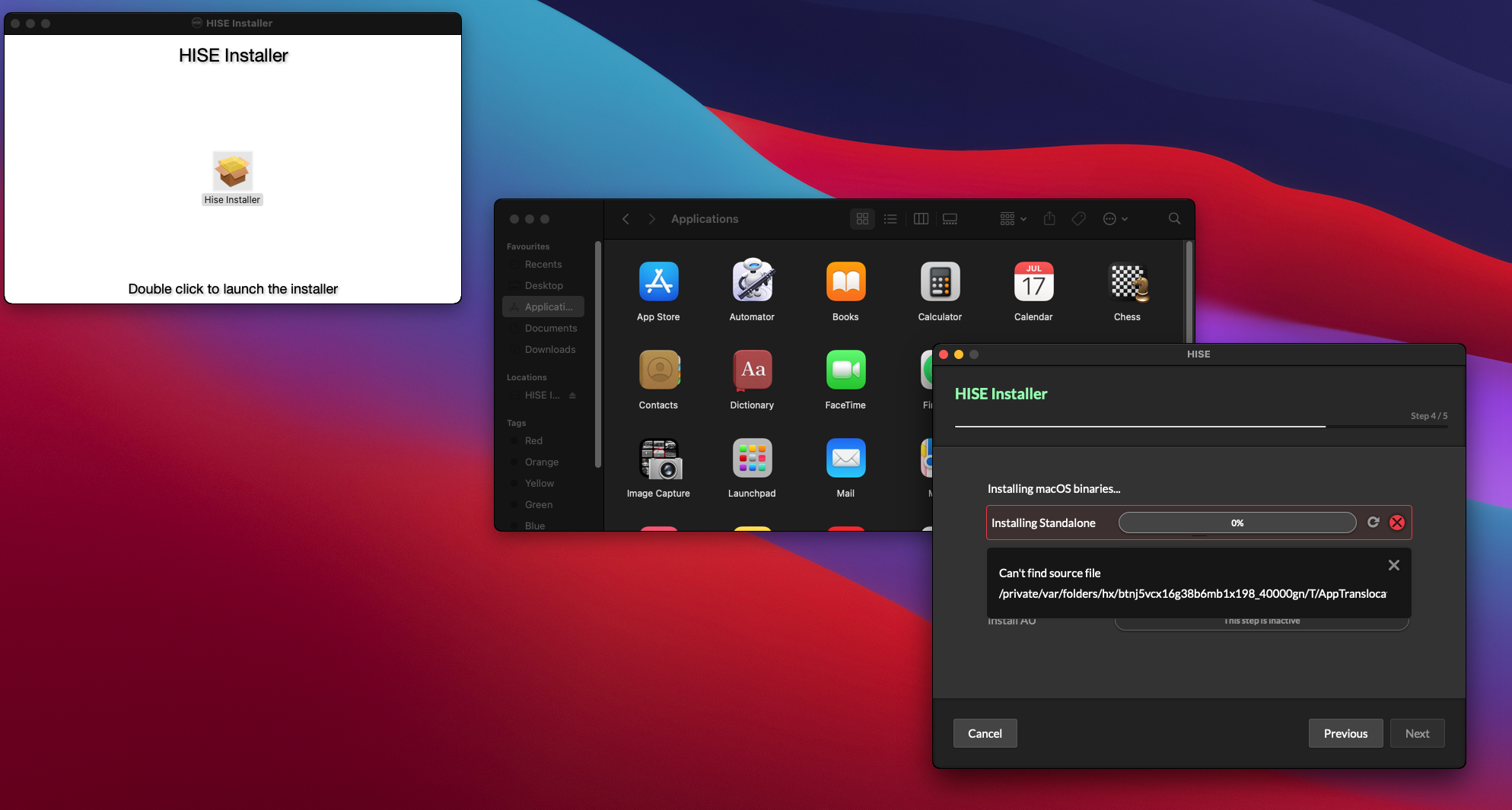
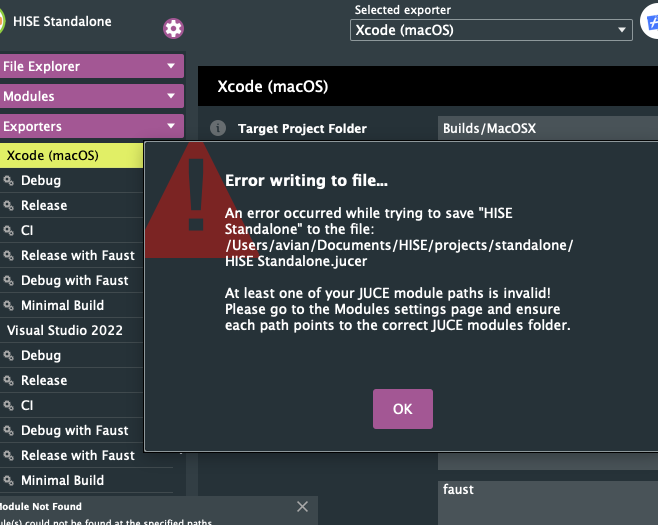
Guys I really need help with building and compiling Hise on macOS! I can't even install the normal version of Hise, and I have always issues with the standalone.
For the normal Hise Standalone Installation it's this one:
and for the xcode projucer build it's this one:
I'm on WIndows 10 and my macOS is running from a Virtual Box with the macOS-version Big Sur 11.7.1 (sadly I can't upgrade to Ventura, cause this crashes my Virtual Box, but you are telling in your videos that it will also run on older versions) ah, and my xcode-version is 13.2.1
@David-Healey and I followed all of your exactly instructions on bootcamp how to install and compile Hise on macOS!
Please fix this or help me out as soon as possible. I really have to get my work done, please!
-
@Avián said in HISE Standalone on macOS(macincloud):
I followed all of your exactly instructions on bootcamp how to install and compile Hise on macOS!
Are you following the updated video I posted yesterday?
-
@David-Healey David! Your are the best!!! Thank you so so much! It works. I also loaded my project I've already finished on Windows and everything seems to be perfect except two important things. The fontName "Baskerville Old Face" and "Edwardian Script ITC" isn't working on macOS, but I need the macOS-versions design look exactly like the windows-version. How can I solve this issue?
-
@Avián In what way is it not working?
-
@David-Healey in my Label4 and Label5 in Hise Interface Designer.
-
@Avián What is the expected result and what are you seeing?
-
@David-Healey
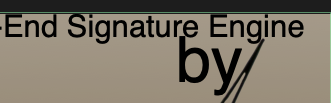 looks different on windows. The fontNames are just shown correctly in the component properties but if I search for them in the list of the fontNames, they don't exist. So I can't try to reload them or something. I think they will disappear the moment I would change them.
 -
@Avián Have you loaded the fonts in your script?
-
@David-Healey
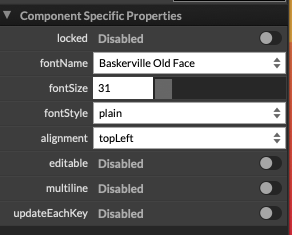 Do I need to load them by myself? I thought these are Hise Basic.
