xcpretty Not Detected After Install on macOS Tahoe M1: Compiling Fails in HISE Export
-
@DJJD12345 said in xcpretty Not Detected After Install on macOS Tahoe M1: Compiling Fails in HISE Export:
the latest githash for Hise supposedly has better compiling for Mac
The commit from a month ago compiles and works with the version of faust you have, and you don't need any of the changes since then, I'd just stick with that commit, because the current commit isn't working for you.
The alternative is you'll need to debug the error on your system through xcode and find out what's causing it.
Free HISE Bootcamp Full Course for beginners.
YouTube Channel - HISE tutorials
My Patreon - More HISE tutorials -
@David-Healey how do I get an older git commit of the hise source code
-
@DJJD12345
git checkoutfollowed by the hash. If you're doing it through xcode I'm not sure what the procedure is.Free HISE Bootcamp Full Course for beginners.
YouTube Channel - HISE tutorials
My Patreon - More HISE tutorials -
@David-Healey give exact cmd comande to do this
-
@DJJD12345
Open a terminal
cd path(replace "path" with the path to the HISE source code on your system).
git checkout hash(replace hash with the commit hash you want to checkout)
Open the project in Projucer.
Save and open in IDE
Clean the build
Build for ProfilingFree HISE Bootcamp Full Course for beginners.
YouTube Channel - HISE tutorials
My Patreon - More HISE tutorials -
@David-Healey did that
cd: too many arguments -
@DJJD12345 Show me what you put
Free HISE Bootcamp Full Course for beginners.
YouTube Channel - HISE tutorials
My Patreon - More HISE tutorials -
cd /Users/djjdwatson/Documents/HISE git checkout cf3fc78 -
@DJJD12345 These are two separate commands.
cdis the change directory command. Run that one first. Then do the git checkout command.Free HISE Bootcamp Full Course for beginners.
YouTube Channel - HISE tutorials
My Patreon - More HISE tutorials -
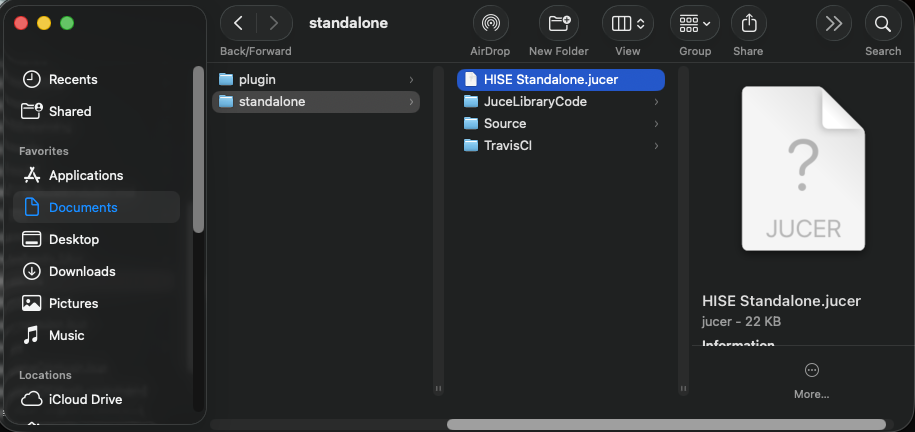
@David-Healey hise says can't save to Hise standalone.jucer even though the paths are set using commit c49bcf327ad3ee217835e8d92a87836e4c6317e7
-
@DJJD12345 hise just have been having compiling issues for the past month
-
@DJJD12345 Have you recloned the HISE repo using this command?
git clone --branch develop --recurse-submodules https://github.com/christophhart/HISE.gitFree HISE Bootcamp Full Course for beginners.
YouTube Channel - HISE tutorials
My Patreon - More HISE tutorials -
@David-Healey did that and still doesn't work I have my juce paths set ast:
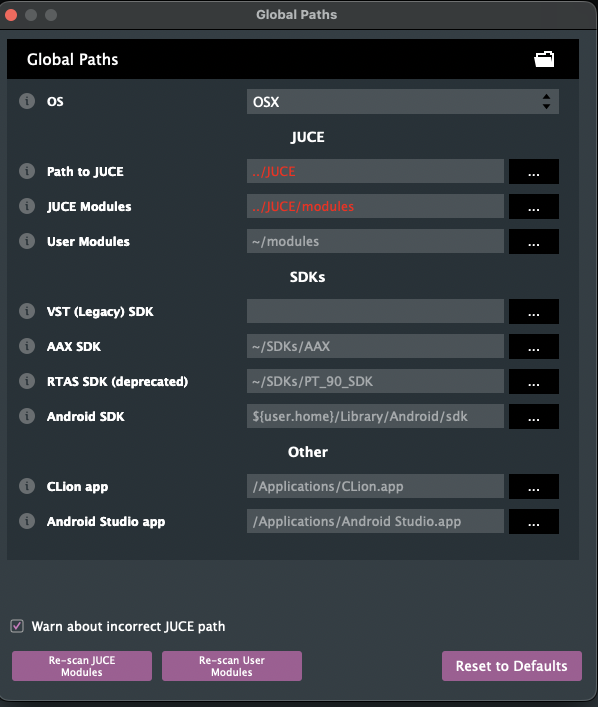
-
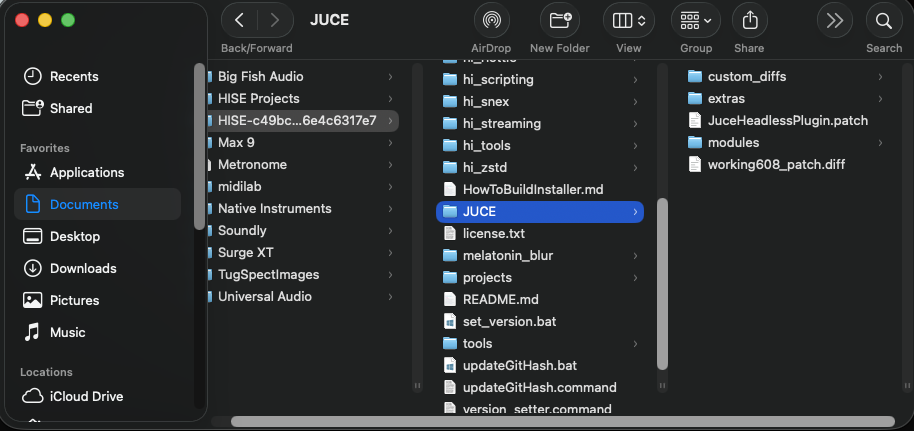
@DJJD12345 What do you see in the JUCE folder? Show me a screenshot.
Free HISE Bootcamp Full Course for beginners.
YouTube Channel - HISE tutorials
My Patreon - More HISE tutorials -
-
@DJJD12345 Delete that copy of the source code and reclone using the command I gave above.
Free HISE Bootcamp Full Course for beginners.
YouTube Channel - HISE tutorials
My Patreon - More HISE tutorials -
@David-Healey fatal: destination path 'HISE' already exists and is not an empty directory.
says when I execute the command -
@DJJD12345 cloning the latest get hash with the weblink
-
@DJJD12345 said in xcpretty Not Detected After Install on macOS Tahoe M1: Compiling Fails in HISE Export:
fatal: destination path 'HISE' already exists and is not an empty directory.
says when I execute the commandRemove the existing HISE folder before cloning.
@DJJD12345 said in xcpretty Not Detected After Install on macOS Tahoe M1: Compiling Fails in HISE Export:
@DJJD12345 cloning the latest get hash with the weblink
This won't work
Free HISE Bootcamp Full Course for beginners.
YouTube Channel - HISE tutorials
My Patreon - More HISE tutorials -
@David-Healey I did remove the folder